What the tech

Search

/ opens search from anywhere. Esc closes it.

Tools

Get the newsletter
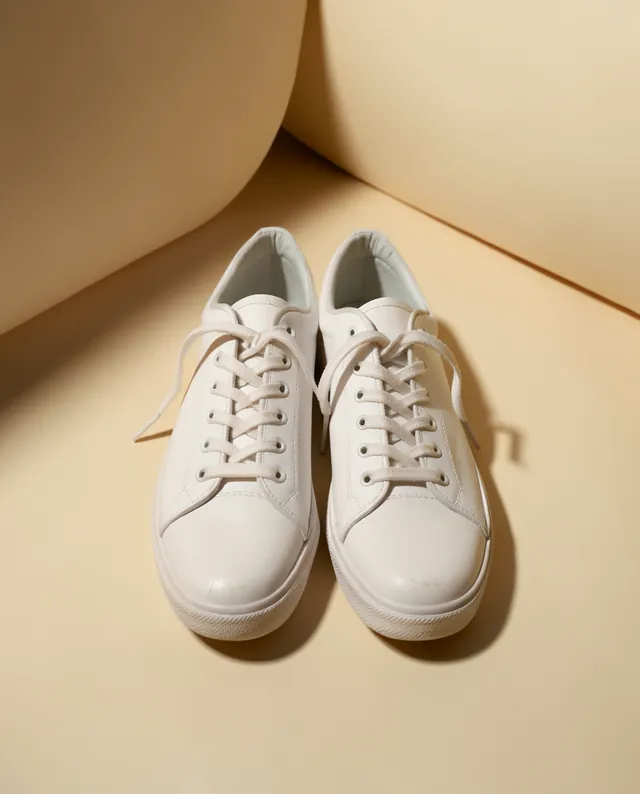
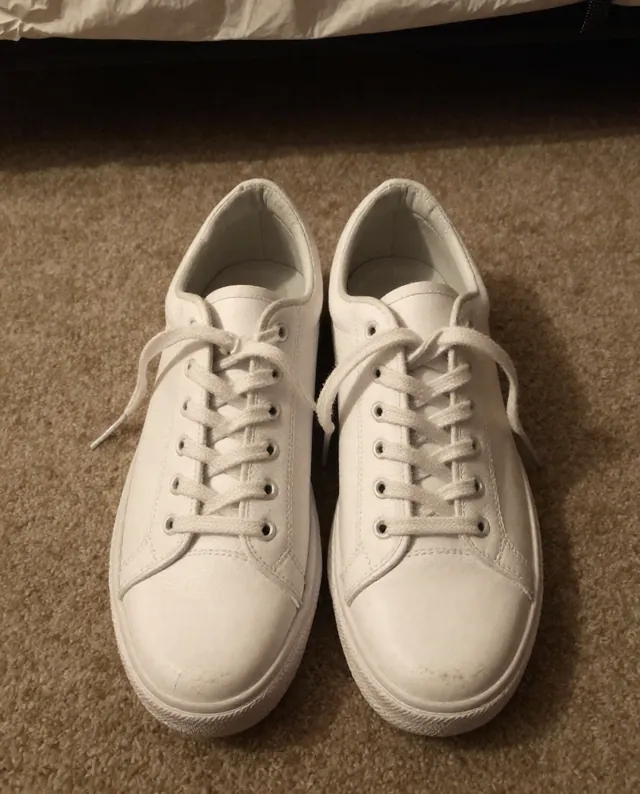
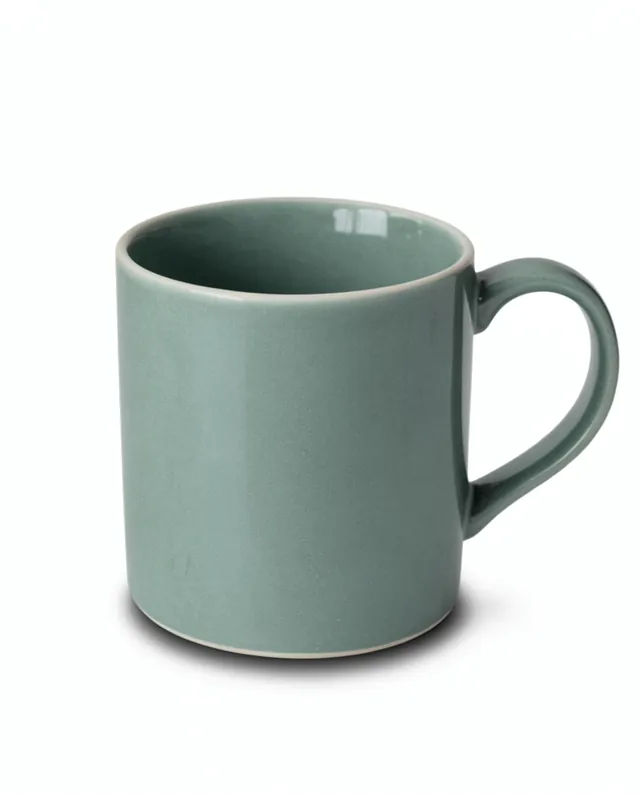
Example result of this prompt The made-up input photo InputExample result

Example Example made on our own Mac with open models: Z-Image made the made-up input photo, FLUX.2 klein ran this prompt on it. Your result in the AI above will look different. How we make examples

Product on a studio sweep with a soft shadow

A premium studio shot on a curved colored backdrop with a natural shadow. You need one product photo.

You need
1 photo of yours
Written for
Gemini, ChatGPT
Result
Image

Prompt

Place my product on a seamless sweep color studio sweep, the curved paper backdrop that hides the corner between floor and wall. Light it with one large soft light from the light side and a subtle fill, so the product casts a soft, natural shadow across the sweep and its surfaces show gentle highlights. The camera sits slightly above the product, with everything sharp. Keep my product exactly as it is: same shape, proportions, colors, materials, labels and details. Do not add any logo or text. Calm, minimal, premium look.

Fill in, or keep the brackets and change them later

product
sweep color
light side

How to use it

  1. Open Gemini and attach a clear photo of your product.
  2. Paste the prompt and choose a sweep color that suits your brand colors.
  3. If the shadow looks fake, reply 'make the shadow softer and attached to the base' and run again.
What to expectShadows and reflections are invented, and fine details like logos or seams can shift slightly.

Tips

  • Pick a sweep color that contrasts with the product, never the same color.
  • Light from the side shows texture; light from the top hides it.
  • Use the same sweep color for your whole range so the shop looks consistent.

Editor: Peyman Khosravani · Updated November 18, 2026

Similar prompts

All product photos