What the tech

Search

/ opens search from anywhere. Esc closes it.

Tools

Get the newsletter
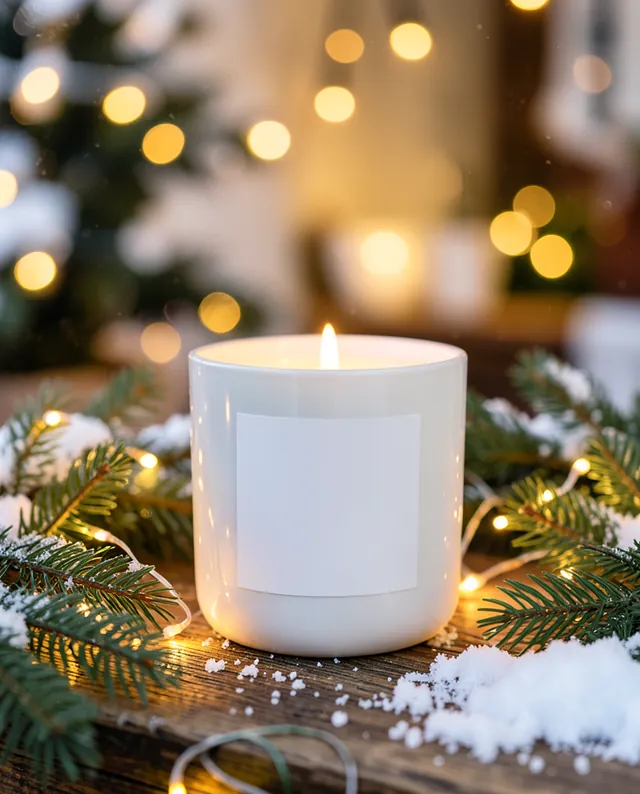
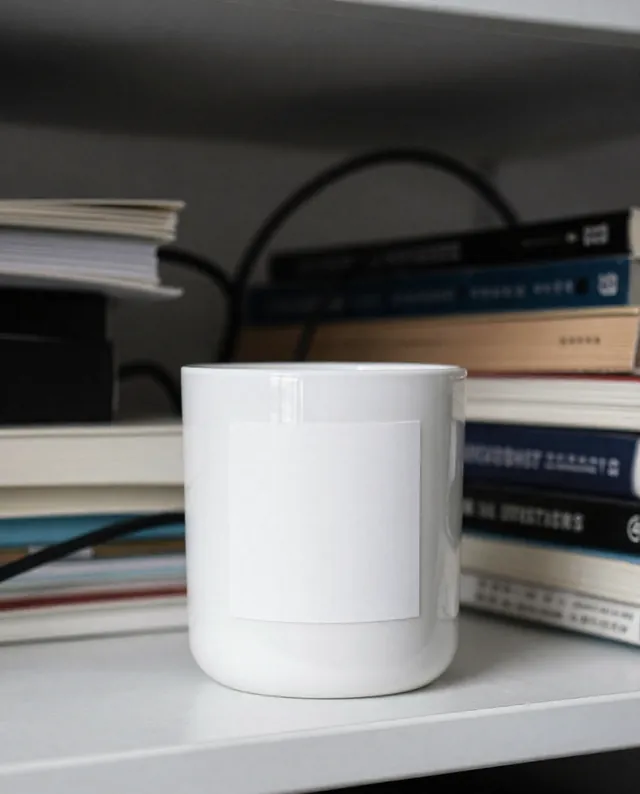
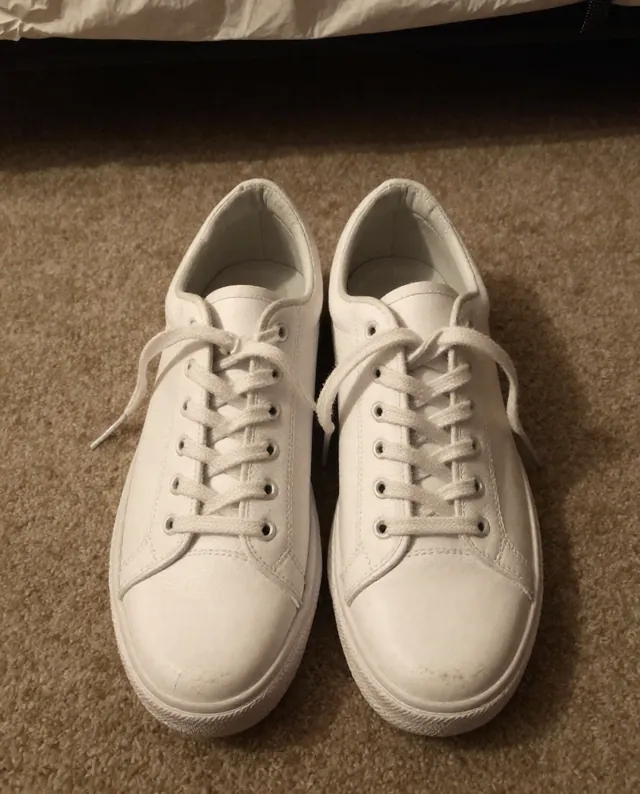
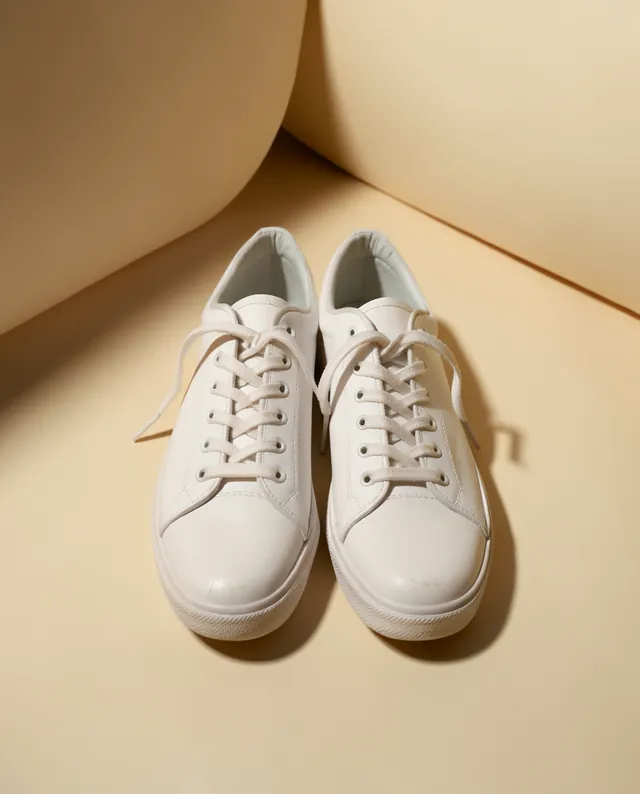
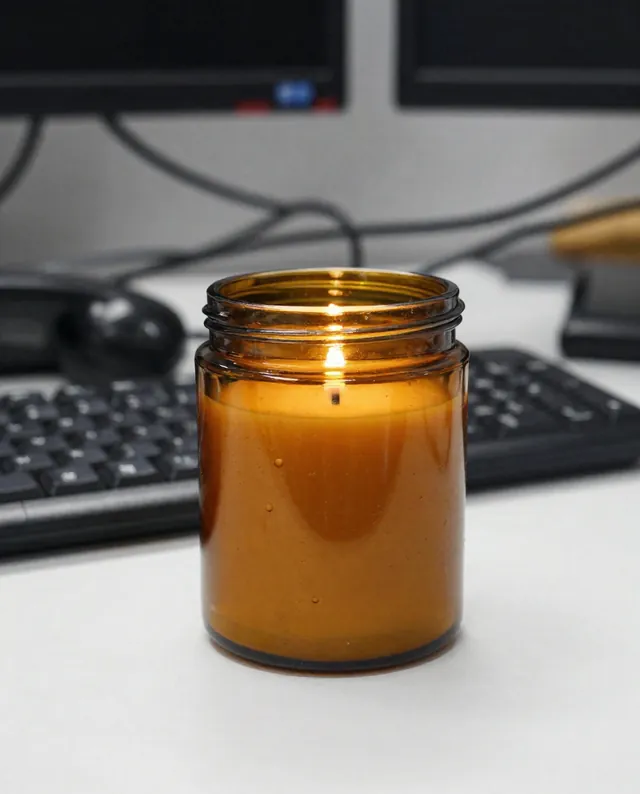
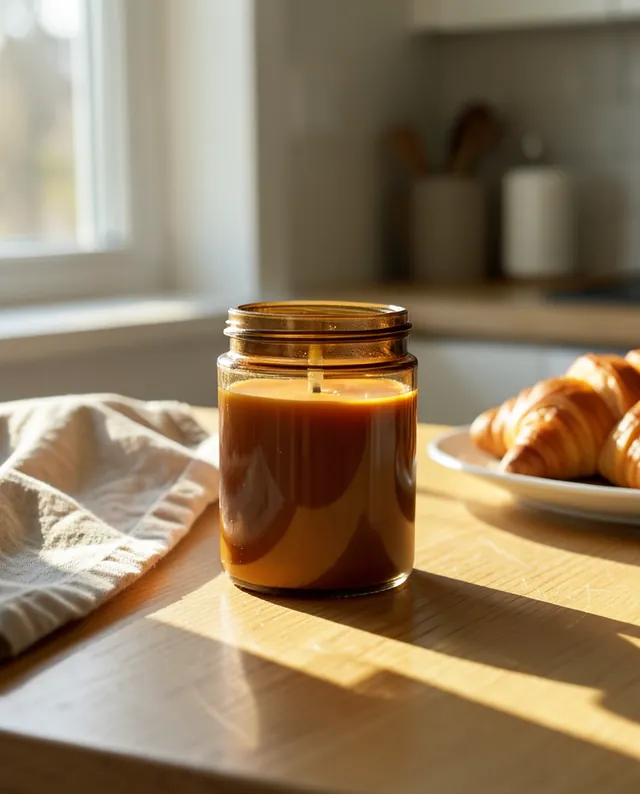
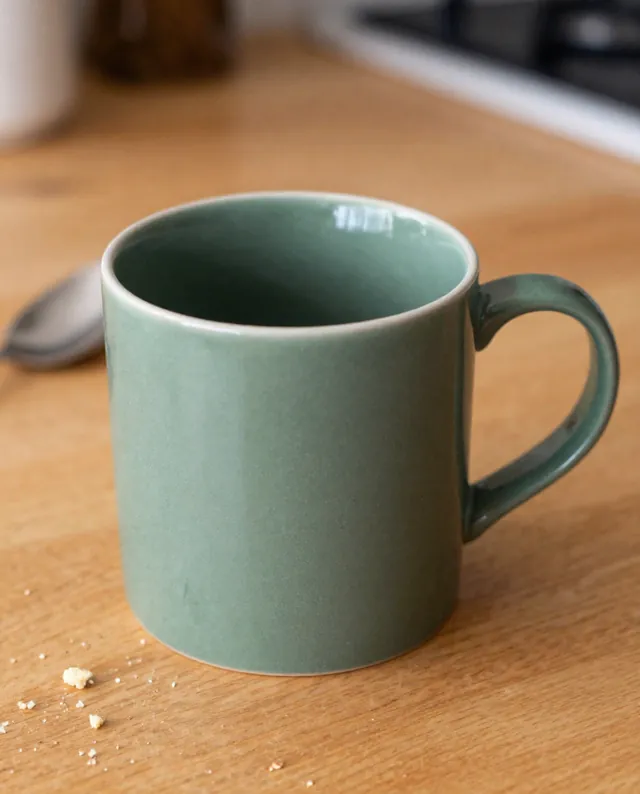
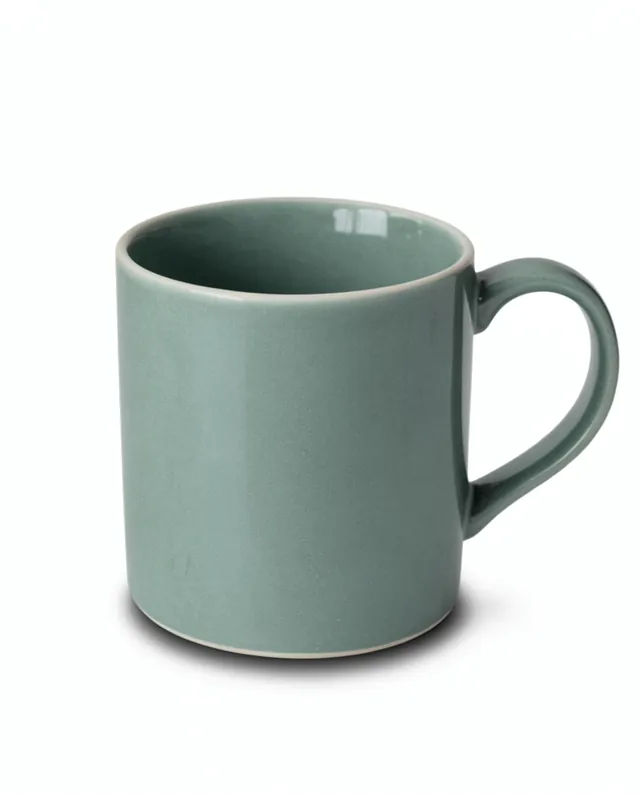
Example result of this prompt The made-up input photo InputExample result

Example Example made on our own Mac with open models: Z-Image made the made-up input photo, FLUX.2 klein ran this prompt on it. Your result in the AI above will look different. How we make examples

Seasonal version of your product photo

Put your product in a winter, autumn, spring or summer scene for seasonal campaigns. You need one product photo.

You need
1 photo of yours
Written for
Gemini, ChatGPT
Result
Image

Prompt

Create a season version of my product photo. Place my product on surface surrounded by seasonal details: season details. The light and colors match the season, and the background is softly blurred so my product stays sharp and in front. The scene feels warm and inviting, like a seasonal shop window. Keep my product exactly as it is: same shape, proportions, colors, materials, labels and details. Do not add any logo or text.

Fill in, or keep the brackets and change them later

season
product
surface
season details

How to use it

  1. Open Gemini and attach your product photo.
  2. Paste the prompt and pick the season.
  3. Stay in the same chat and change only the season for a matching set.
What to expectSeasonal effects like snow or reflections can land on the product itself, so check that it still looks like what you sell.

Tips

  • Keep one surface and angle for all four seasons so they look like a series.
  • Avoid named holiday characters; keep it to pine, leaves, snow and light.
  • Leave space at the top if you plan to add sale text later.

Editor: Peyman Khosravani · Updated November 18, 2026

Similar prompts

All product photos