What the tech

Search

/ opens search from anywhere. Esc closes it.

Tools

Get the newsletter
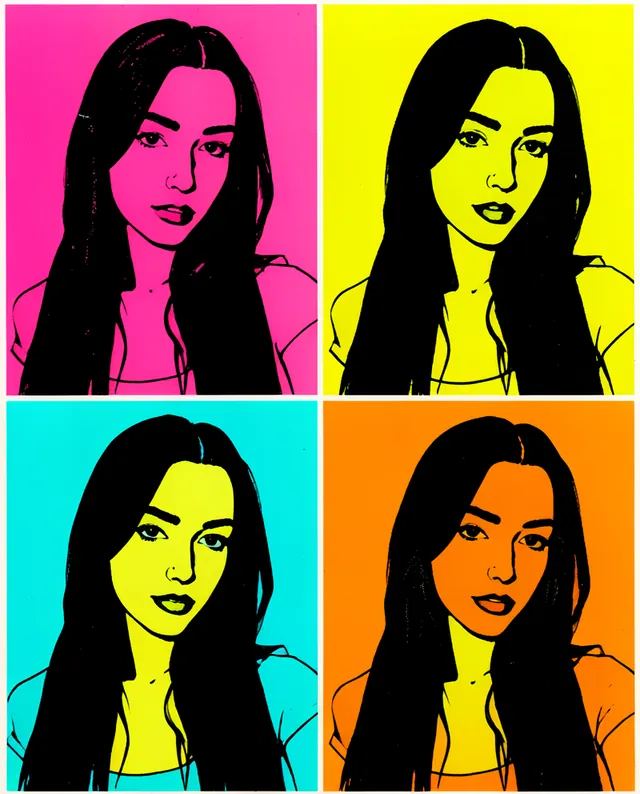
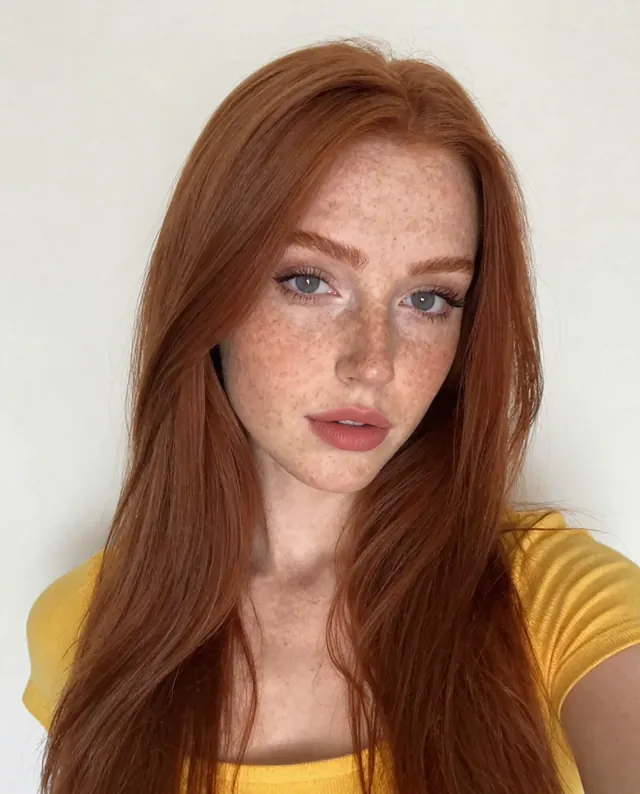
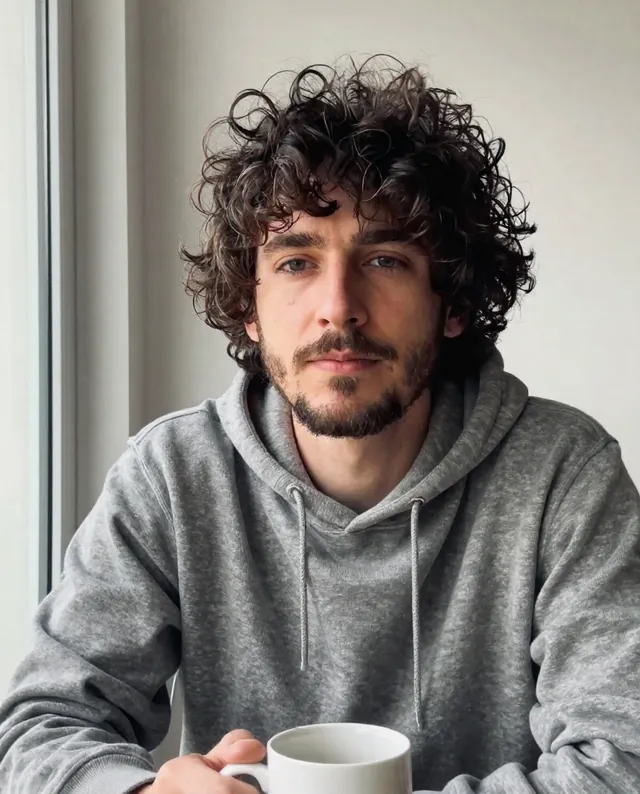
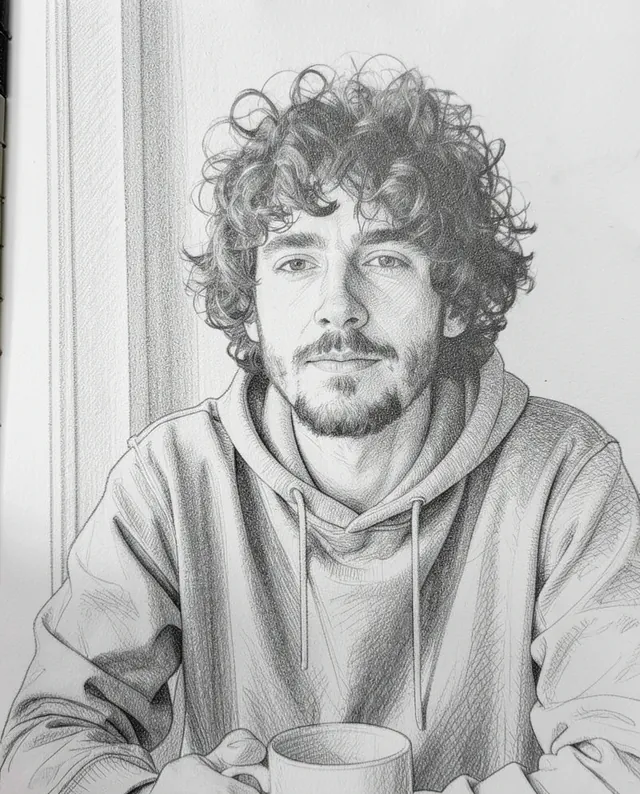
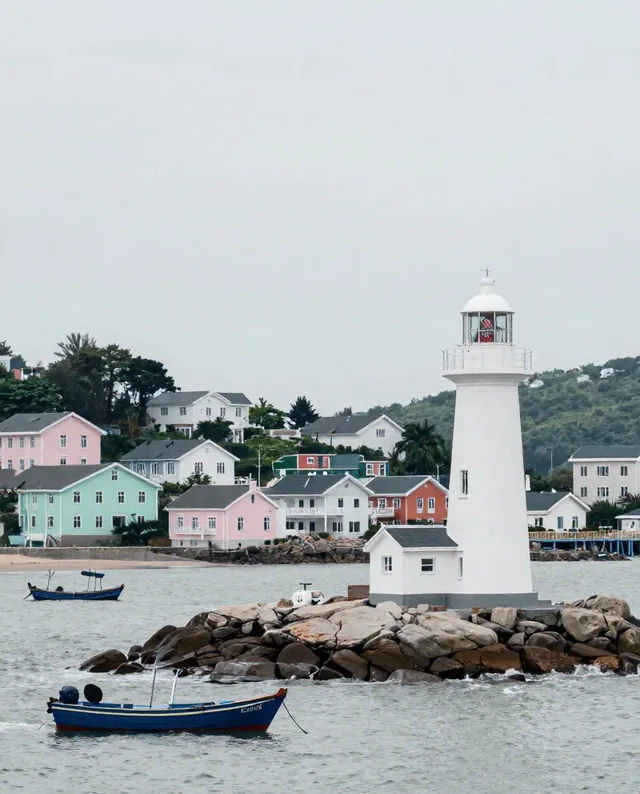
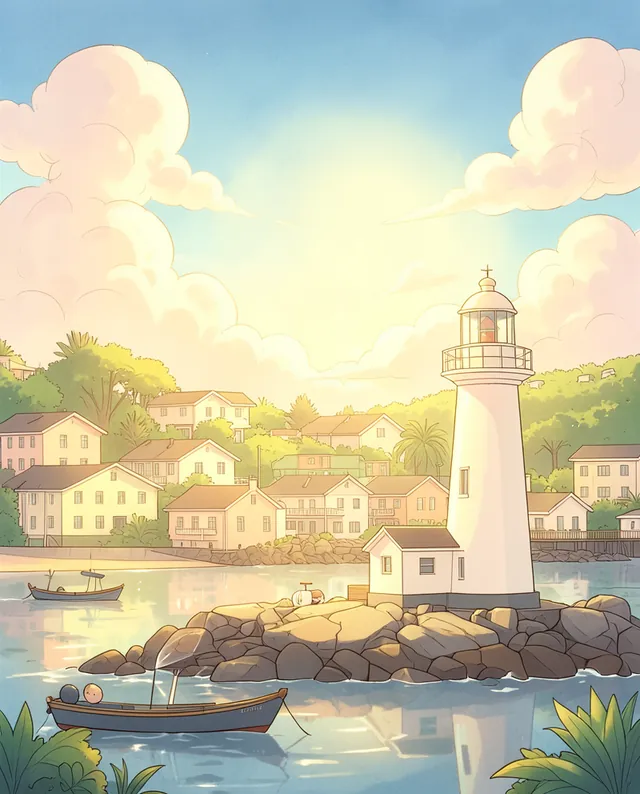
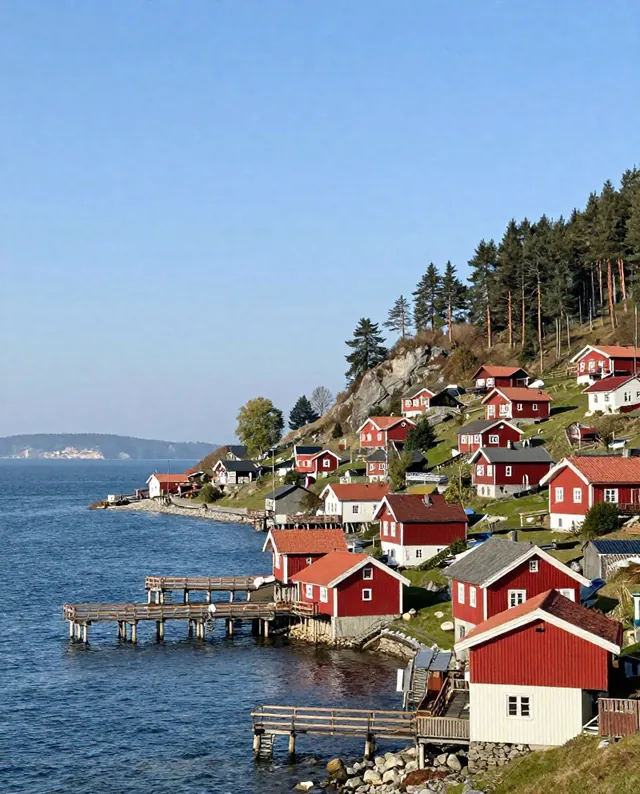
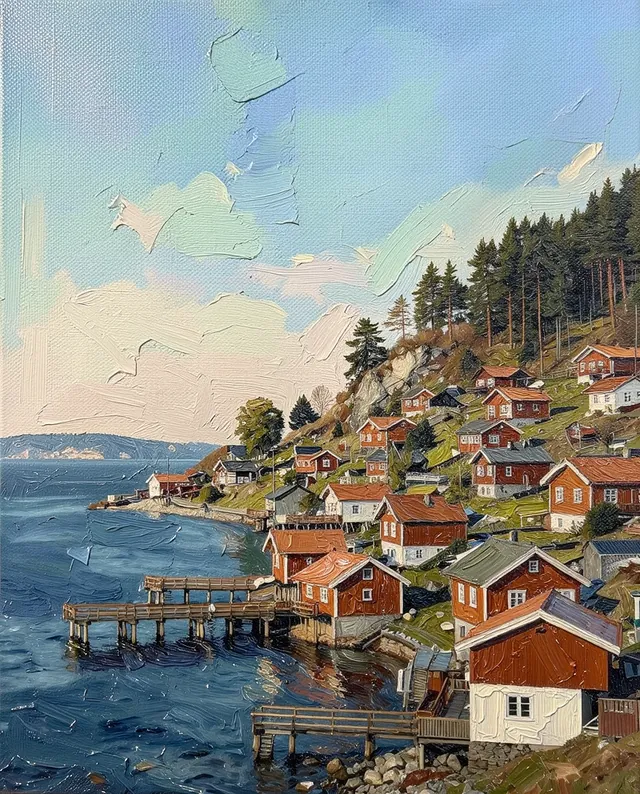
Example result of this prompt The made-up input photo InputExample result

Example Example made on our own Mac with open models: Z-Image made the made-up input photo, FLUX.2 klein ran this prompt on it. Your result in the AI above will look different. How we make examples

Pop-art four-color print of your photo

Your portrait repeated in four bold, clashing color blocks, like a classic pop-art screen print. You need one photo.

You need
1 photo of yours
Written for
Gemini, ChatGPT
Result
Image

Prompt

Turn my attached photo into a pop-art screen print: one image split into a 2x2 grid with the same portrait of me in each square. Each square uses a different bold, flat color scheme, for example palette. Simplify my face and hair into strong flat shapes with heavy black shadows, as if printed by hand with slightly misaligned color layers and a little ink texture. Keep my expression and pose the same in all four. Keep my face exactly as it is in the photo: same identity, features, skin tone, age, hairstyle and body proportions.

Fill in, or keep the brackets and change them later

palette

How to use it

  1. Open Gemini or ChatGPT and choose the image model.
  2. Attach a photo with your face well lit and paste the prompt.
  3. Want one big print instead? Change '2x2 grid' to 'a single portrait'.
What to expectThe flat style simplifies your features a lot, so faces can still change a little and may differ slightly between squares.

Tips

  • A plain background in your photo gives cleaner color blocks.
  • A bold, simple expression reads best in this style.
  • Your photo is uploaded to Google or OpenAI. Read their data policy before you share a face.

Editor: Ali Dezhami · Updated November 18, 2026

Similar prompts

All photo to art