What the tech

Search

/ opens search from anywhere. Esc closes it.

Tools

Get the newsletter
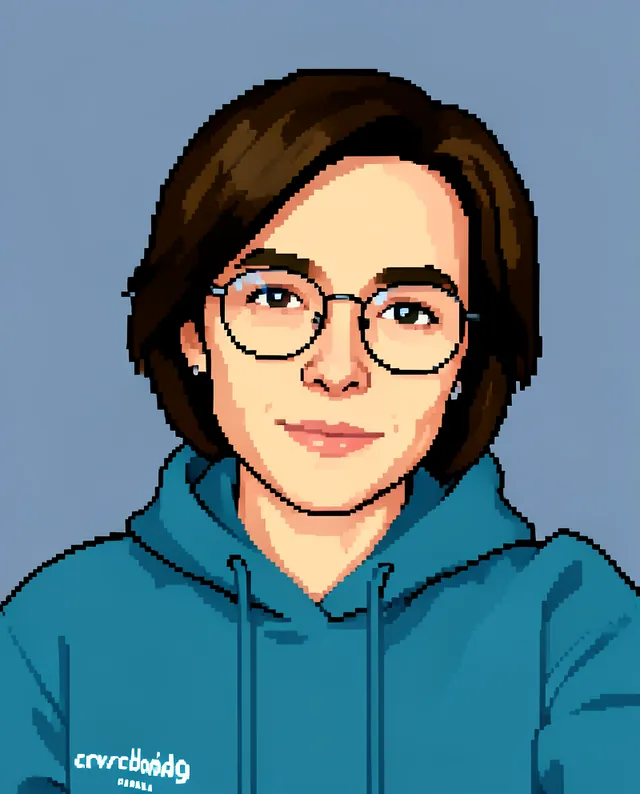
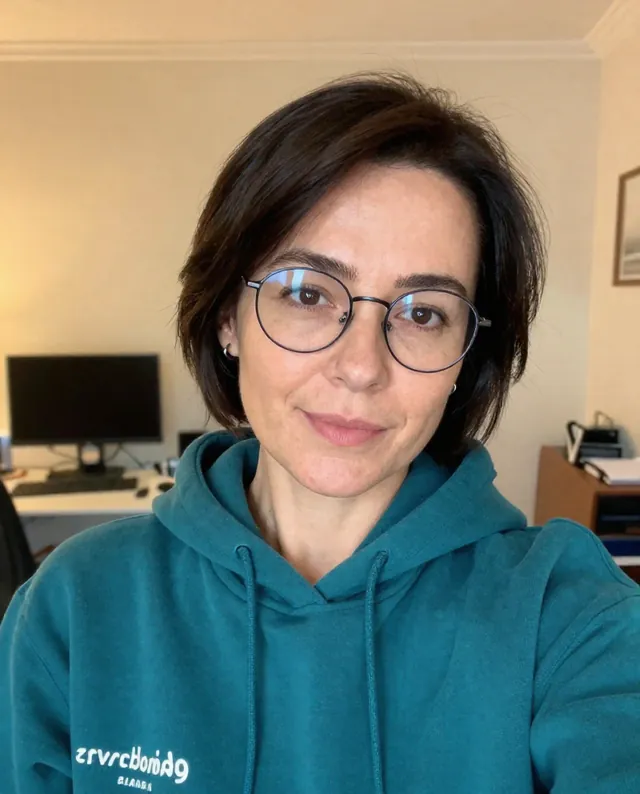
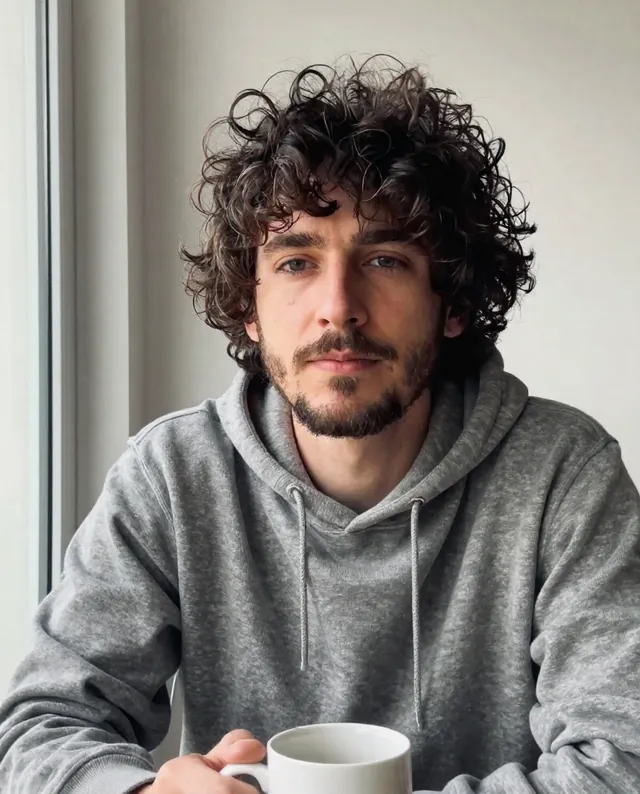
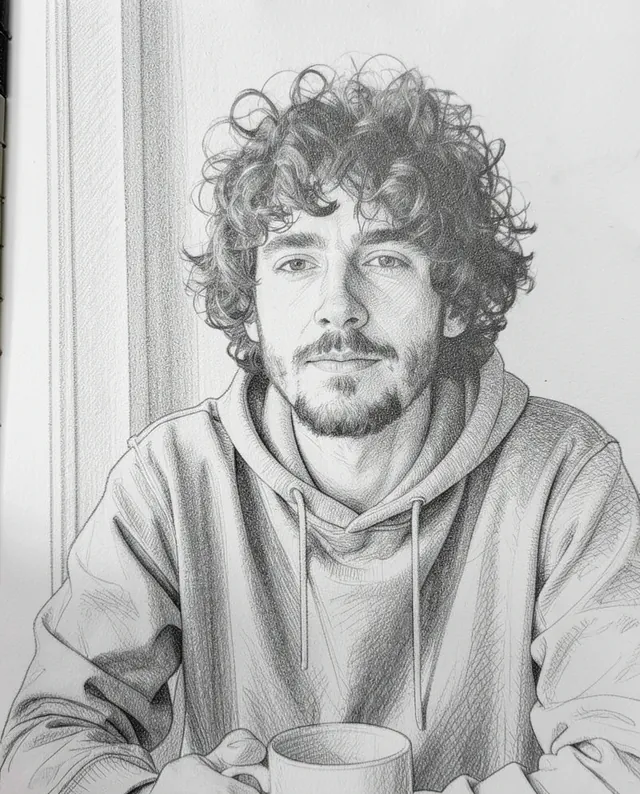
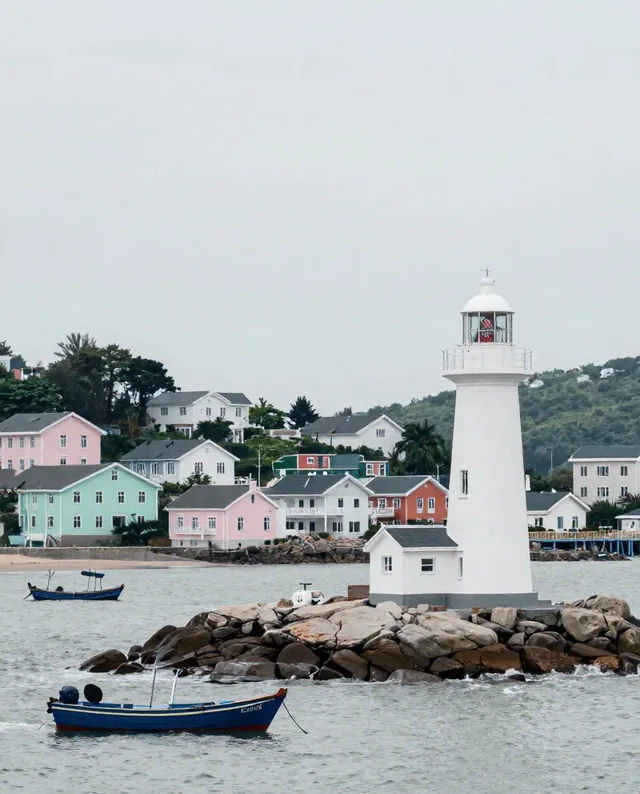
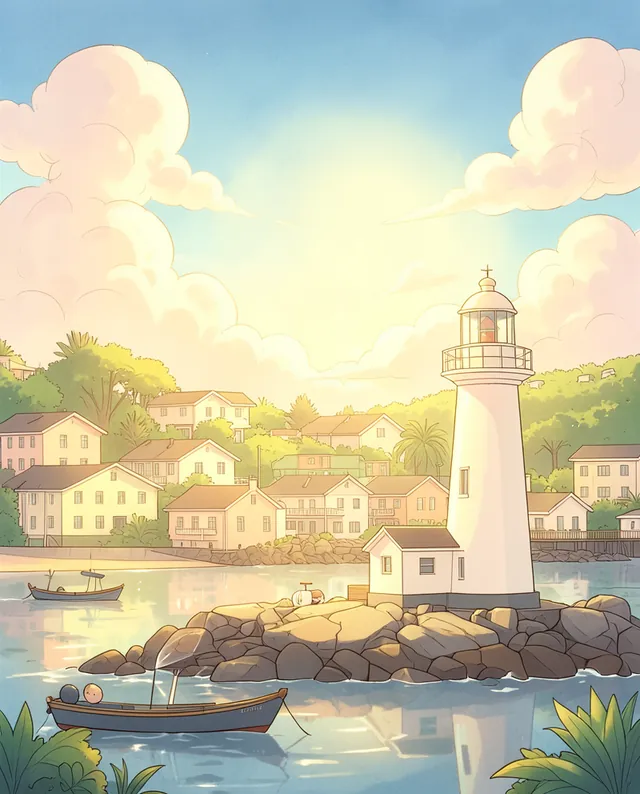
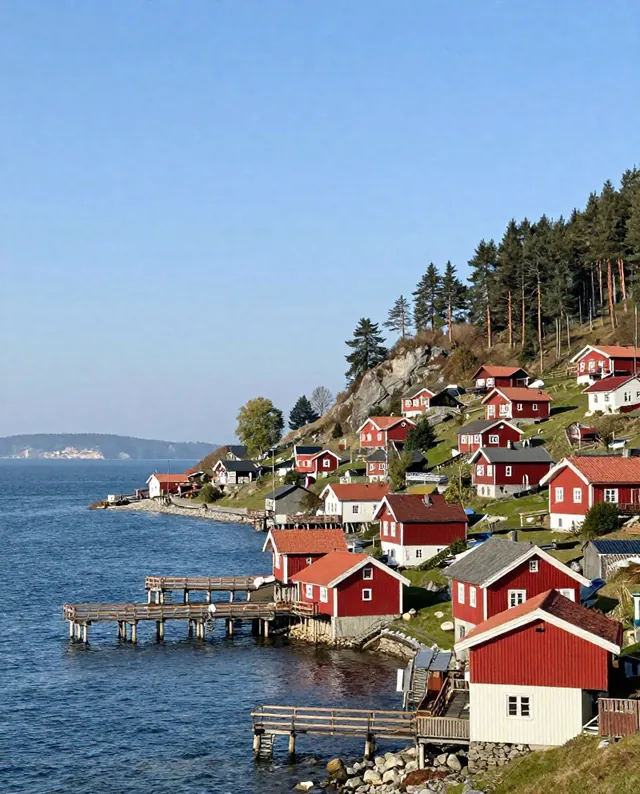
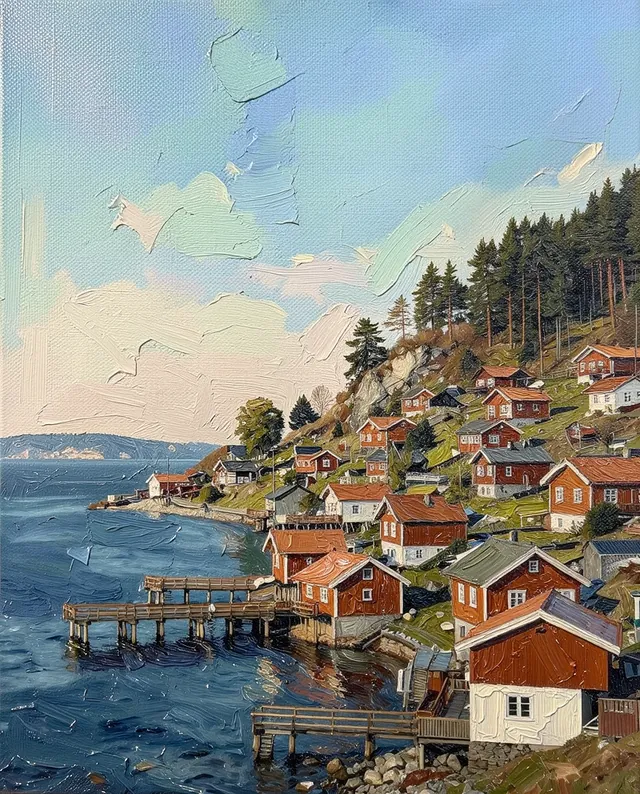
Example result of this prompt The made-up input photo InputExample result

Example Example made on our own Mac with open models: Z-Image made the made-up input photo, FLUX.2 klein ran this prompt on it. Your result in the AI above will look different. How we make examples

16-bit pixel-art avatar from your photo

A retro video-game style avatar of you, in crisp 16-bit pixel art. You need one clear photo.

You need
1 photo of yours
Written for
Gemini, ChatGPT
Result
Image

Prompt

Turn my attached photo into a 16-bit pixel-art avatar, like a character portrait from a classic home video game. Show my head and shoulders, facing facing, with clear, square pixels, a limited palette of about 32 colors and no blur or smooth gradients. Keep my hairstyle, hair color, skin tone, glasses and clothes, so I'm recognizable even in pixels. Put me on a background background. Make the image square. Keep my face exactly as it is in the photo: same identity, features, skin tone, age, hairstyle and body proportions.

Fill in, or keep the brackets and change them later

facing
background

How to use it

  1. Open Gemini or ChatGPT and choose the image model.
  2. Attach a clear photo of yourself and paste the prompt.
  3. Pixels look blurry? Add 'hard pixel edges, no anti-aliasing' and run it again.
What to expectThe pixels are imitated, not a true grid, and faces are simplified, so the likeness can still change a little.

Tips

  • Glasses, beards and hair color are what make a pixel avatar look like you.
  • The AI imitates pixels; for a true pixel grid, scale it down in an editor.
  • Your photo is uploaded to Google or OpenAI. Read their data policy before you share a face.

Editor: Ali Dezhami · Updated November 18, 2026

Similar prompts

All photo to art