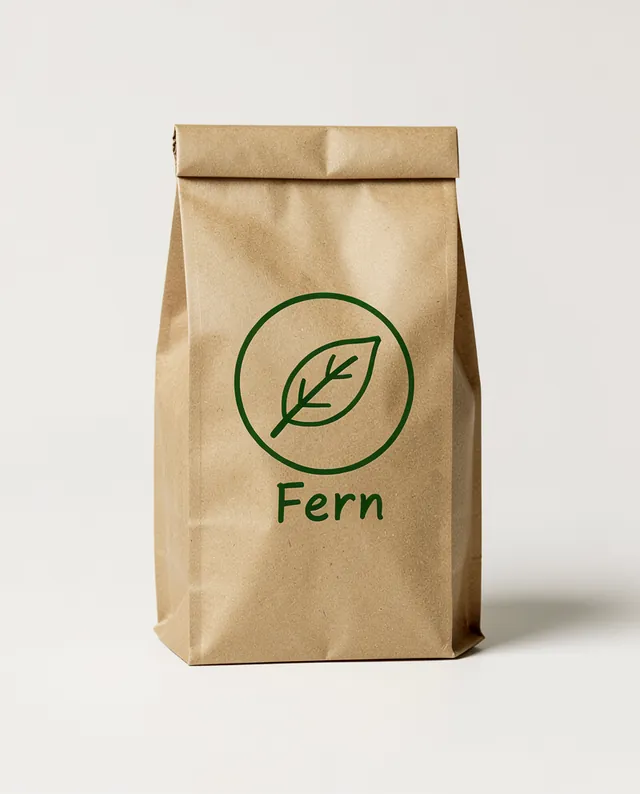
Example Example made on our own Mac with open models (Z-Image and FLUX.2 klein). Your result in the AI above will look different. How we make examples
Packaging mock-up from your logo sketch
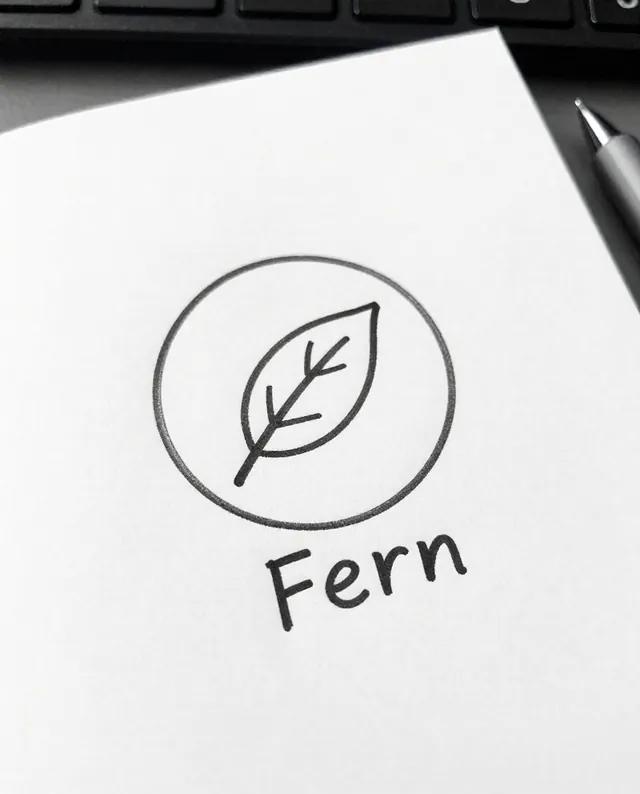
Turn a hand-drawn logo sketch into a clean logo on a realistic box, bag or label mock-up. You need a photo of your sketch.
You need
1 photo of yours
Written for
Gemini, ChatGPT
Result
Image
Prompt
Here is a photo of my hand-drawn logo sketch. First, turn it into a clean, simple vector-style logo, keeping my idea, shapes and letters as drawn. Then show it printed on a realistic packaging, in brand colors, standing on a light studio surface with soft studio lighting and a gentle shadow. Add the business name "business name" under the logo, spelled exactly as written. The packaging looks real, with natural material texture. No other logos or text.
Step 1: turn my attached logo sketch into a clean, simple vector-style logo. Keep my idea, shapes and letters as drawn.
Step 2: show that logo on a packaging mock-up.
Packaging: realistic packaging, natural material texture.
Colors: brand colors.
Text: "business name" under the logo, spelled exactly as written.
Setting: light studio surface, soft studio lighting, gentle shadow.
Constraints: no other logos or text.
Fill in, or keep the brackets and change them later

 Gemini, ChatGPT
 InputExample result