What the tech

Search

/ opens search from anywhere. Esc closes it.

Tools

Get the newsletter
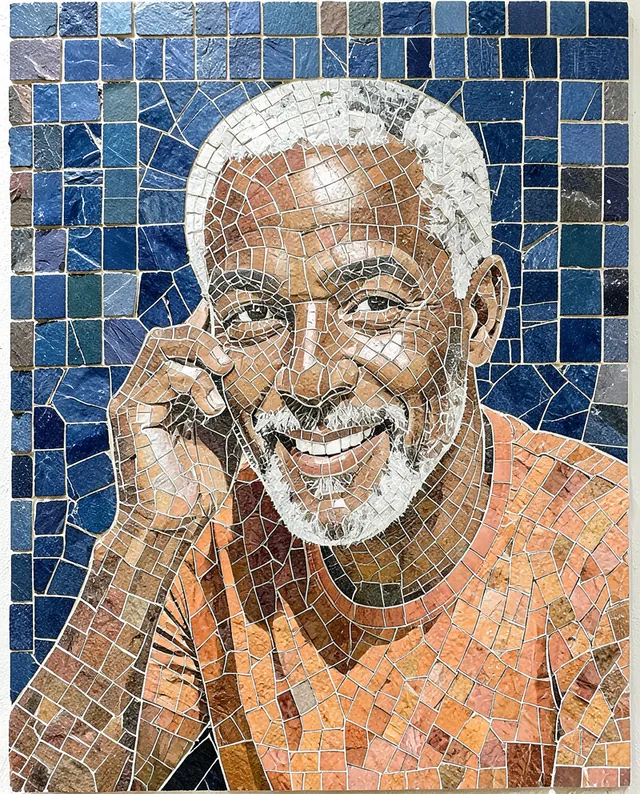
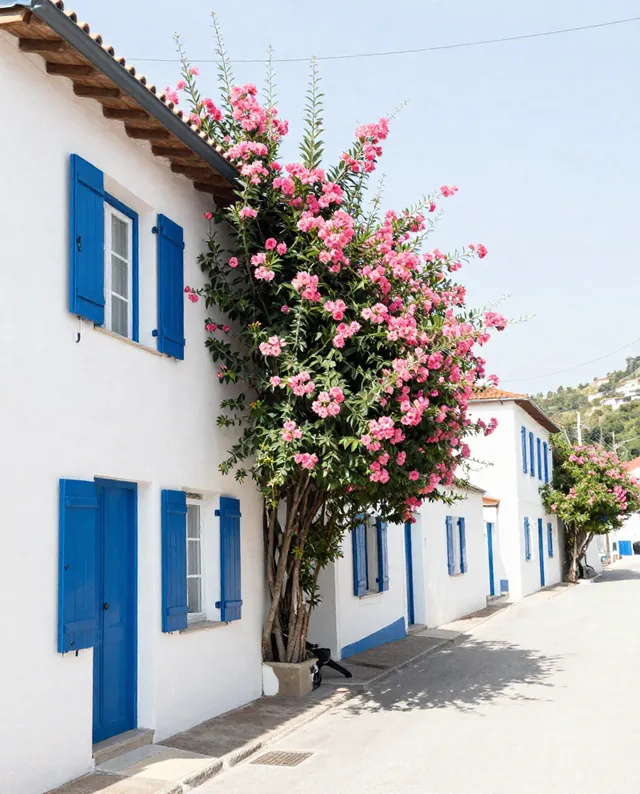
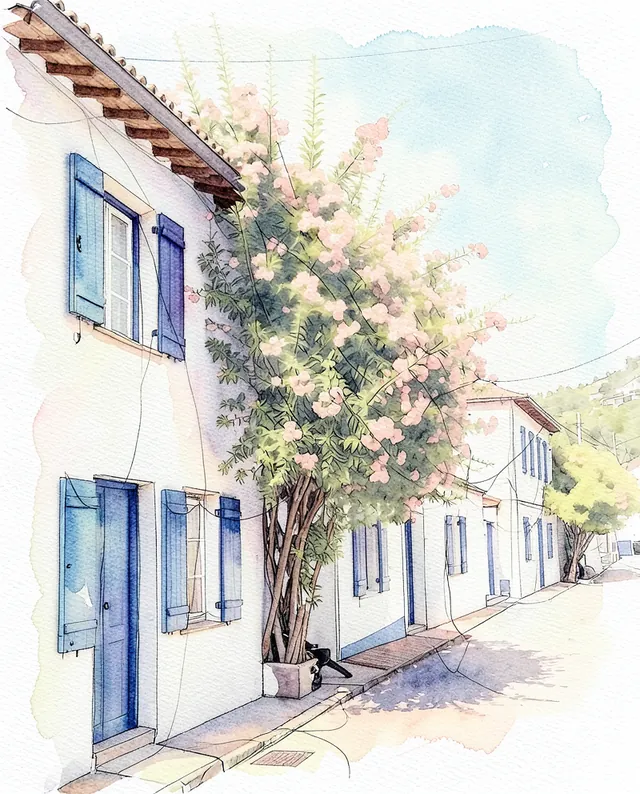
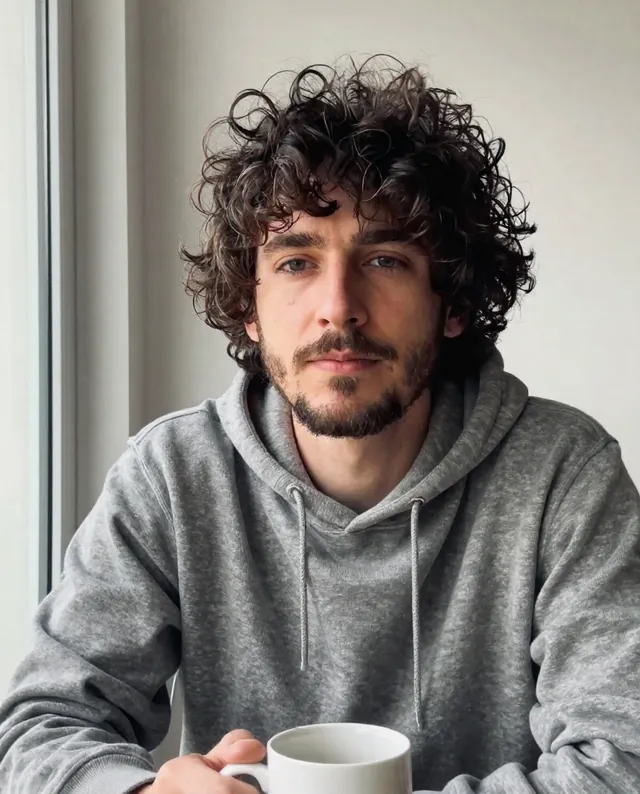
Example result of this prompt The made-up input photo InputExample result

Example Example made on our own Mac with open models: Z-Image made the made-up input photo, FLUX.2 klein ran this prompt on it. Your result in the AI above will look different. How we make examples

Mosaic tile portrait from your photo

Your portrait made of small stone and glass tiles, like an ancient wall mosaic. You need one clear photo.

You need
1 photo of yours
Written for
Gemini, ChatGPT
Result
Image

Prompt

Turn my attached photo into a mosaic portrait made of small square tiles of material, set in pale grout on a wall. Show me from the shoulders up. Use smaller tiles for my eyes, mouth and the outline of my face, and larger tiles for the background, which is background. The tiles follow the curves of my face like a real hand-laid mosaic, with tiny gaps and slight unevenness, and a few tiles catch the light. Keep my face exactly as it is in the photo: same identity, features, skin tone, age, hairstyle and body proportions.

Fill in, or keep the brackets and change them later

material
background

How to use it

  1. Open Gemini or ChatGPT and choose the image model.
  2. Attach a clear photo of yourself and paste the prompt.
  3. Can't recognize yourself? Add 'smaller tiles on the face' and run it again.
What to expectTiles simplify your features, so faces can still change a little, and the likeness depends on tile size.

Tips

  • Strong, simple lighting in your photo keeps the face readable in tiles.
  • A close-up of the face gives more tiles to the features.
  • Your photo is uploaded to Google or OpenAI. Read their data policy before you share a face.

Editor: Ali Dezhami · Updated November 18, 2026

Similar prompts

All photo to art