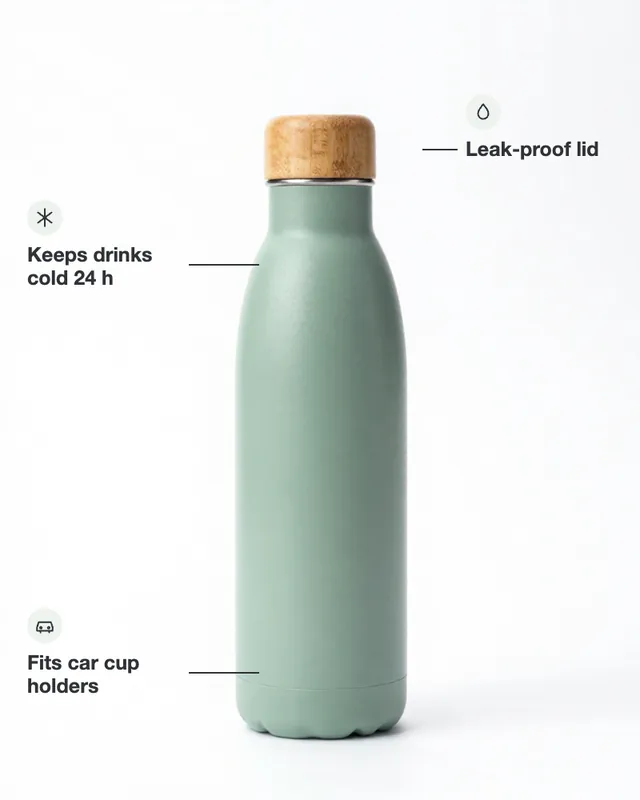
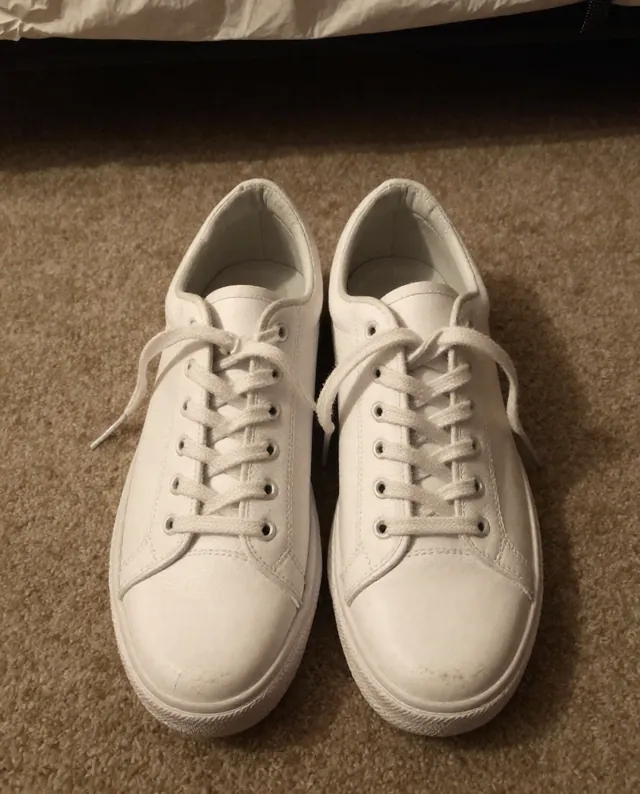
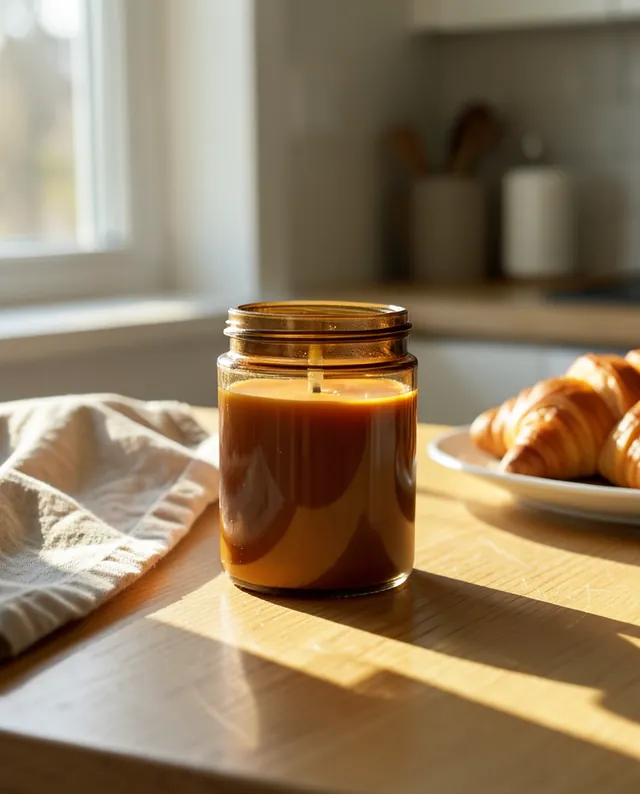
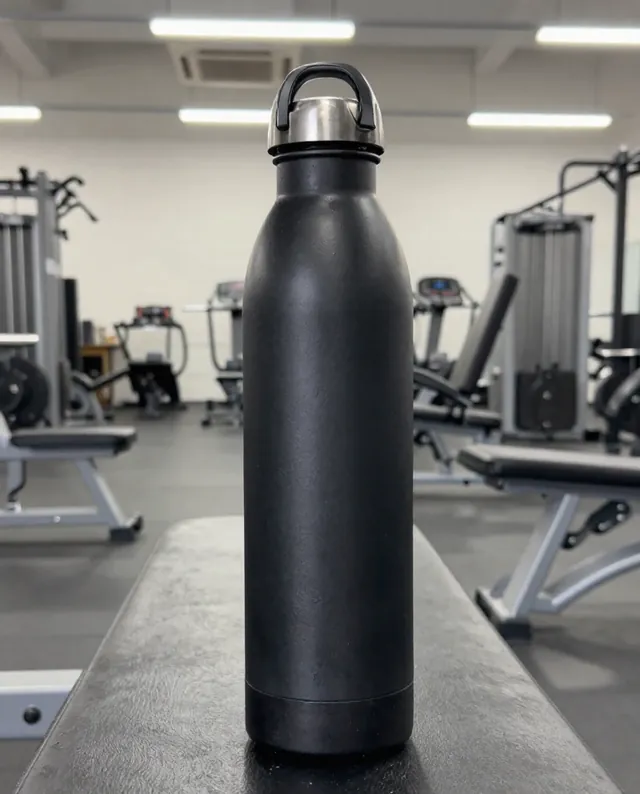
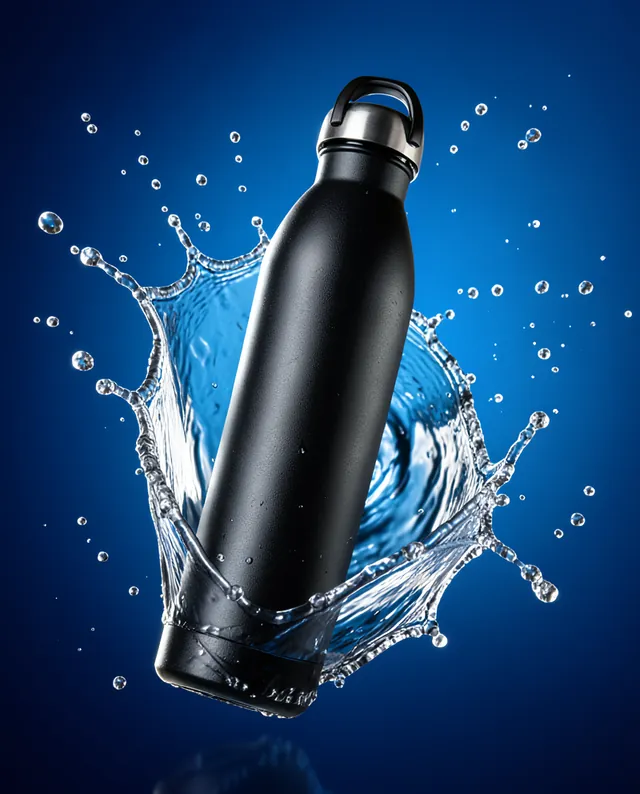
Example Example made on our own Mac with an open model (Z-Image); the text was added by us. Your result in the AI above will look different. How we make examples
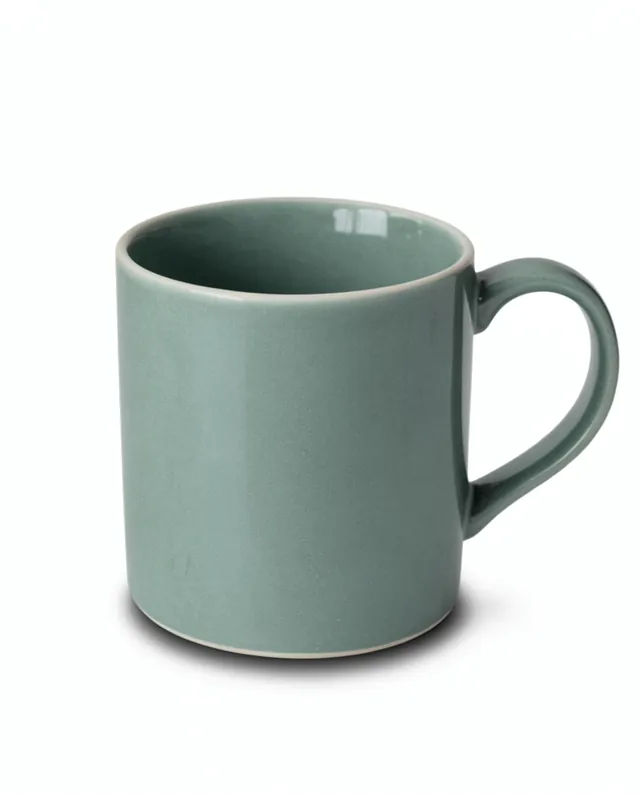
Marketplace listing image with feature callouts
A listing image with your product in the middle and short labelled features around it. You need one product photo.
You need
1 photo of yours
Written for
Gemini, ChatGPT, Ideogram
Result
Image
Prompt
Create a marketplace listing image for my product. Show the product large and centered on a clean background, with three short feature callouts around it, each with a thin line pointing to the right part of the product and a small simple icon: "feature 1", "feature 2" and "feature 3". Use a clean, bold sans-serif font in dark grey, spelled exactly as written. Soft studio lighting, square format. Keep my product exactly as it is: same shape, proportions, colors, materials, labels and details. Do not add any logo and no text other than the three callouts.
Edit the attached photo of my product into a marketplace listing image.
Subject: the same product, same shape, colors, labels and details, large and centered.
Background: clean background.
Callouts: exactly three, each with a thin pointer line and a small simple icon: "feature 1" / "feature 2" / "feature 3".
Typography: bold sans-serif, dark grey, spelled exactly as written.
Lighting: soft studio lighting. Format: 1:1.
Constraints: no logos, no other text.
Square marketplace listing image of a product, large and centered on a clean background, soft studio lighting, three feature callouts with thin pointer lines and simple icons, bold dark grey sans-serif text: "feature 1", "feature 2", "feature 3". No logos, no other text. (Upload your product photo as a reference image first.)
Fill in, or keep the brackets and change them later
Write three short, true features, at most five words each.
Open ChatGPT or Gemini, attach your product photo and paste the prompt.
Check every word; if one is wrong, ask to fix that word only, or try Ideogram for cleaner text.
What to expectText and pointer lines may land in the wrong place or be misspelled, and the product may be redrawn slightly, so check before you upload.
Tips
Many marketplaces want a plain main image with no text; use this for the second or third image.
Only list features that are true, with numbers you can back up.
Short words render better than long ones.
Editor: Peyman Khosravani · Updated November 18, 2026

 Gemini, ChatGPT