What the tech

Search

/ opens search from anywhere. Esc closes it.

Tools

Get the newsletter
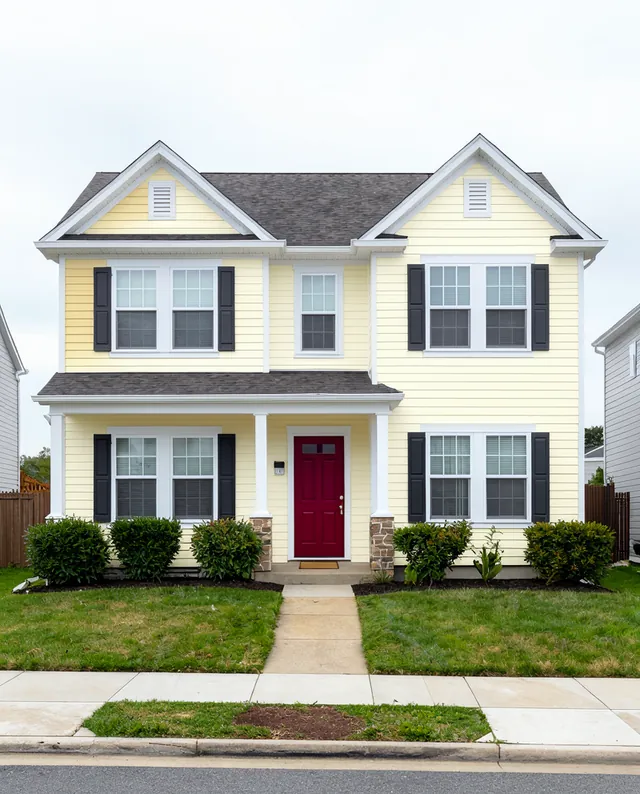
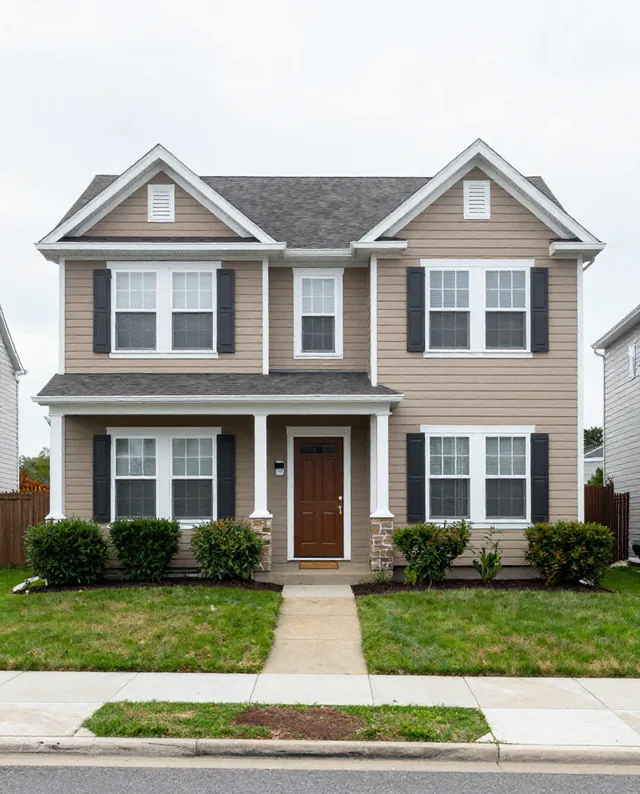
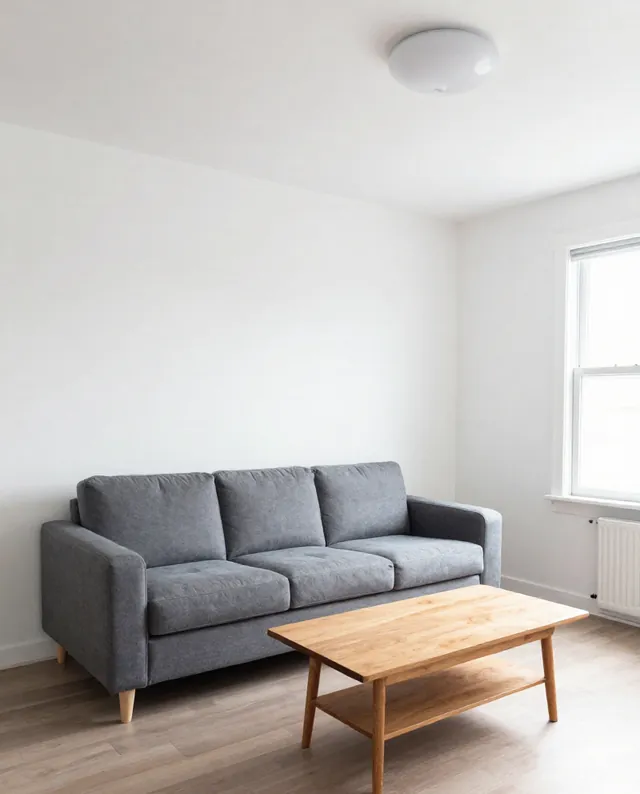
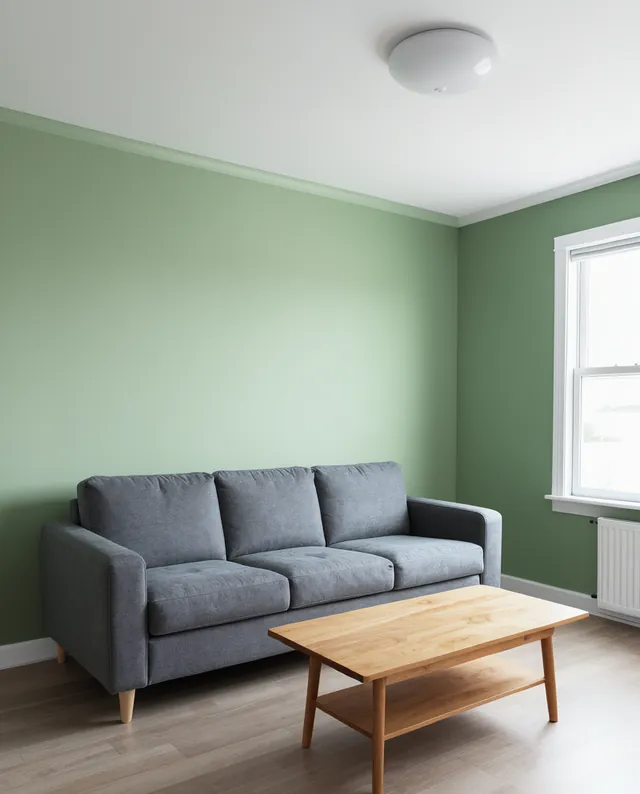
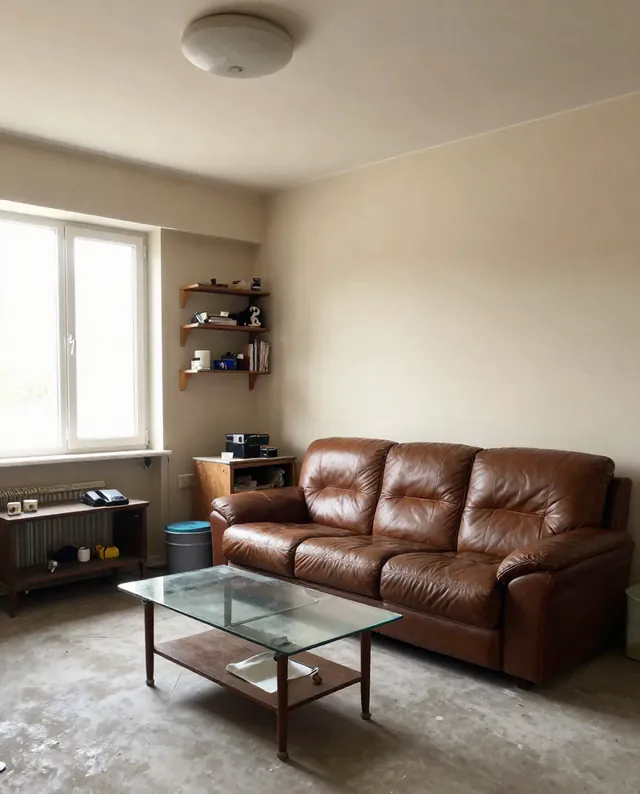
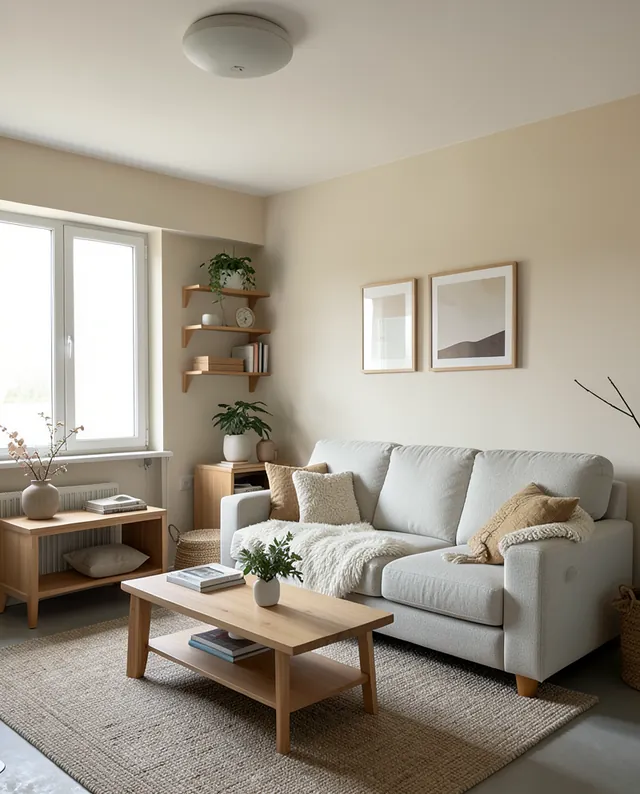
Example result of this prompt The made-up input photo InputExample result

Example Example made on our own Mac with open models: Z-Image made the made-up input photo, FLUX.2 klein ran this prompt on it. Your result in the AI above will look different. How we make examples

Try new exterior colors on your house

Preview fresh paint colors for your house front before you commit. You need one photo of your own building.

You need
1 photo of yours
Written for
Gemini, ChatGPT
Result
Image

Prompt

Repaint the outside of my house in this photo: walls in wall color, trim in trim color and the front door in door color. Keep the building's shape, roof, windows, materials, garden and camera angle exactly as in my photo, and keep the paint realistic in the daylight. Remove any people, and blur or remove any car number plates and house numbers. Do not change neighbouring buildings.

Fill in, or keep the brackets and change them later

wall color
trim color
door color

How to use it

  1. Photograph your house straight on, in daylight, without people in the frame.
  2. Open Gemini, attach the photo and paste the prompt with your colors.
  3. Compare two or three versions, then test real paint samples on the wall.
What to expectColors on screen differ from real paint, and the AI may soften brick, stone or window details.

Tips

  • Only use photos of your own house.
  • Check local rules; some areas and listed buildings limit exterior colors.
  • Look at the result in daylight on your phone, not just on a bright monitor.

Editor: Peyman Khosravani · Updated November 18, 2026

Similar prompts

All interior and home