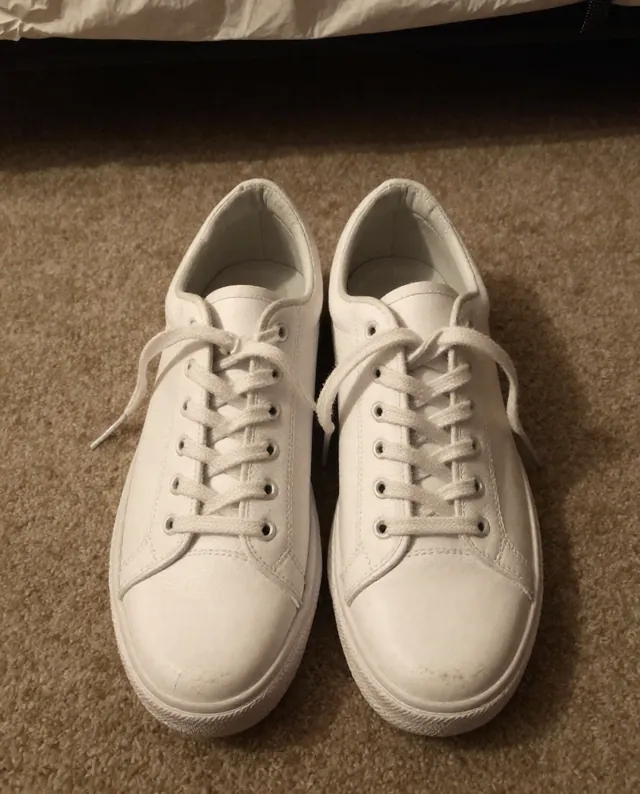
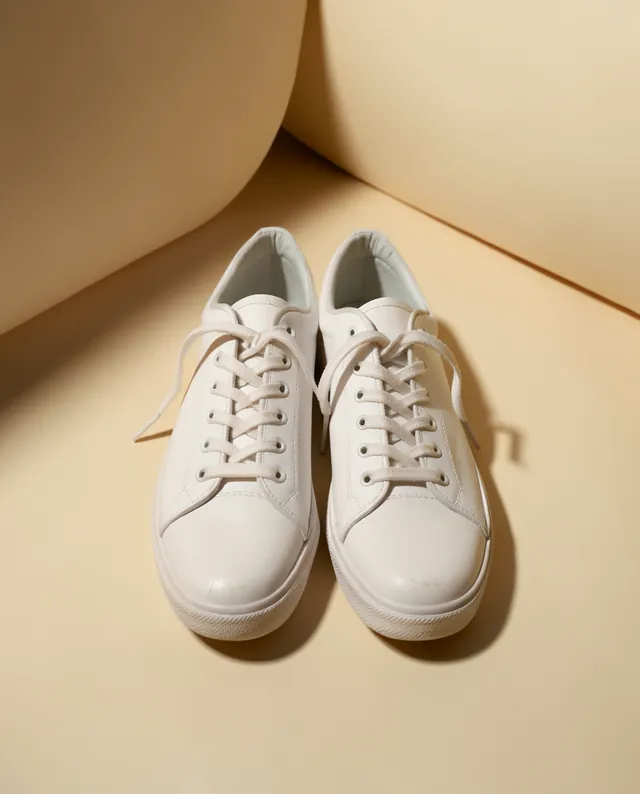
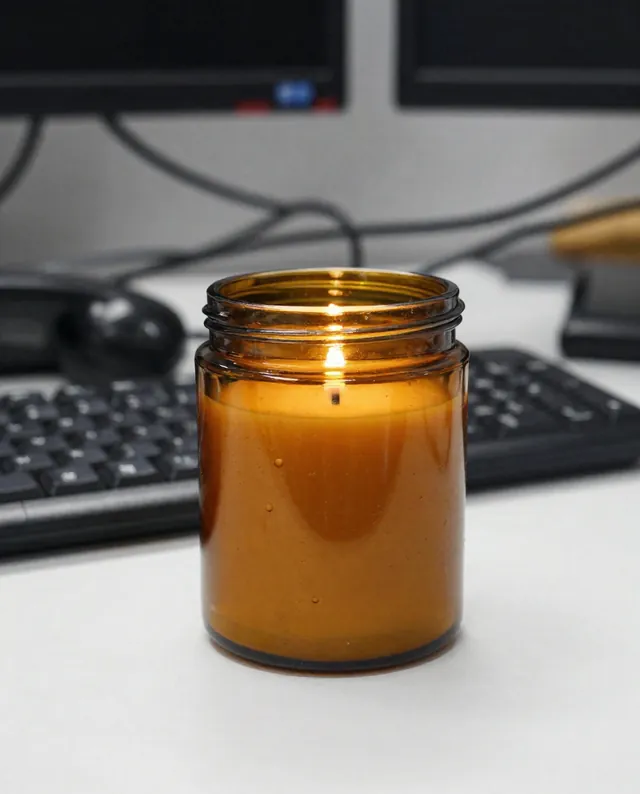
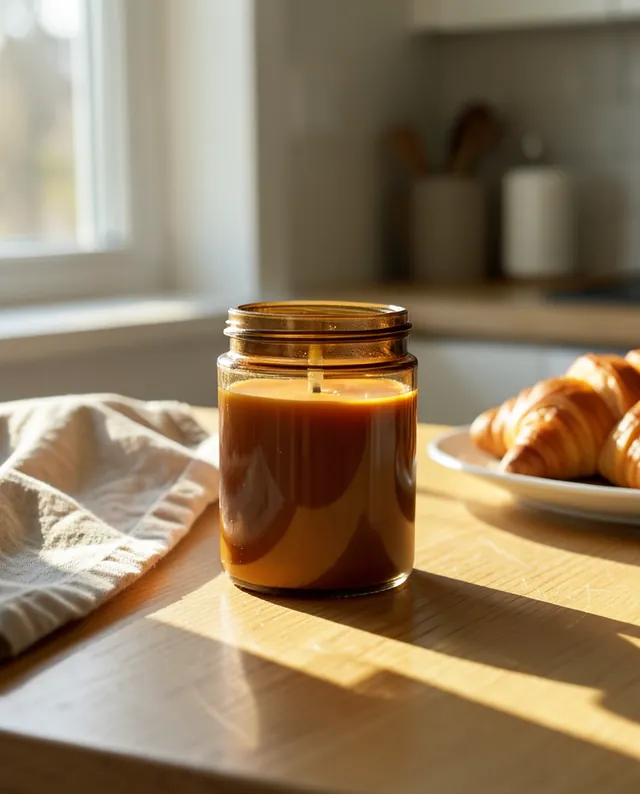
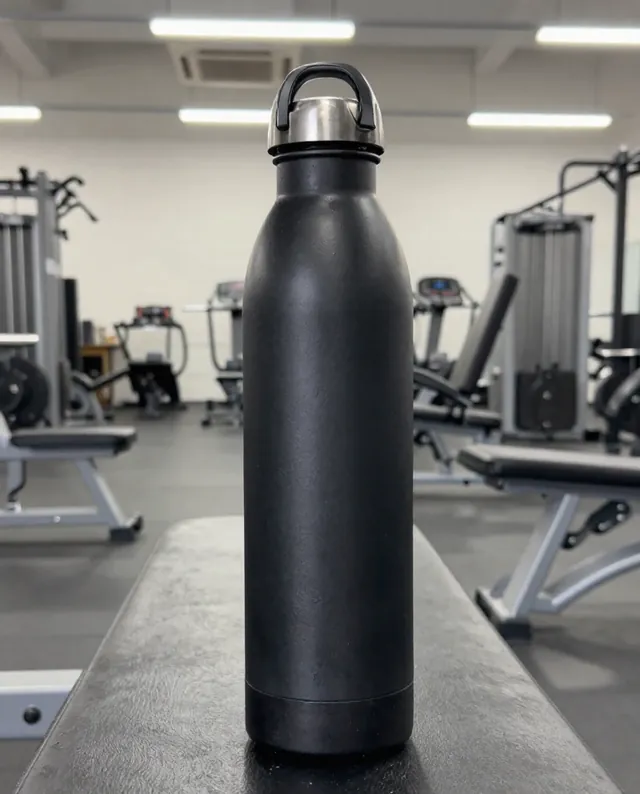
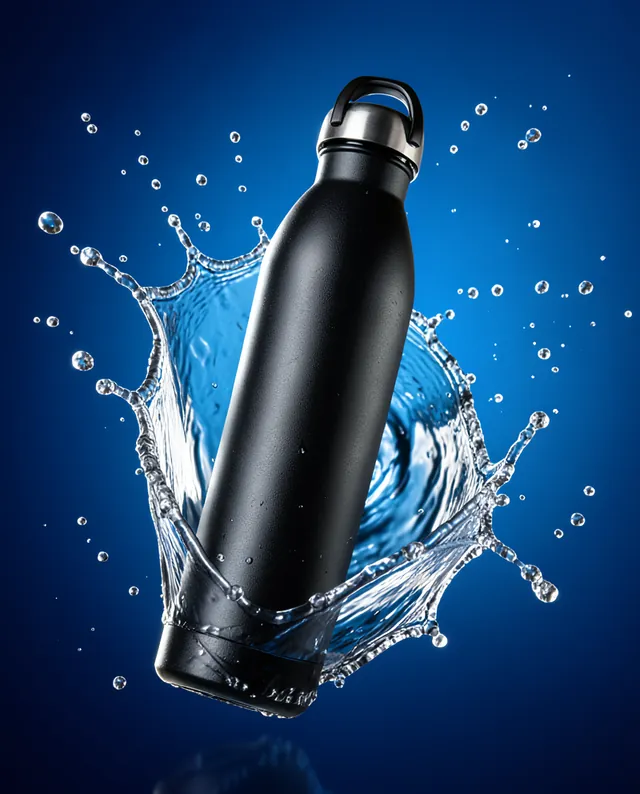
Example Example made on our own Mac with open models (Z-Image and FLUX.2 klein). Your result in the AI above will look different. How we make examples
Restaurant menu-style food photo
Turn a quick photo of a dish into a bright, appetizing menu image. You need one photo of your own dish.
You need
1 photo of yours
Written for
Gemini, ChatGPT
Result
Image
Prompt
Turn my photo of dish into a professional restaurant menu photo. Keep the dish exactly as it is: the same ingredients, portion, plating and plate. Clean up crumbs and spills, and place it on surface, seen from a angle. Light it with soft natural light from the side so the food looks fresh, with gentle highlights and true colors. The background is softly blurred and simple. Do not add ingredients, garnish or sauce that is not in my photo. No text.
Edit the attached photo of dish into a restaurant menu photo.
Subject: the same dish, same ingredients, portion, plating and plate. Do not add anything not in my photo.
Clean-up: remove crumbs and spills.
Setting: surface, softly blurred simple background.
Lighting: soft natural side light, gentle highlights, true colors.
Framing: angle.
Constraints: no text, no logos.
Fill in, or keep the brackets and change them later
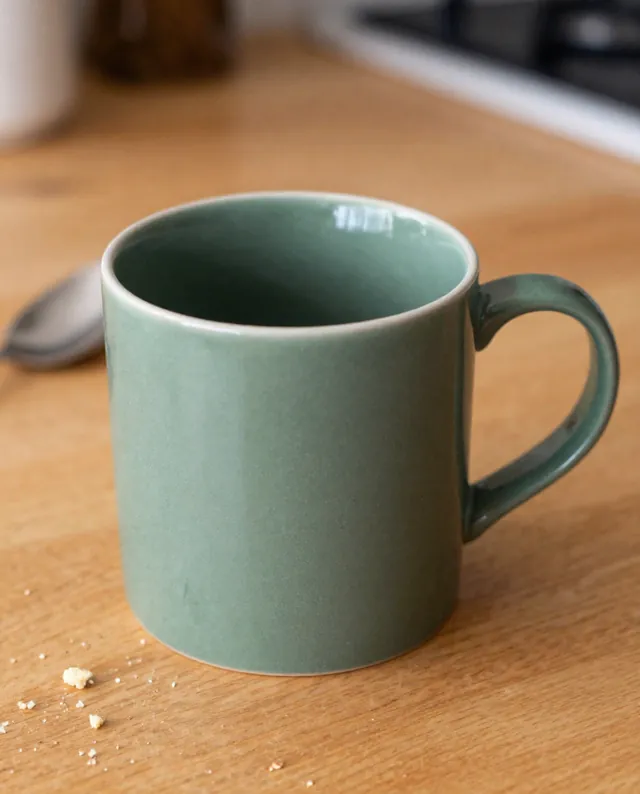
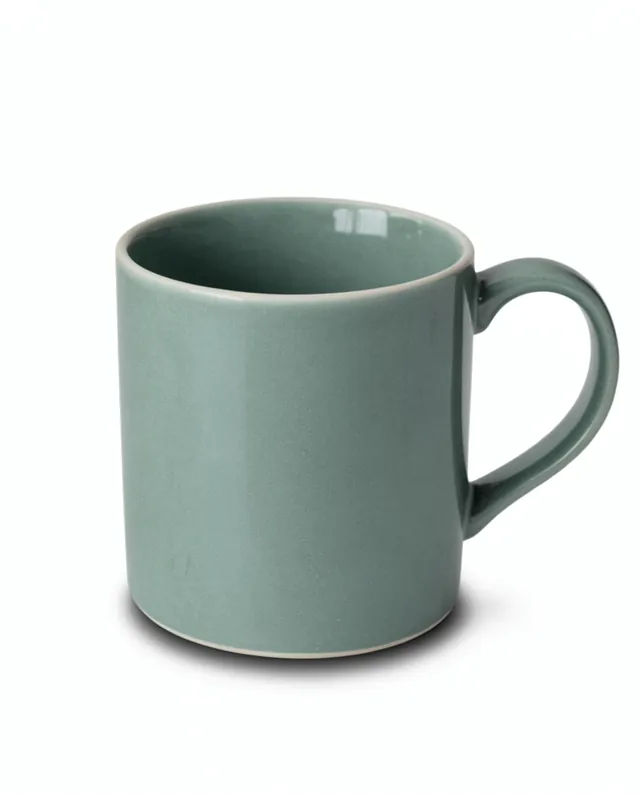

 Gemini, ChatGPT
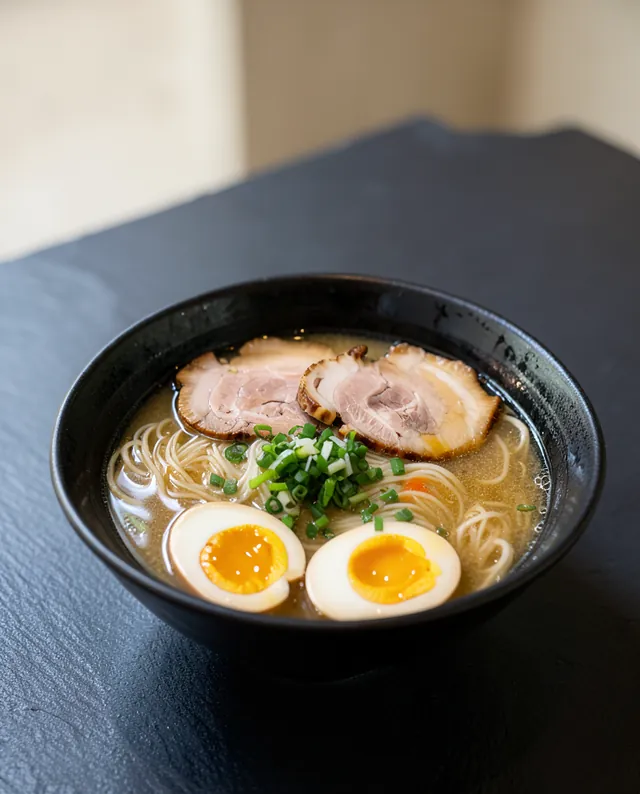
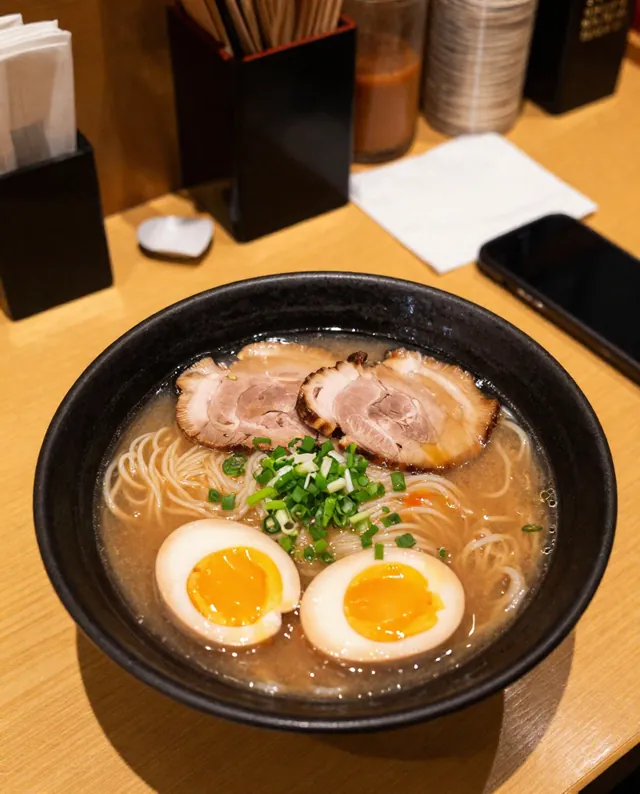 InputExample result