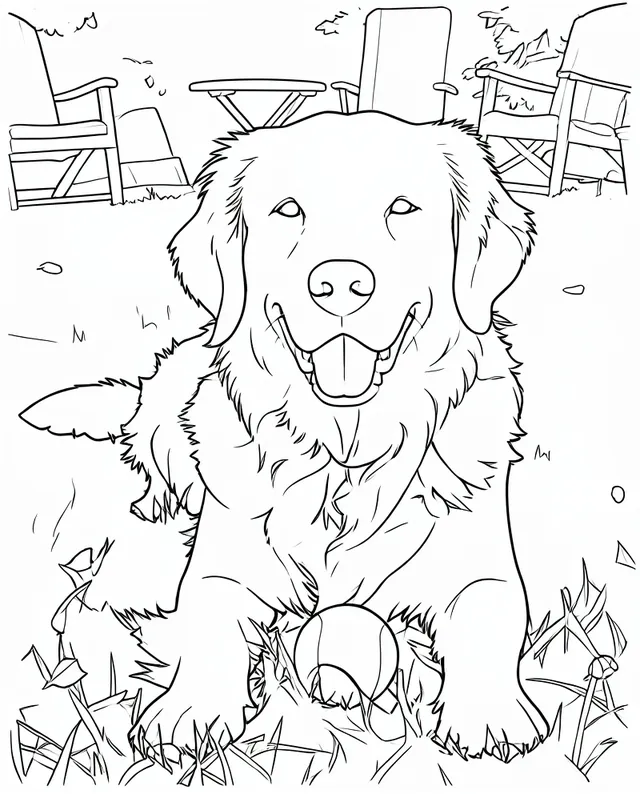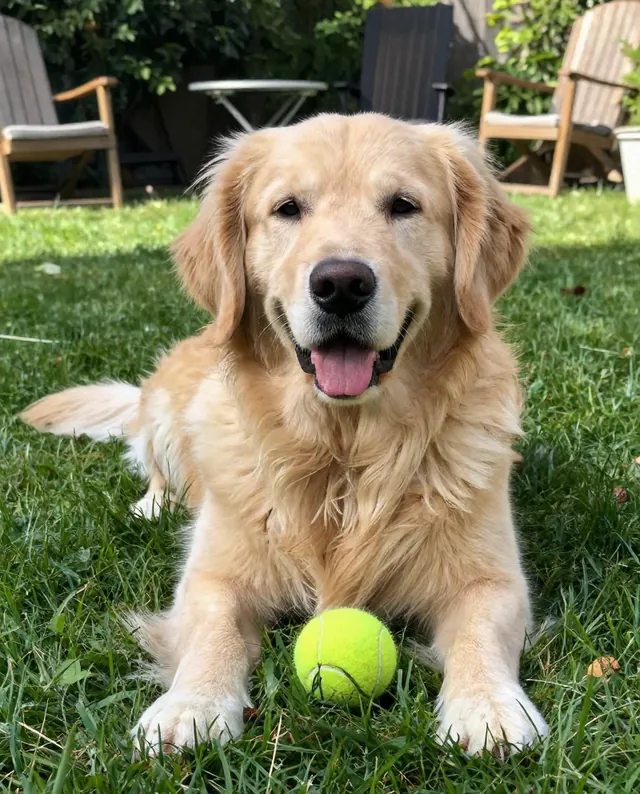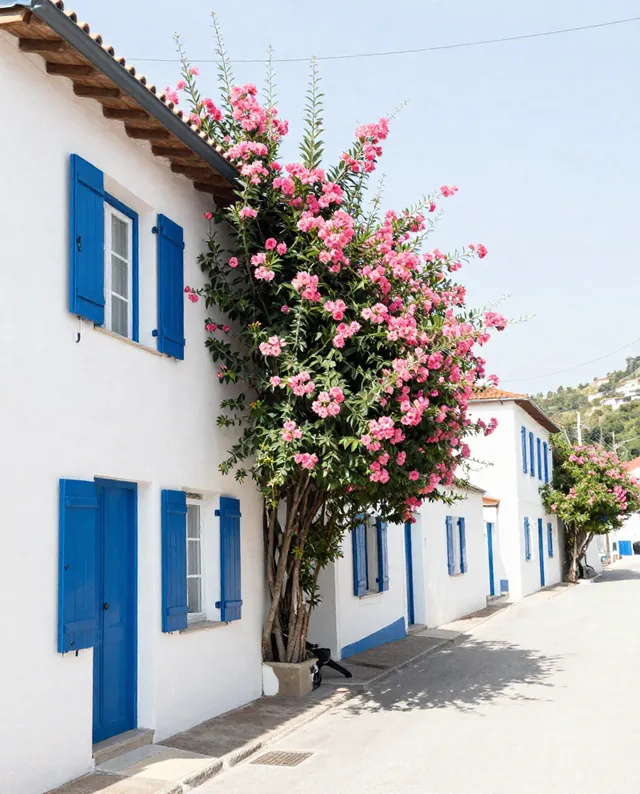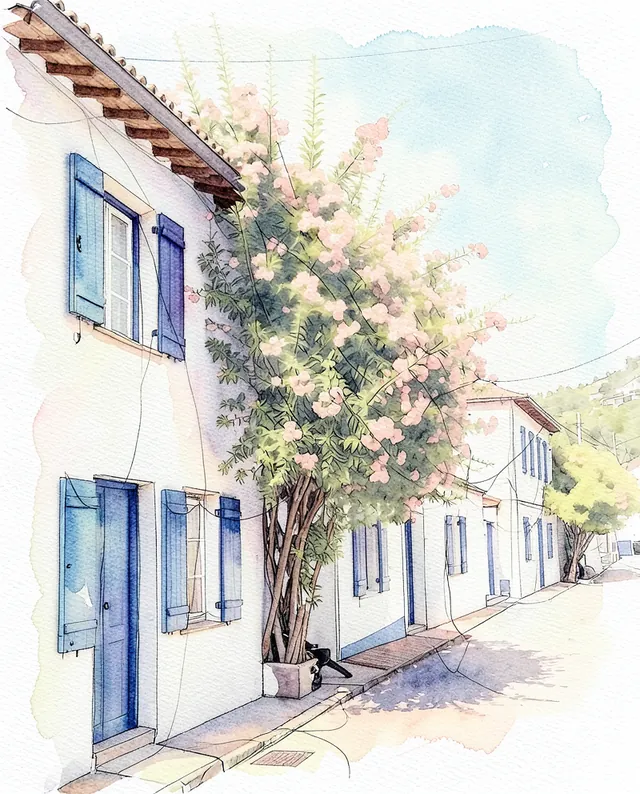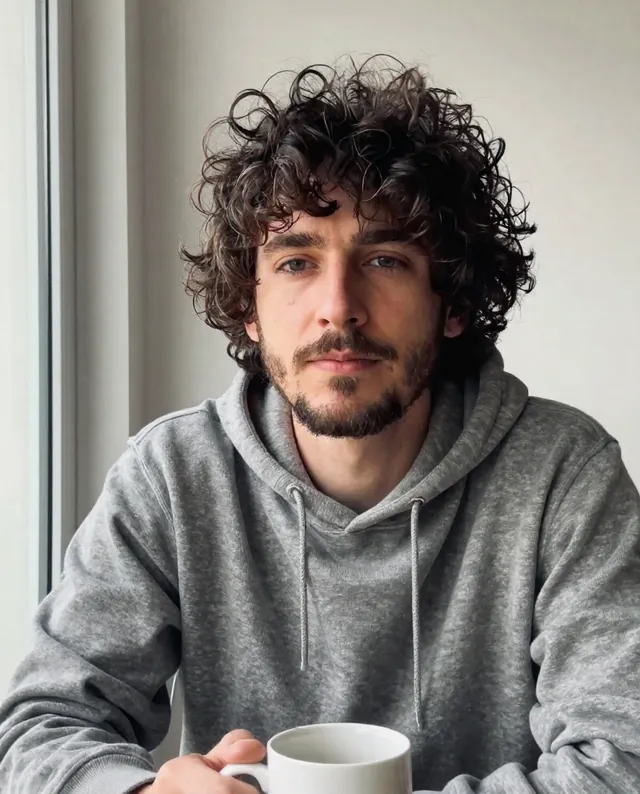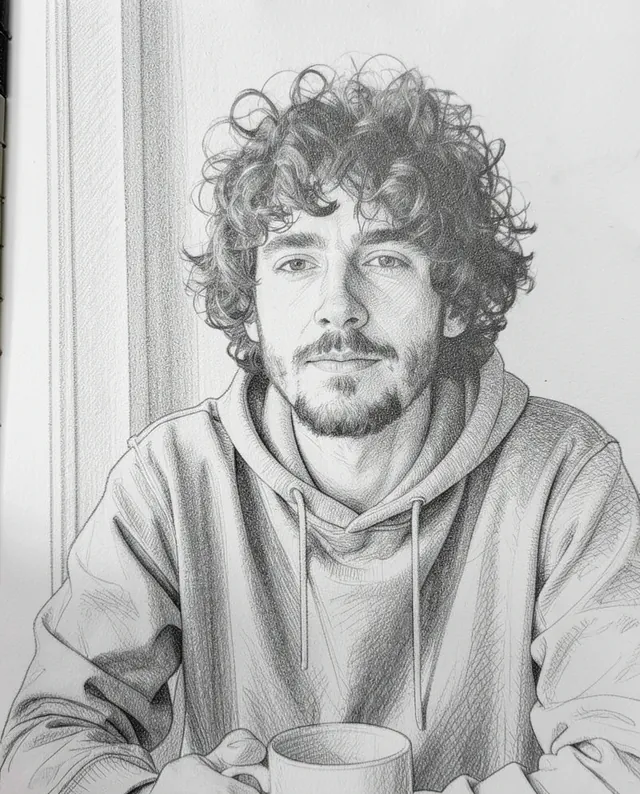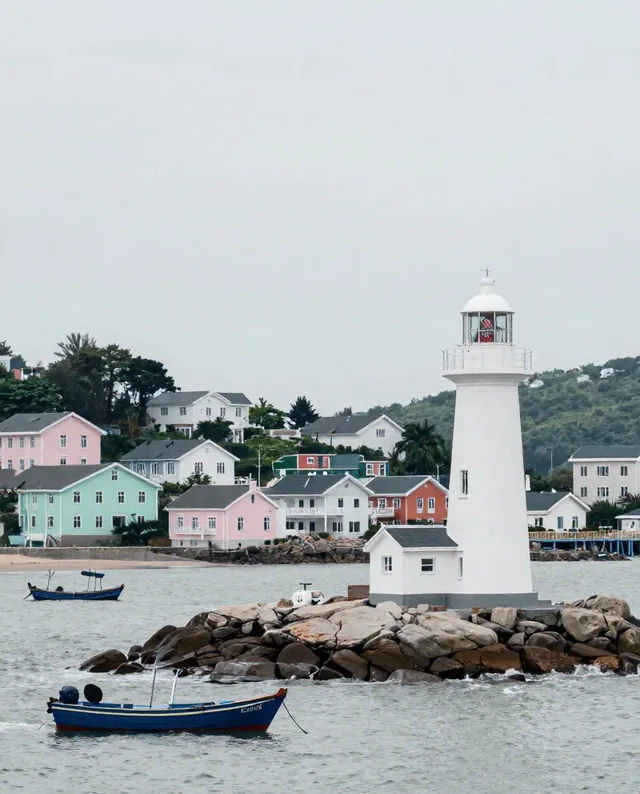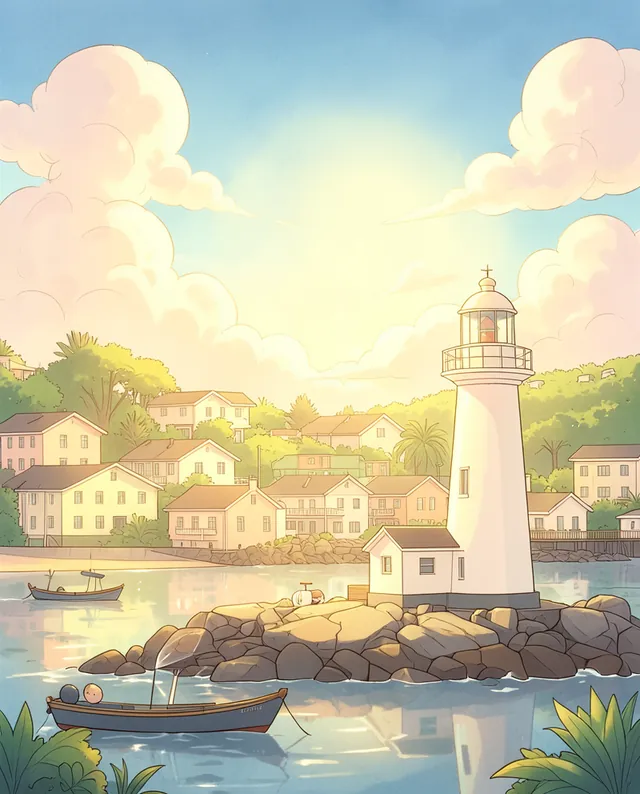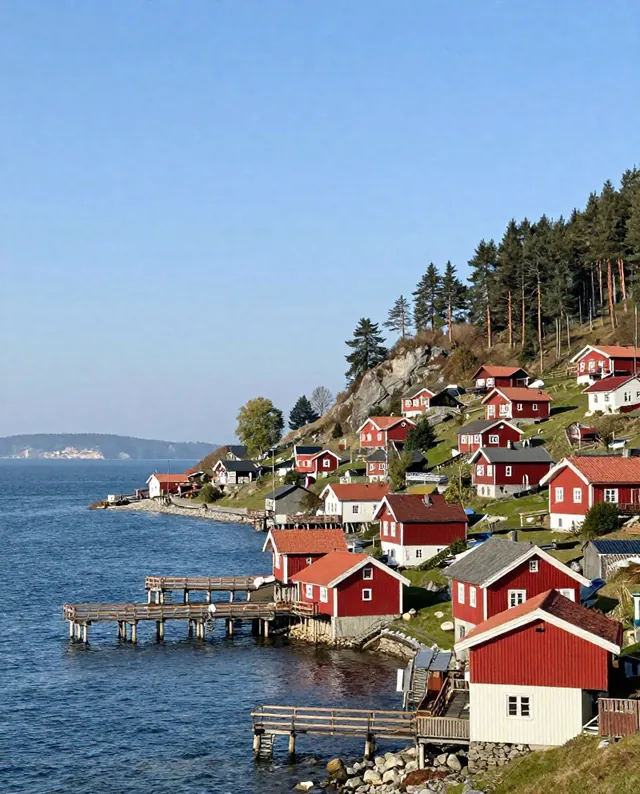
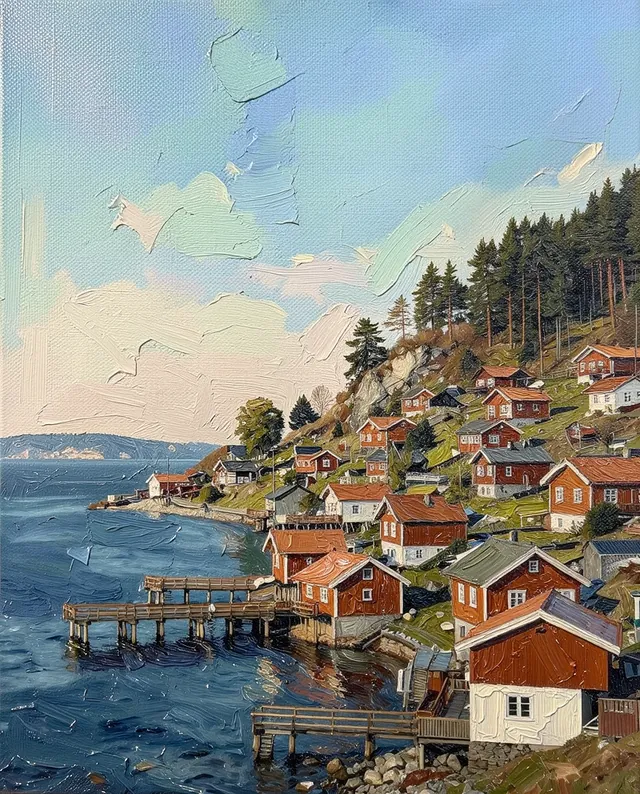
InputExample result
Example Example made on our own Mac with open models: Z-Image made the made-up input photo, FLUX.2 klein ran this prompt on it. Your result in the AI above will look different. How we make examples
Turn a photo into a coloring page
Clean black line art from your photo, ready to print and color in. Pets and places work great. You need one photo.
- You need
- 1 photo of yours
- Written for
- Gemini, ChatGPT
- Result
- Image
Prompt
Turn my attached photo into a printable coloring page. Trace the main subject and the important background shapes as clean, black outlines of even thickness on a pure white background. Keep the subject's pose and recognizable features, but simplify small details and fur into a few clear lines. No shading, no grey and no color fill, so every area is an empty shape that's easy to color. Make the line detail level. Frame it for a paper sheet in portrait orientation.
Turn the attached photo into a printable coloring page.
Keep: main subject, pose and recognizable features; main background shapes.
Style: clean black outlines of even thickness on pure white; fur and small details simplified into a few lines.
Avoid: shading, grey, color fill.
Detail: level.
Format: portrait, sized for a paper sheet.
Fill in, or keep the brackets and change them later
level
paper
How to use it
- Open Gemini or ChatGPT and choose the image model.
- Attach your photo (a pet, a house, a favorite place) and paste the prompt.
- Lines too thin or busy? Add 'thicker lines, fewer details' and run it again.
What to expectSome lines may break or not close fully, and small details are simplified or invented.
Tips
- A pet or building on a plain background makes the cleanest page.
- Print it at 'fit to page' so nothing gets cut off.
- Make a set from several photos for a rainy-day pack.
Editor: Ali Dezhami · Updated November 18, 2026