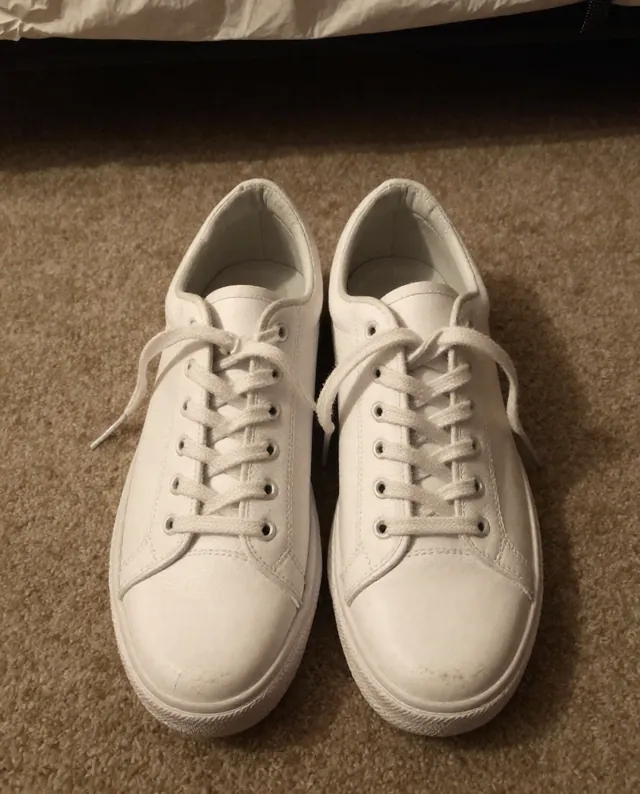
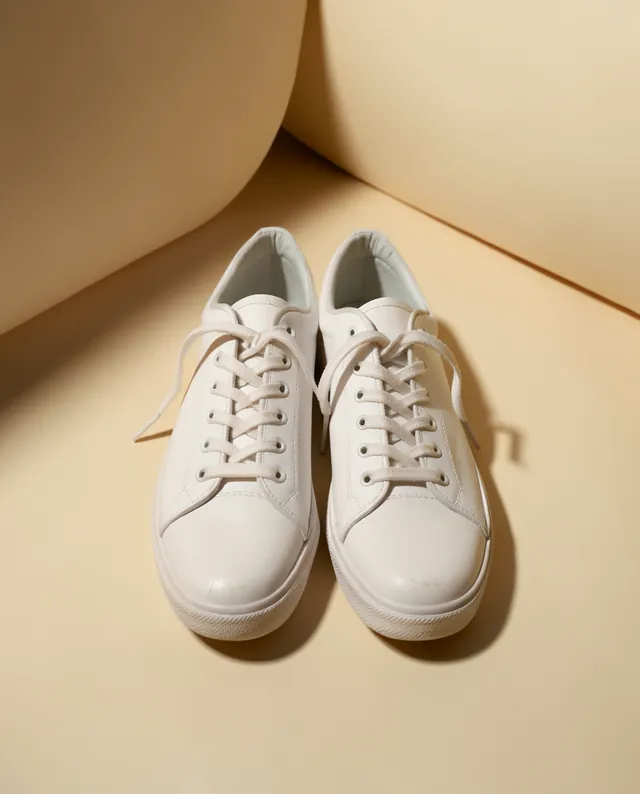
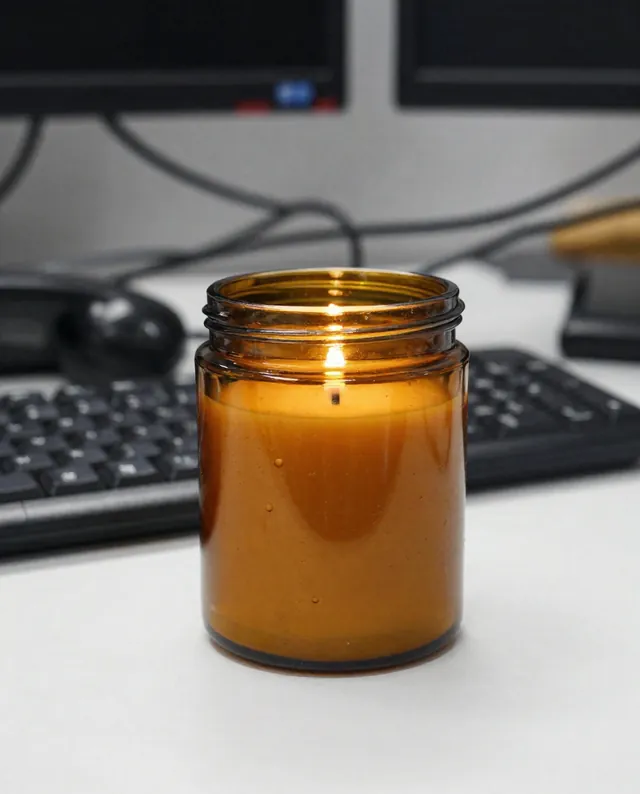
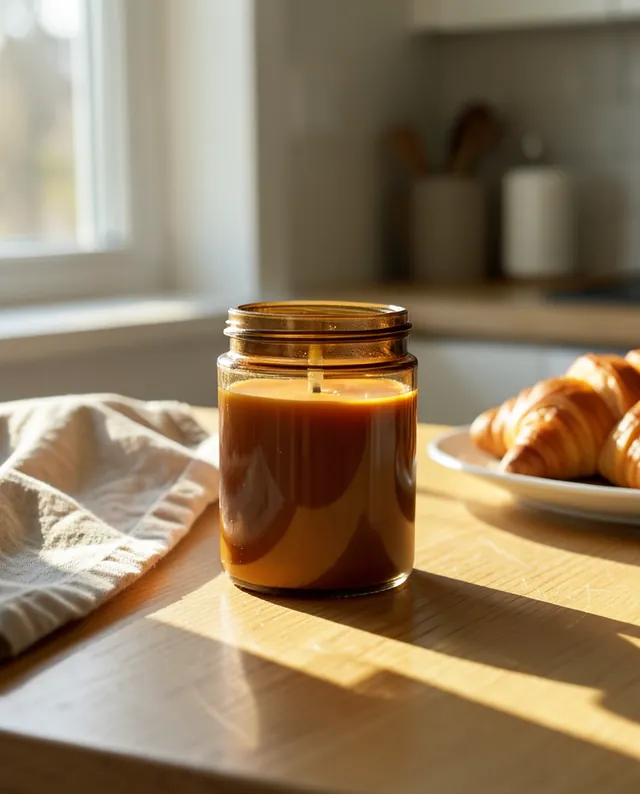
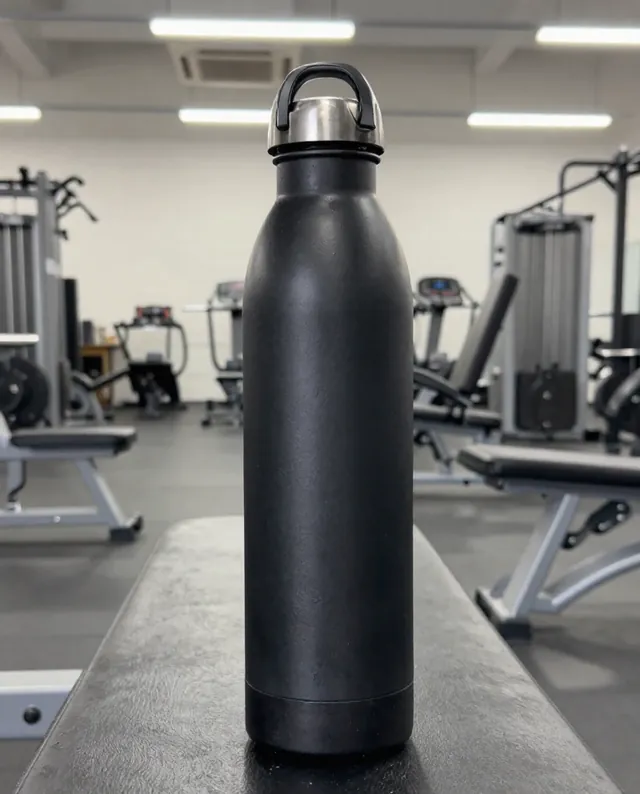
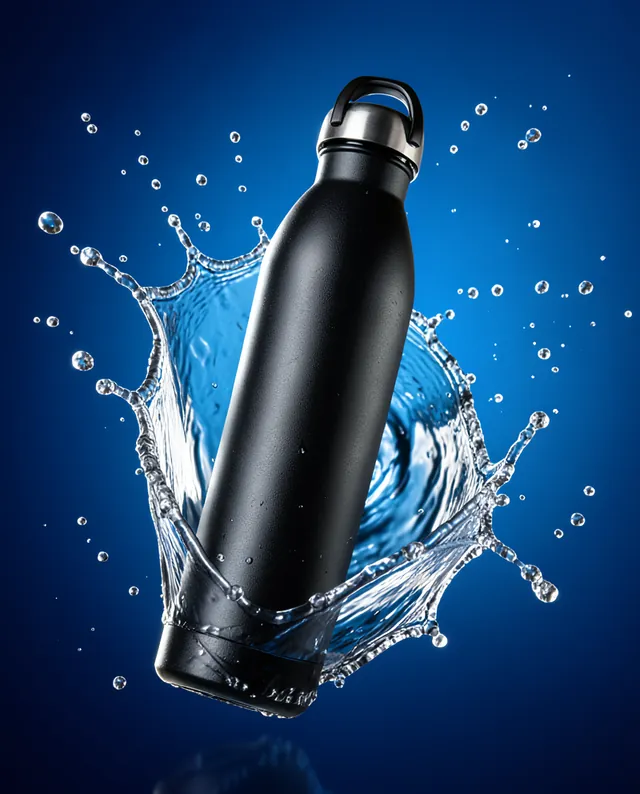
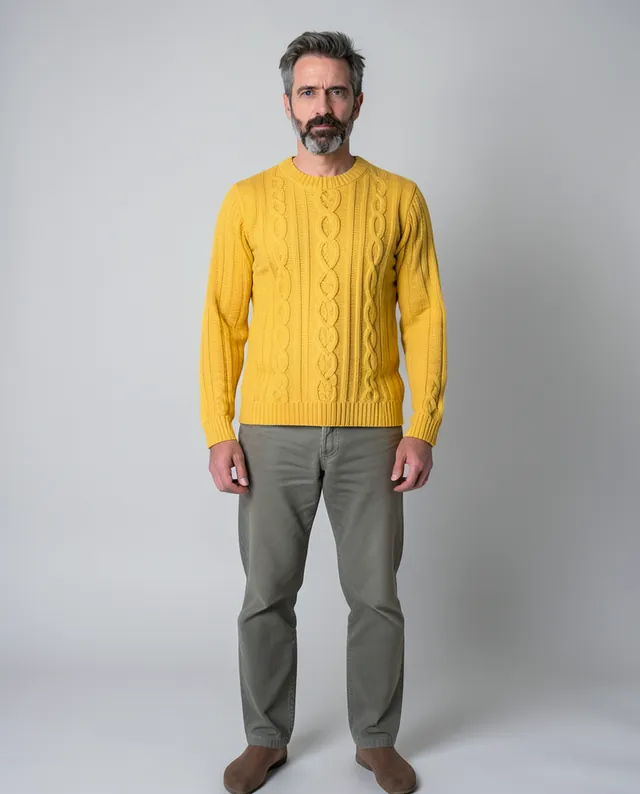
Example Example made on our own Mac with open models: Z-Image made the made-up input photo, FLUX.2 klein ran this prompt on it. Your result in the AI above will look different. How we make examples
Put a flat-lay garment on a model
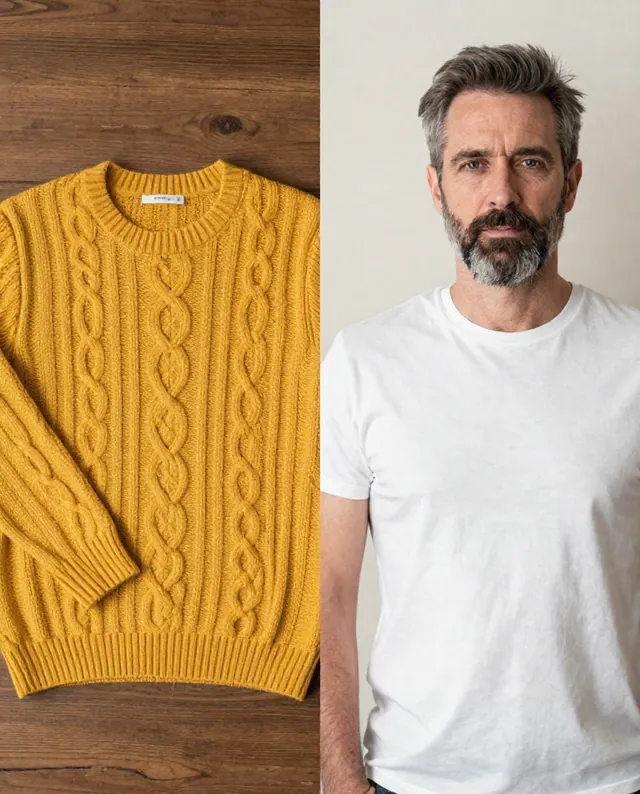
Show your clothing worn by a person, using a flat garment photo and a model photo. You need two photos.
You need
2 photos of yours
Written for
Gemini, ChatGPT
Result
Image
Prompt
Using my two photos, dress the person in the second photo in the garment from the first photo. Keep the garment exactly as it is: same color, fabric, pattern, cut, length, buttons and details, fitted naturally to the body with realistic folds. Keep the person's face, identity, body shape and proportions exactly as in their photo, and keep the rest of their outfit simple and neutral. Show a framing shot in setting, with soft, even light. Photorealistic, no logos, no text.
Combine the two attached photos.
Garment: the clothing in image 1. Keep its color, fabric, pattern, cut, length, buttons and details exactly.
Model: the person in image 2. Keep their face, identity, body shape and proportions exactly.
Fit: natural fit with realistic folds; the rest of the outfit simple and neutral.
Framing: framing shot.
Setting: setting, soft even light.
Constraints: photorealistic, no logos, no text.
Fill in, or keep the brackets and change them later
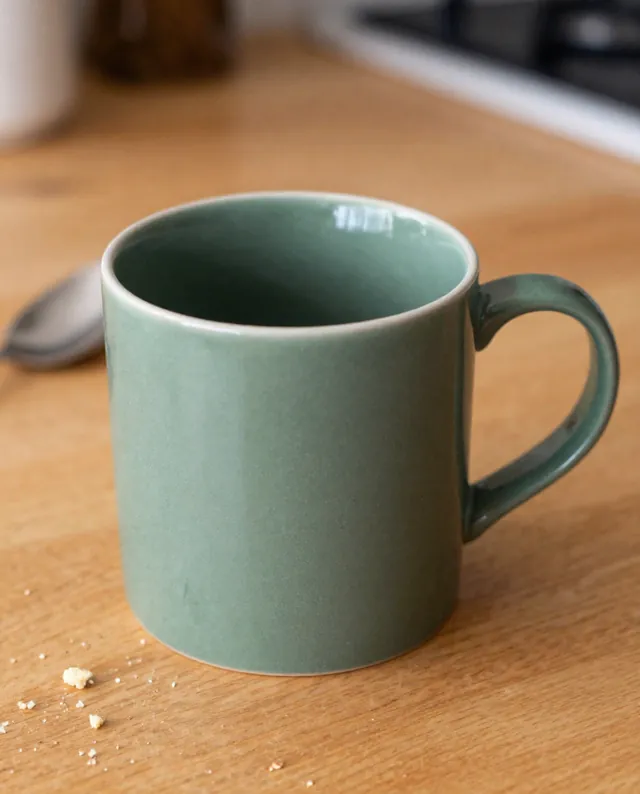
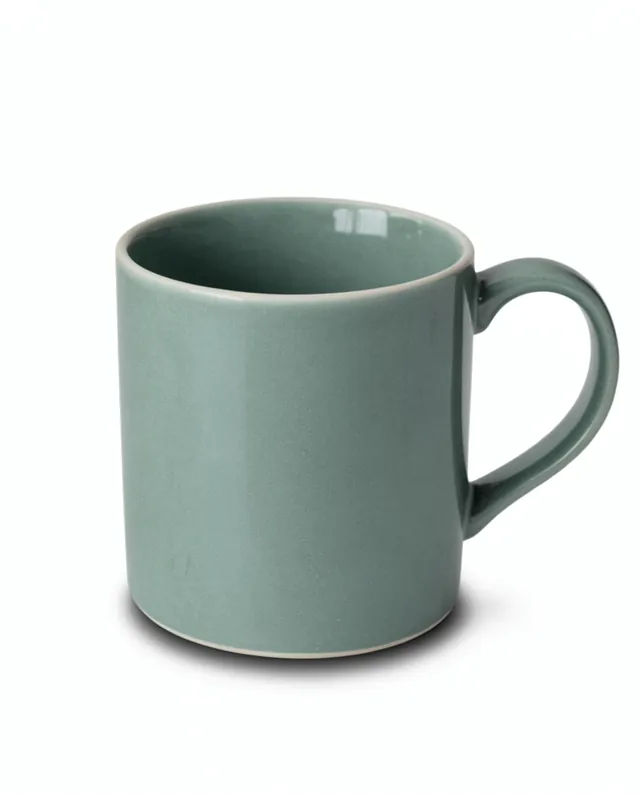

 Gemini, ChatGPT
 InputExample result