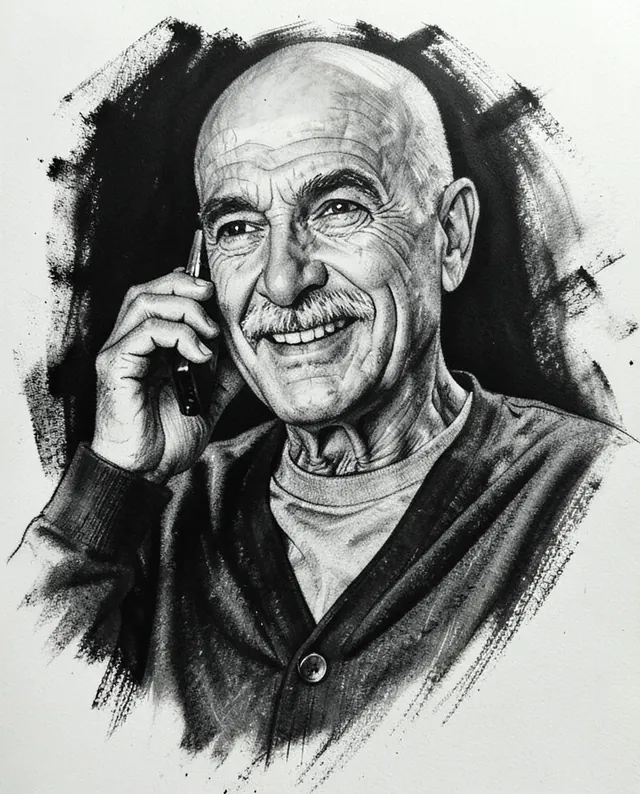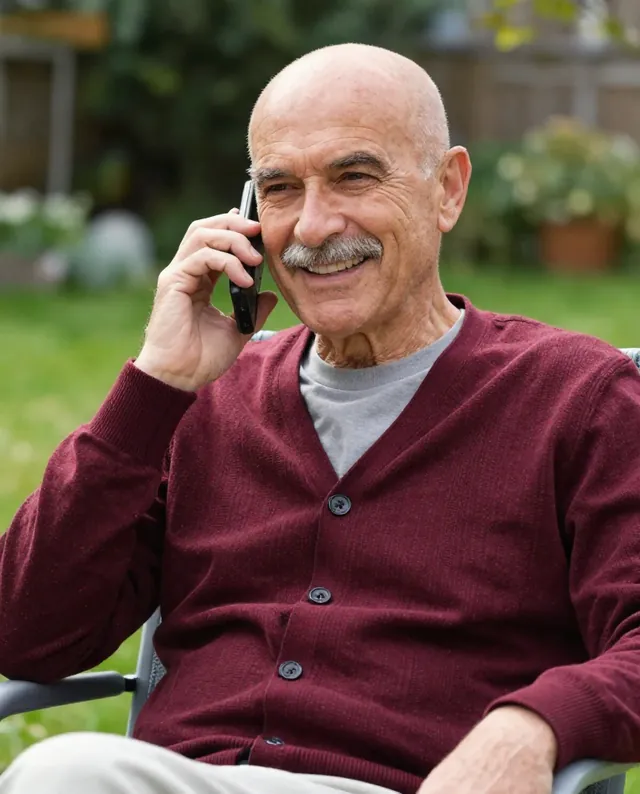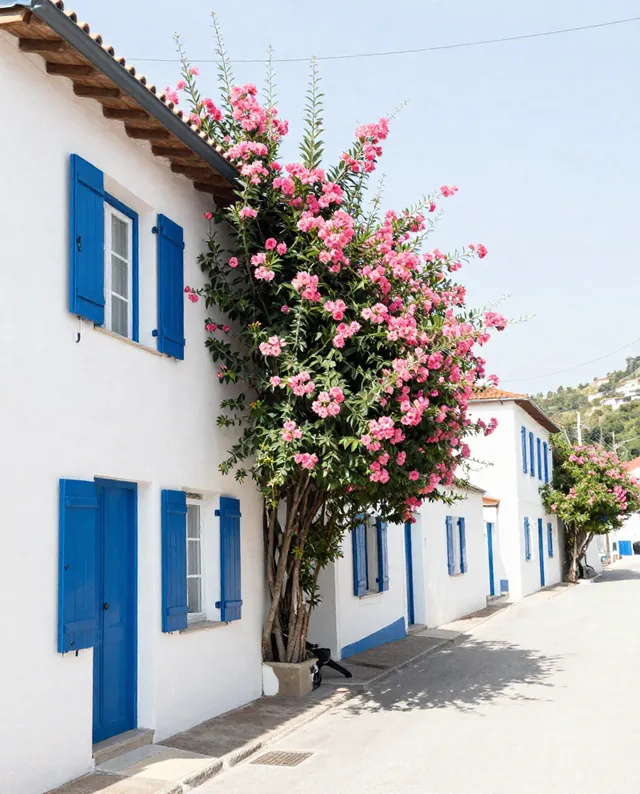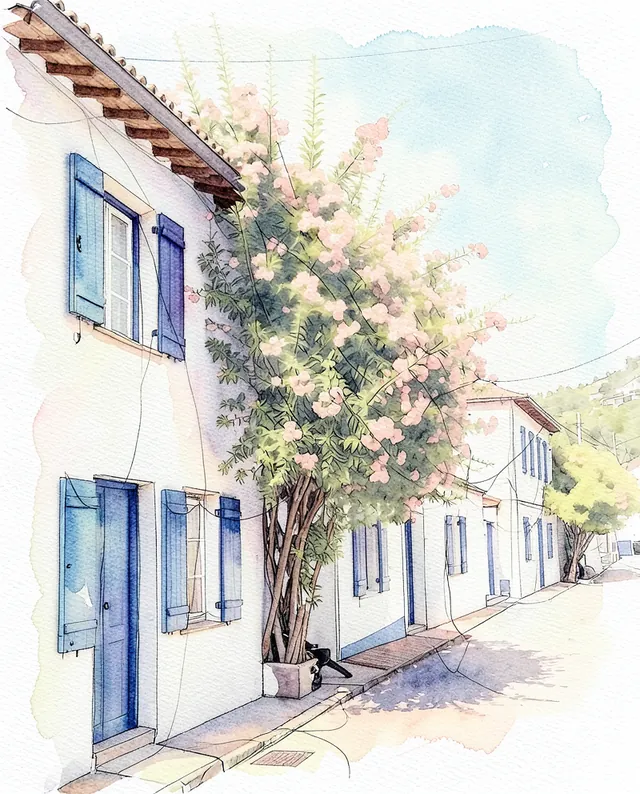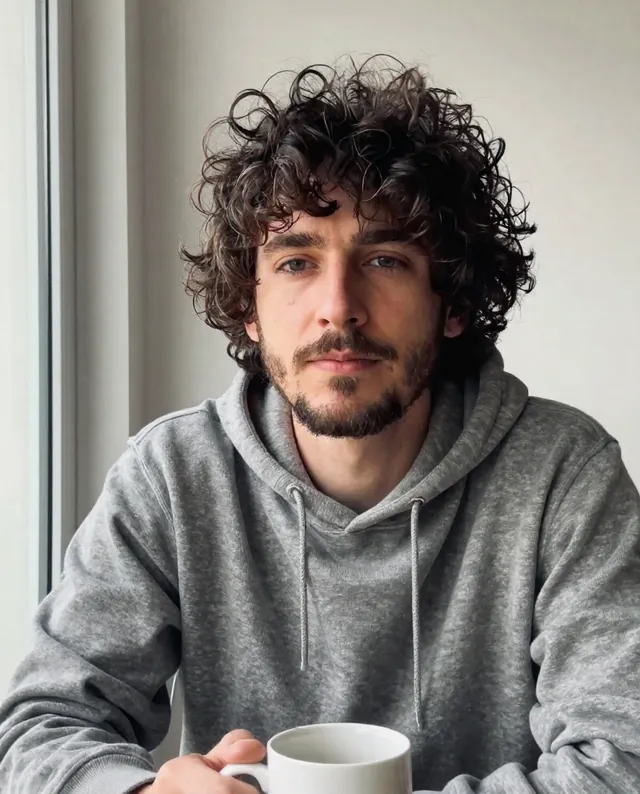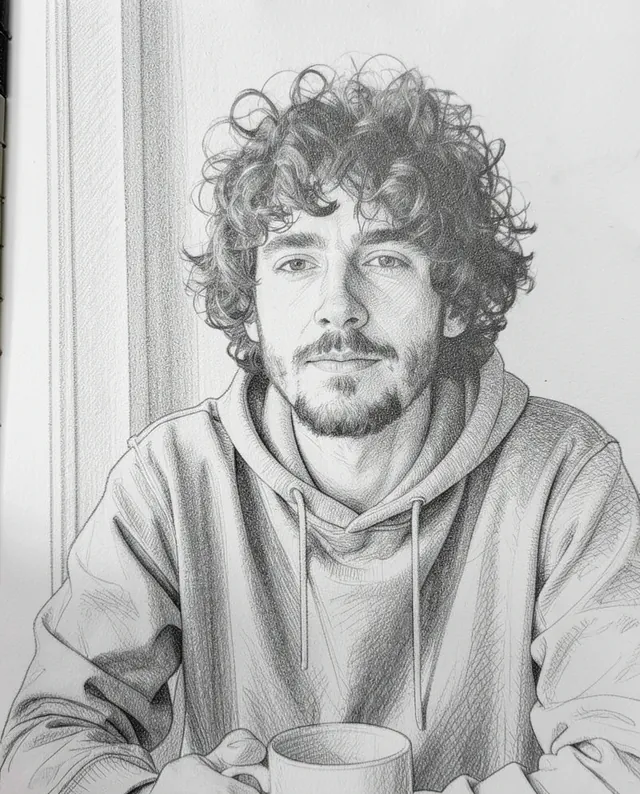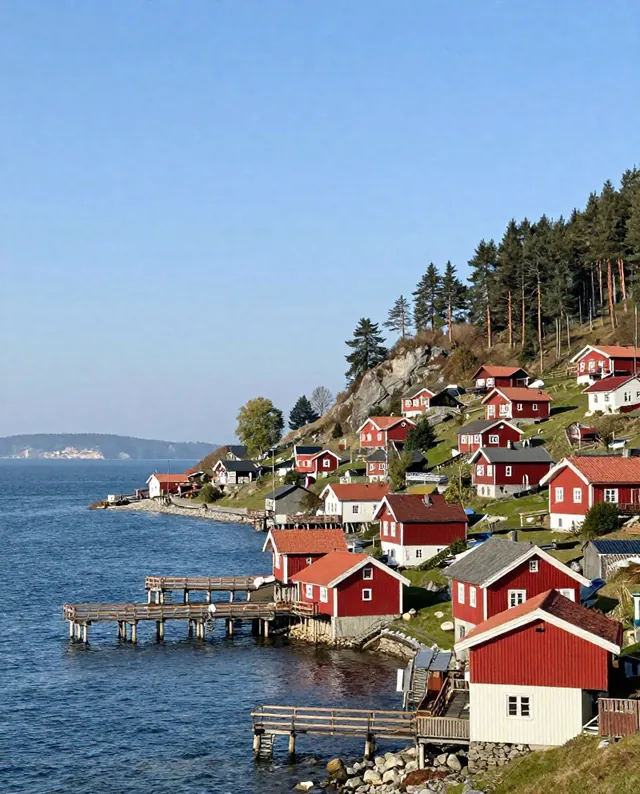
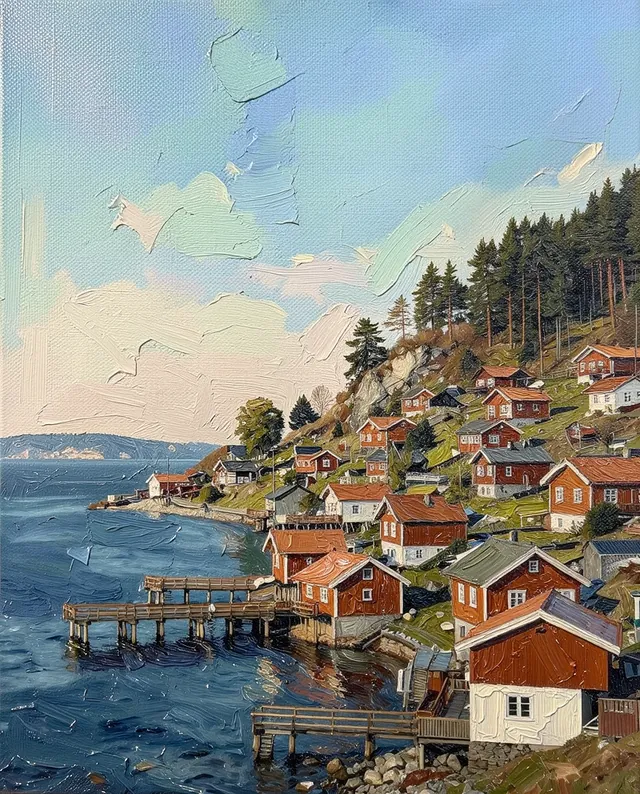
InputExample result
Example Example made on our own Mac with open models: Z-Image made the made-up input photo, FLUX.2 klein ran this prompt on it. Your result in the AI above will look different. How we make examples
Charcoal portrait from your photo
An expressive charcoal drawing of you, with deep blacks and smudged soft tones. You need one clear photo.
- You need
- 1 photo of yours
- Written for
- Gemini, ChatGPT
- Result
- Image
Prompt
Turn my attached photo into an expressive charcoal portrait drawn by hand on paper. Show me from the shoulders up. Use deep, velvety blacks in the shadows, soft smudged mid-tones shaped with fingers and a blending stick, and crisp highlights lifted out with an eraser. Let the strokes get looser and rougher toward the edges, with some charcoal dust on the paper. Keep the character in my face: lines, wrinkles and texture stay. Keep my face exactly as it is in the photo: same identity, features, skin tone, age, hairstyle and body proportions.
Turn the attached photo into a hand-drawn charcoal portrait.
Subject: me, shoulders up.
Style: deep velvety blacks, smudged soft mid-tones, crisp eraser highlights, looser strokes and charcoal dust toward the edges.
Surface: paper.
Constraints: keep my face, identity, skin tone, age, hairstyle and proportions exactly as in the photo. Keep natural skin texture. No slimming, no reshaping. Keep lines and wrinkles.
Fill in, or keep the brackets and change them later
paper
How to use it
- Open Gemini or ChatGPT and choose the image model.
- Attach a clear photo with good light and shadow, then paste the prompt.
- Too clean? Add 'rougher, more visible strokes and smudges' and run it again.
What to expectIt looks hand-drawn but is generated, and faces can still change a little.
Tips
- Side light in your photo gives the drawing more depth.
- This style flatters older faces; tell it to keep your wrinkles.
- Your photo is uploaded to Google or OpenAI. Read their data policy before you share a face.
Editor: Ali Dezhami · Updated November 18, 2026