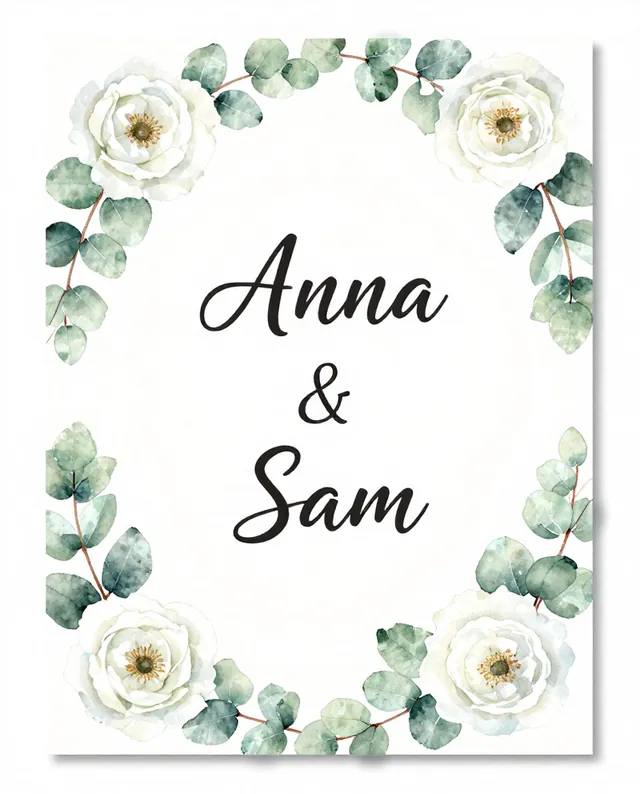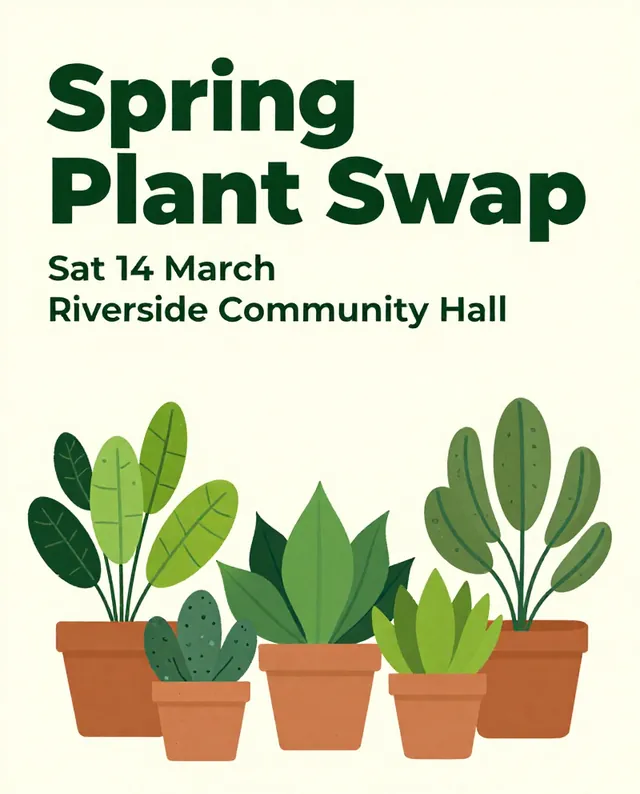

Example Example made on our own Mac with open models (Z-Image and FLUX.2 klein). Your result in the AI above will look different. How we make examples
Wedding or party invitation design
An elegant invitation card with your names, date and place spelled right. You need your event details.
- You need
- Your own text
- Written for
- Ideogram, ChatGPT, Gemini
- Result
- Image
Prompt
Portrait 5:7 invitation card for a occasion, style style, with decoration around the edges and plenty of white space. Text, centered, spelled exactly as written and nothing else: "headline" small at the top, "names" large in an elegant script, then "date at time" and "place" in a clean serif, and "rsvp line" small at the bottom. Soft, printable colors. No logos.
Create a portrait 5:7 invitation card.
Occasion: occasion. Style: style, decoration around the edges, lots of white space.
Text (exactly this, centered, nothing else):
1. "headline", small, top.
2. "names", large elegant script.
3. "date at time", clean serif.
4. "place", clean serif.
5. "rsvp line", small, bottom.
Constraints: soft printable colors, no logos, spell everything exactly.
Design a portrait invitation card for a occasion in a style style. Picture decoration framing the edges of a cream card with plenty of white space. In the center, small at the top, "headline"; then "names" in a large elegant script; then "date at time" and "place" in a clean serif; and at the bottom, small, "rsvp line". Spell every word exactly as I wrote it and add nothing else.
Fill in, or keep the brackets and change them later
occasion
style
decoration
headline
names
date
time
place
rsvp line
How to use it
- Write your details exactly as they should appear.
- Paste the prompt in Ideogram or ChatGPT with your details.
- Proofread names, dates and places twice, then ask a friend to check too.
What to expectScript lettering often swaps or drops letters, so check every name and number before you print.
Tips
- Script fonts misspell names most often; check each letter.
- Put long details (directions, dress code) on a separate card or a website.
- For printing, upscale the image or rebuild the text in a design app at full size.
Editor: Ali Dezhami · Updated November 18, 2026