
What the tech

Search

/ opens search from anywhere. Esc closes it.

Tools

Get the newsletter
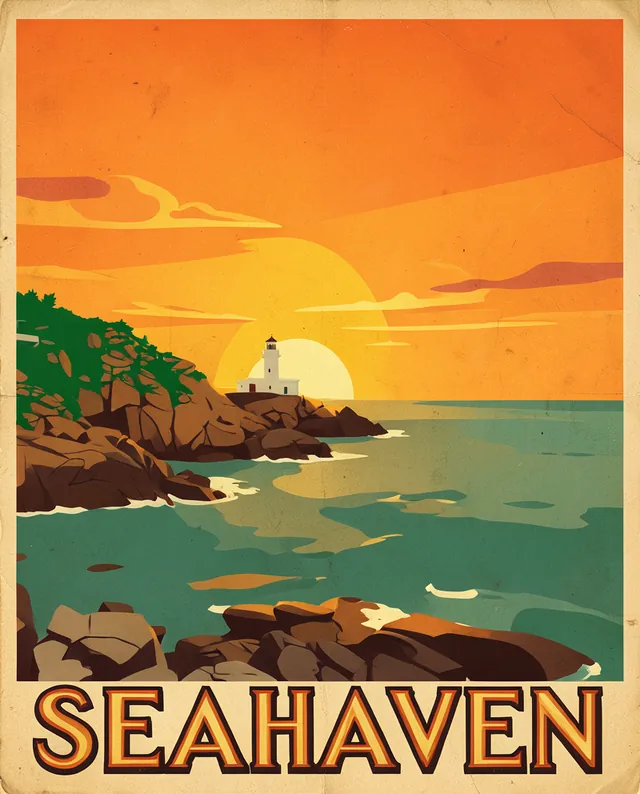
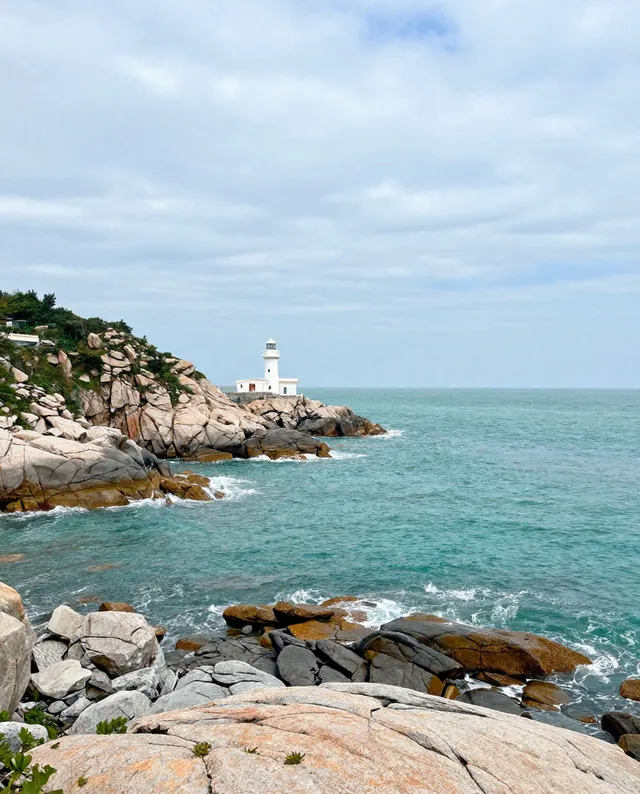
Example result of this prompt The made-up input photo InputExample result

Example Example made on our own Mac with open models (Z-Image and FLUX.2 klein). Your result in the AI above will look different. How we make examples

Vintage travel poster from your landscape photo

Turn a holiday photo into a retro travel poster with flat colors and a place name. You need one landscape photo.

You need
1 photo of yours
Written for
Gemini, ChatGPT, Midjourney
Result
Image

Prompt

Turn my landscape photo into a vintage travel poster in the style of 1930s screen-printed railway posters. Keep the scene's layout, horizon and main landmarks as in my photo, but simplify it into flat areas of color with bold shapes, a limited palette palette and a subtle paper texture. Put the place name "place" at the bottom in large, elegant Art Deco capital letters, spelled exactly as written. Portrait format, 2:3. No other text, no logos.

Fill in, or keep the brackets and change them later

palette
place

How to use it

  1. Pick a photo with a clear horizon and one strong landmark.
  2. Open Gemini, attach it and paste the prompt with the place name.
  3. Want it for a frame? Ask for the largest size and a 2:3 or 3:4 crop.
What to expectLandmarks get simplified and may lose details, and the place name can be misspelled.

Tips

  • Simple scenes (one mountain, one bay) make the best posters.
  • Short place names look better in big letters.
  • Midjourney gives the most poster-like style but follows your photo less closely.

Editor: Parham Roudi · Updated November 18, 2026