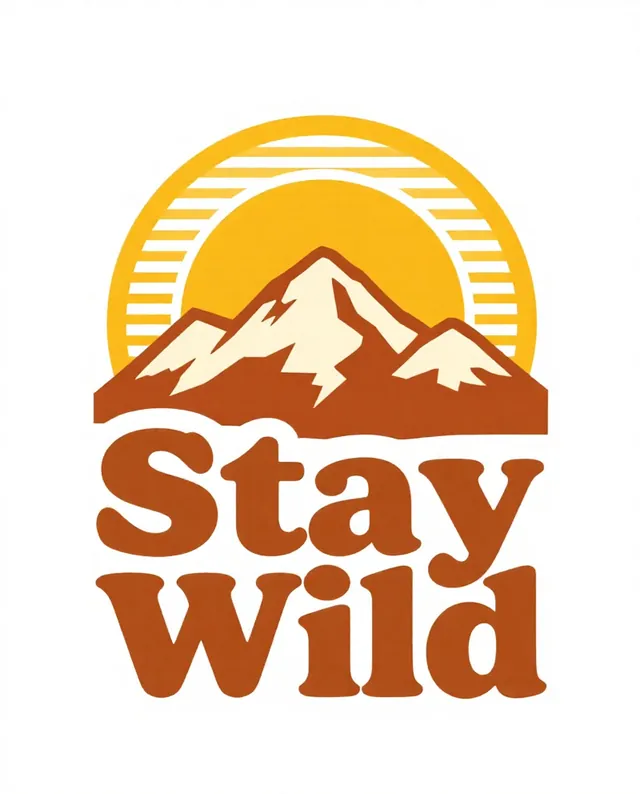
Example Example made on our own Mac with an open model (Z-Image). Your result in the AI above will look different. How we make examples
Print-ready T-shirt graphic
A bold graphic for a T-shirt or tote bag, with a few flat colors that suit screen printing. Pick a theme and a short line.
You need
Nothing but the prompt
Written for
ChatGPT, Gemini, Midjourney
Result
Image
Prompt
Design a T-shirt graphic.
Subject: subject, with the short text "slogan" worked into the design.
Style: style, bold shapes, limited to colors, clean edges suitable for screen printing.
Framing: the graphic alone, centred on a plain white background, no shirt, about 4:5 portrait.
Constraints: spell the text exactly as written, no tiny details, no existing logos, characters or trademarks.
Design a T-shirt graphic on a plain white background, with no shirt shown. It features subject, drawn as a style graphic with bold shapes and clean edges, using only colors so it can be screen printed. The short text "slogan" is part of the design and spelled exactly as written. Keep details big and simple. No existing logos or characters.
T-shirt graphic, subject, style, bold shapes, clean edges, limited palette, colors, screen print style, the text "slogan", centred on a plain white background, no shirt --ar 4:5 --v 8
Fill in, or keep the brackets and change them later


 ChatGPT, Gemini, Ideogram
 ChatGPT, Gemini, Midjourney