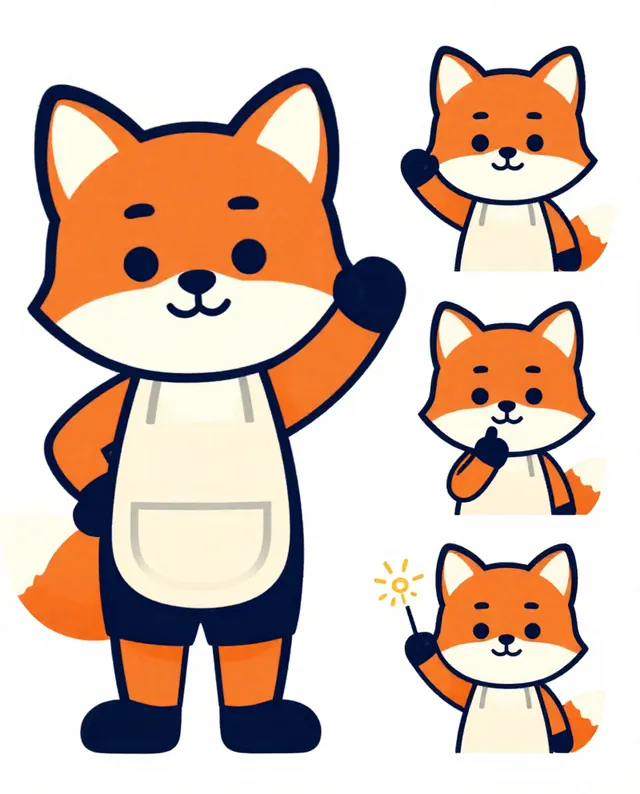
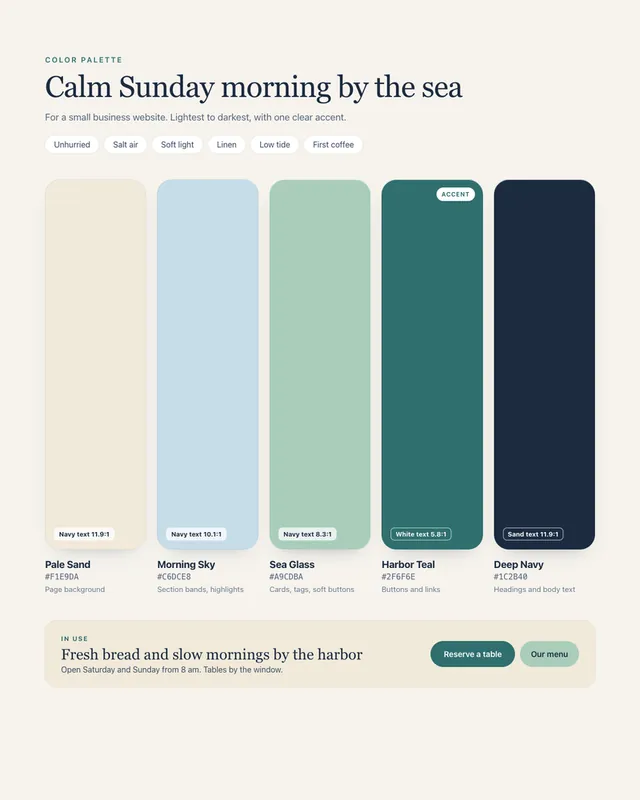
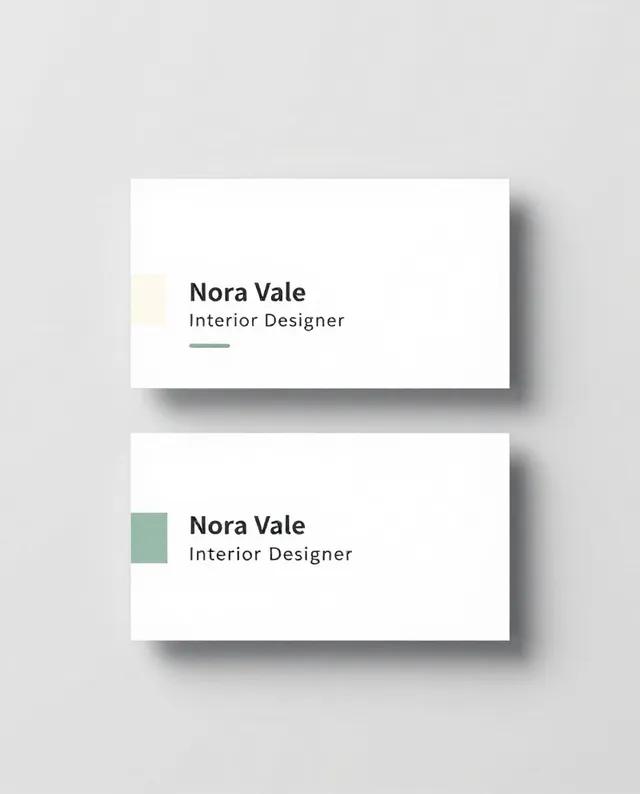
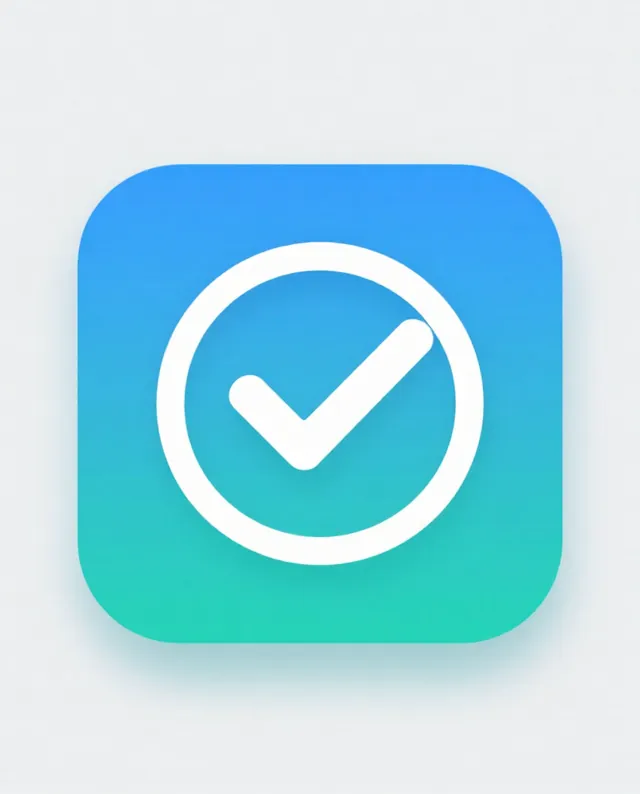
Example Example made on our own Mac with an open model (Z-Image). Your result in the AI above will look different. How we make examples
Rounded app icon with a polished home-screen look
A clean rounded-square app icon with soft depth, like the ones on modern phone home screens. Describe your app in a few words.
You need
Nothing but the prompt
Written for
ChatGPT, Gemini
Result
Image
Prompt
Create an app icon for app idea.
Subject: one bold, simple symbol: symbol.
Style: a modern phone home-screen icon. Rounded-square shape filling the frame, smooth color gradient background, gentle depth and a soft highlight on the symbol.
Lighting: soft light from the top, a faint inner shadow.
Framing: square 1:1, symbol centred, still readable at very small sizes.
Constraints: no letters or words, no device mockup, nothing that copies an existing app's icon.
Make a square app icon for app idea. It is a rounded square that fills the whole frame, with a smooth color gradient. In the centre sits one bold, simple symbol, symbol, with a soft highlight and gentle depth, as if lit softly from above. It should read clearly even when tiny on a phone home screen. No letters, no words, no phone mockup.
Fill in, or keep the brackets and change them later
Paste the prompt and fill in your app idea, symbol and color.
Too busy? Reply 'Simpler: fewer details, bigger symbol' and run it again.
What to expectThe corners and gradient may not match your phone's exact icon mask, and the symbol may come out more detailed than you asked, so plan to tidy it in a design tool.
Tips
Ask for a dark-background version as well, to check the icon in dark mode.
Shrink the result to thumbnail size on your screen; if you can't tell what it is, simplify the symbol.
App stores need exact sizes (often 1024 px square), so upscale or redraw it as a vector before you submit.


 ChatGPT, Gemini, Ideogram
 ChatGPT, Gemini, Midjourney