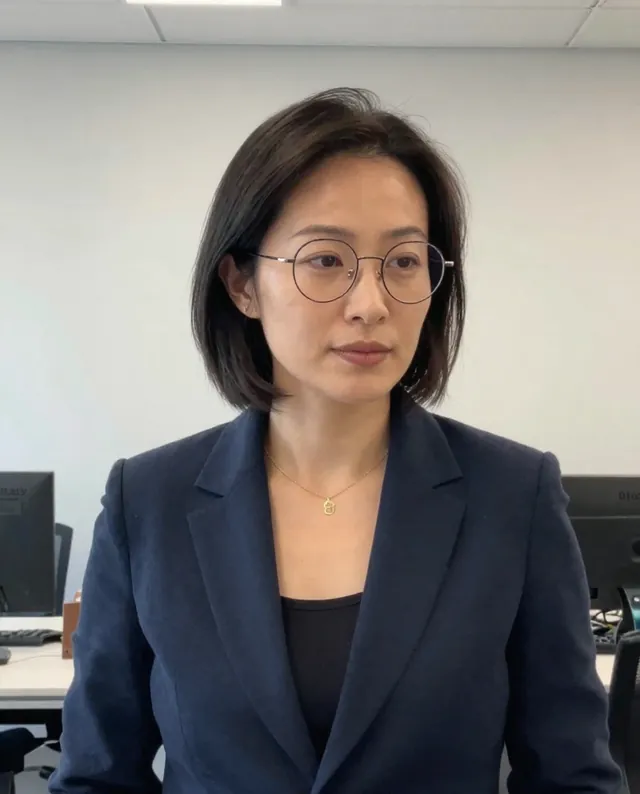
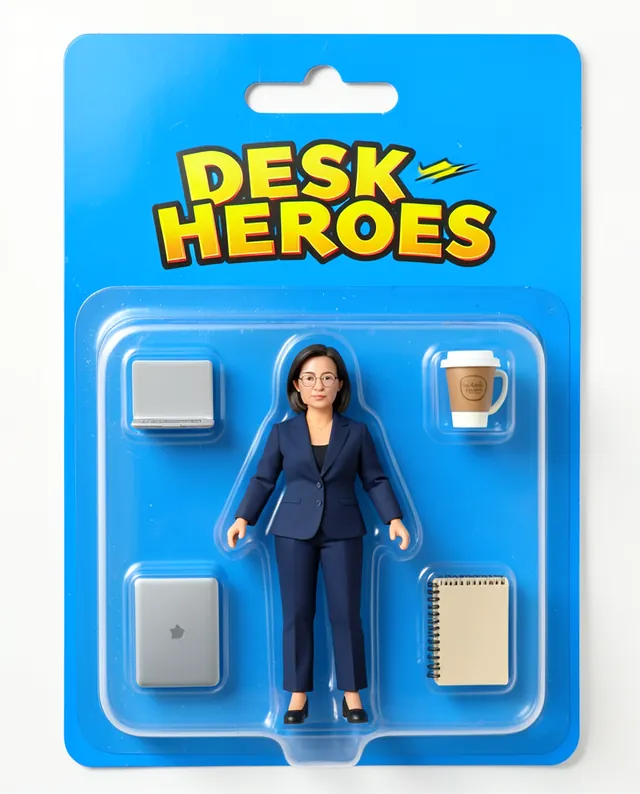
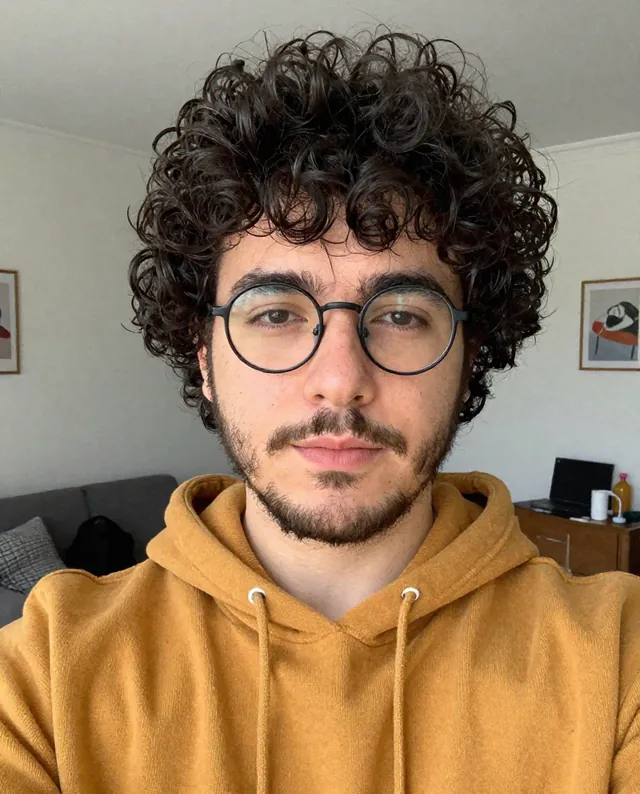
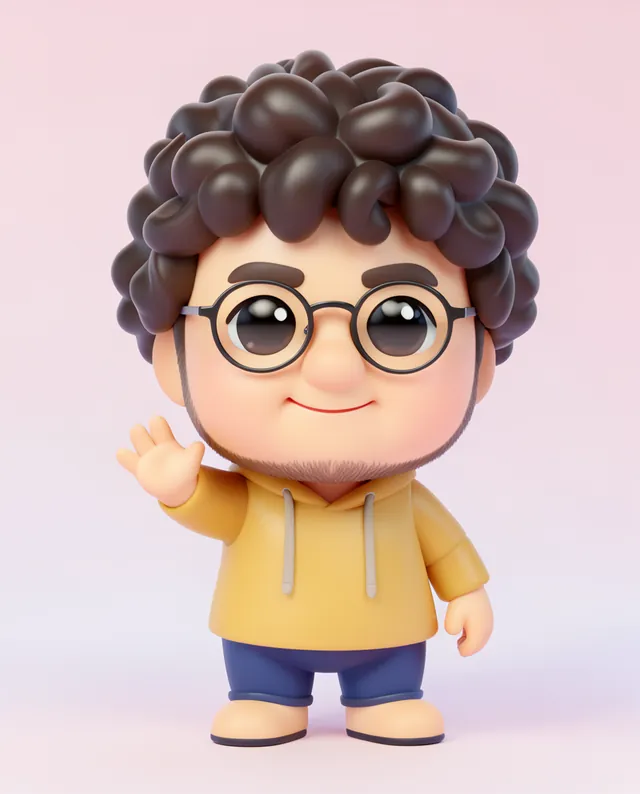
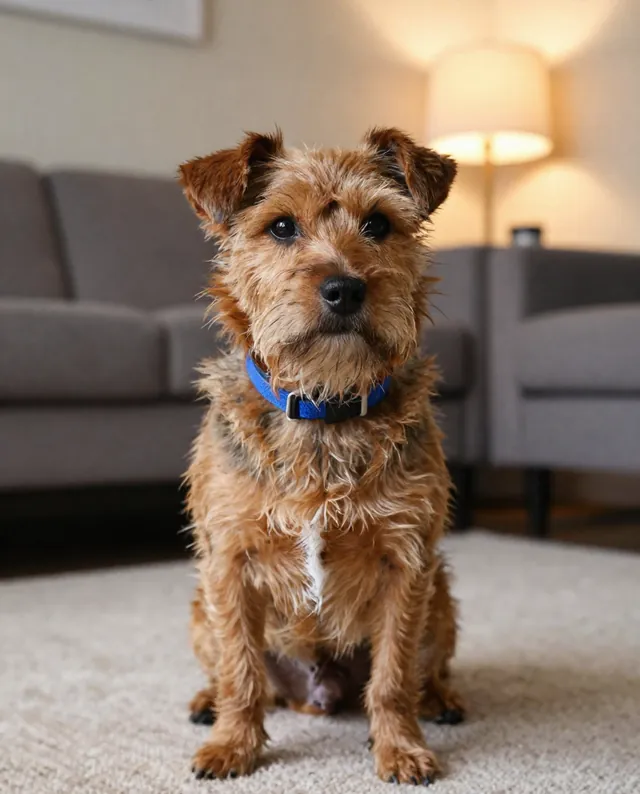
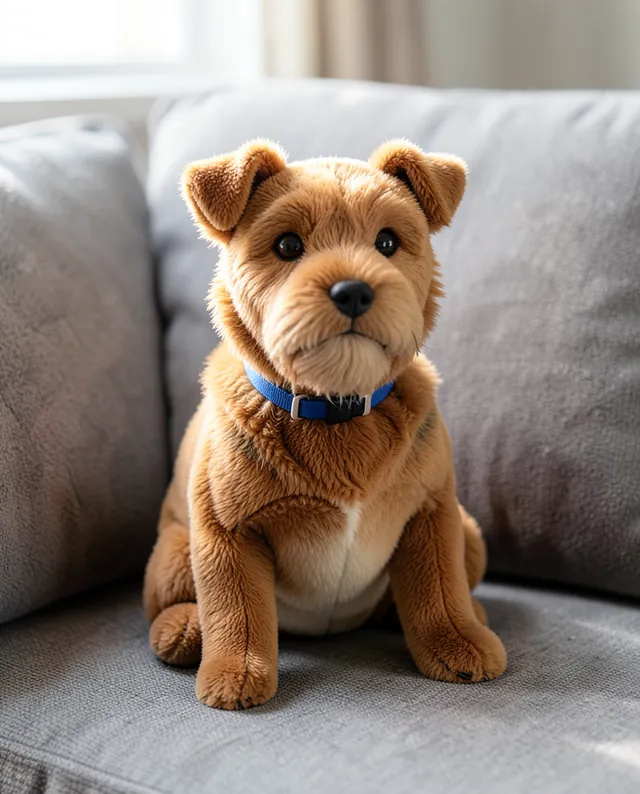
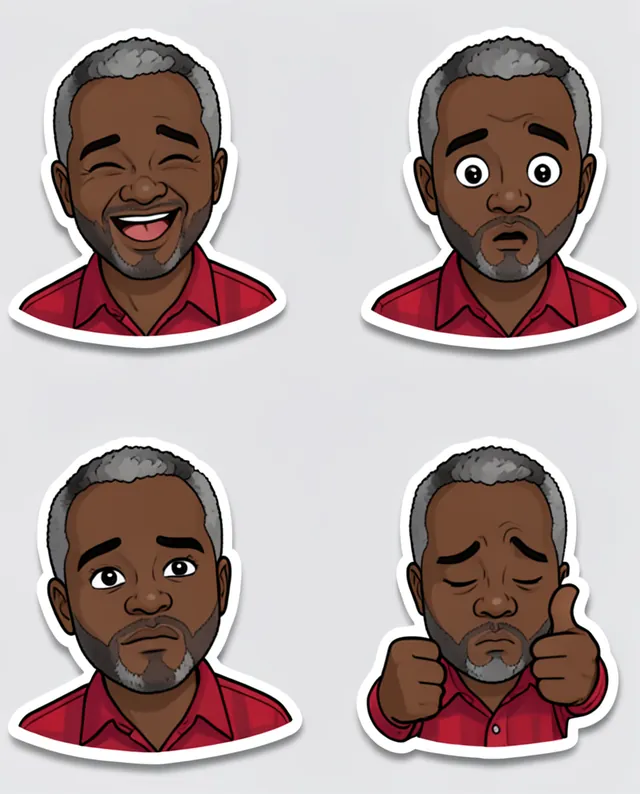
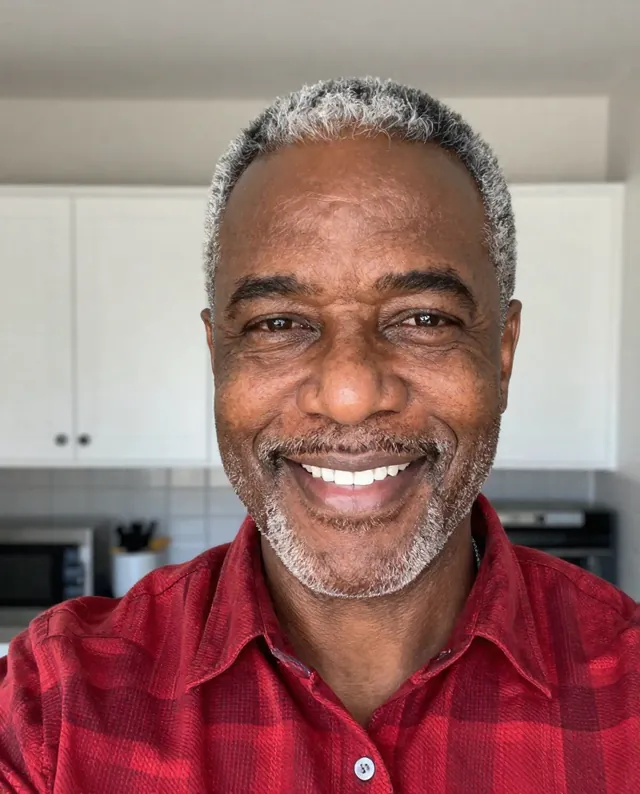
Example Example made on our own Mac with open models: Z-Image made the made-up input photo, FLUX.2 klein ran this prompt on it. Your result in the AI above will look different. How we make examples
Sticker sheet of your expressions
A sheet of cartoon stickers of you showing different moods, ready for chats. You need one clear photo.
You need
1 photo of yours
Written for
Gemini, ChatGPT
Result
Image
Prompt
Use my attached photo to create a sticker sheet of me in a style style. Make count stickers, each showing my head and shoulders with a different expression: expressions. Each sticker has a thick white border and a soft drop shadow, laid out in a neat grid on a light grey background. Keep my hairstyle, hair color, skin tone, glasses (if any) and outfit the same in every sticker, so they clearly belong together. Add no text unless I ask. The figure must clearly look like me: same face, identity, hairstyle, skin tone and body proportions, translated into the material.
Using the attached photo, create a sticker sheet of me.
Style: style.
Stickers: count, head and shoulders, each a different expression: expressions.
Look: thick white border, soft drop shadow, neat grid on light grey.
Consistency: same hairstyle, hair color, skin tone, glasses and outfit in every sticker.
Text: none.
Constraints: the figure keeps my face, identity, hairstyle, skin tone and proportions, translated into the material. No brands, logos or real product names.
Fill in, or keep the brackets and change them later
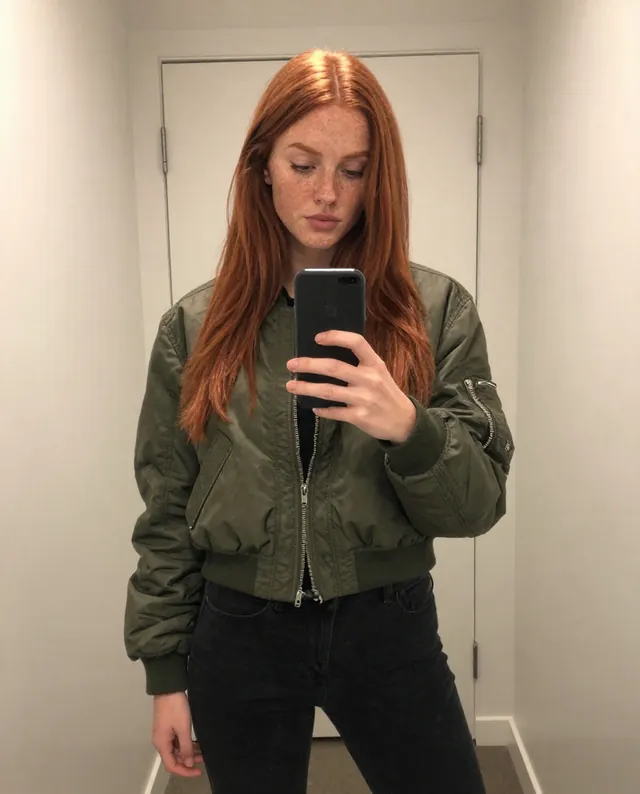
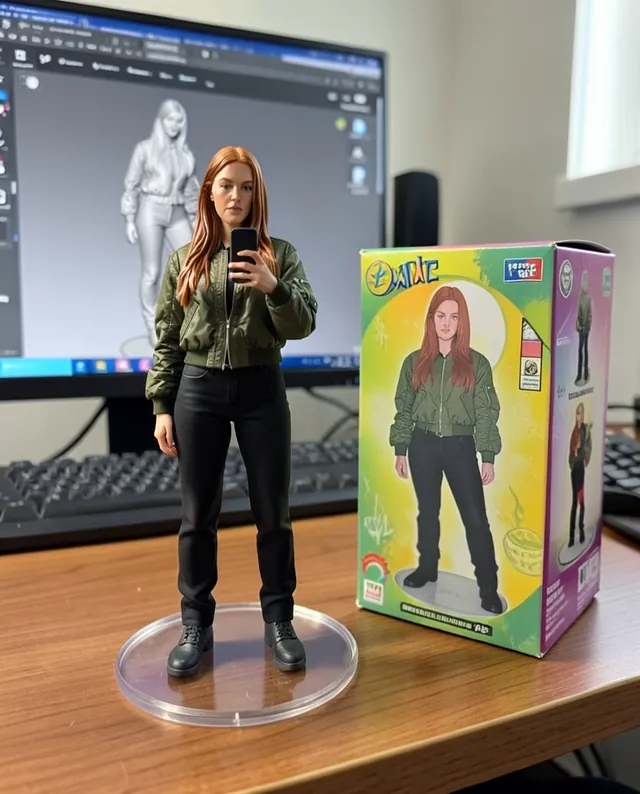

 Gemini, ChatGPT
 InputExample result