What the tech

Search

/ opens search from anywhere. Esc closes it.

Tools

Get the newsletter
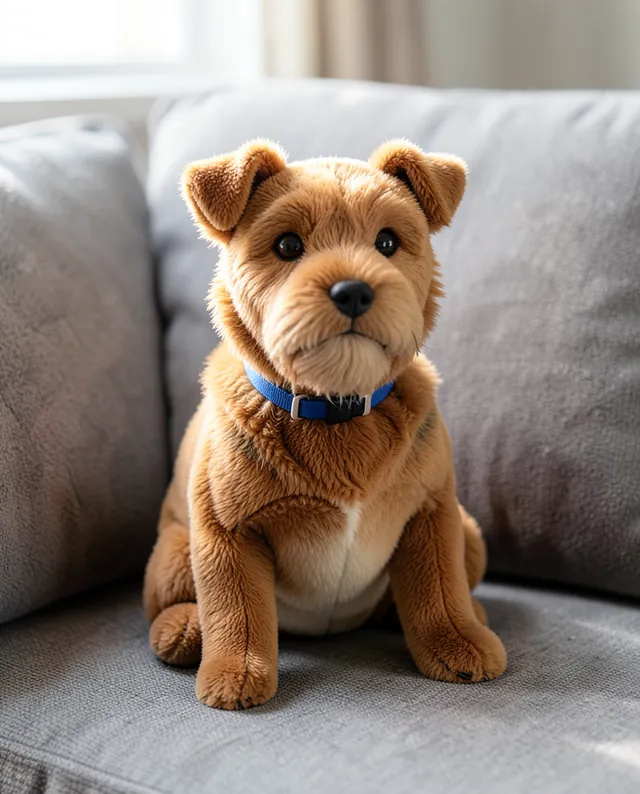
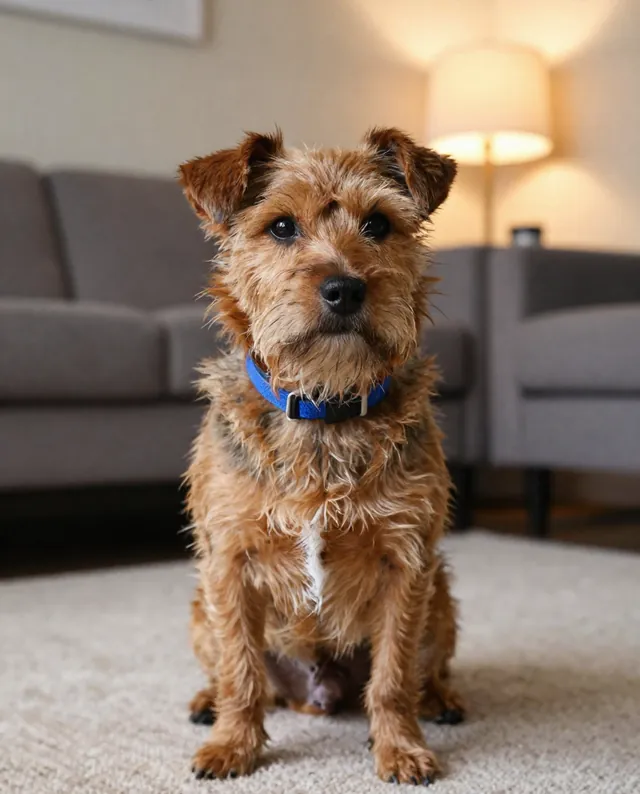
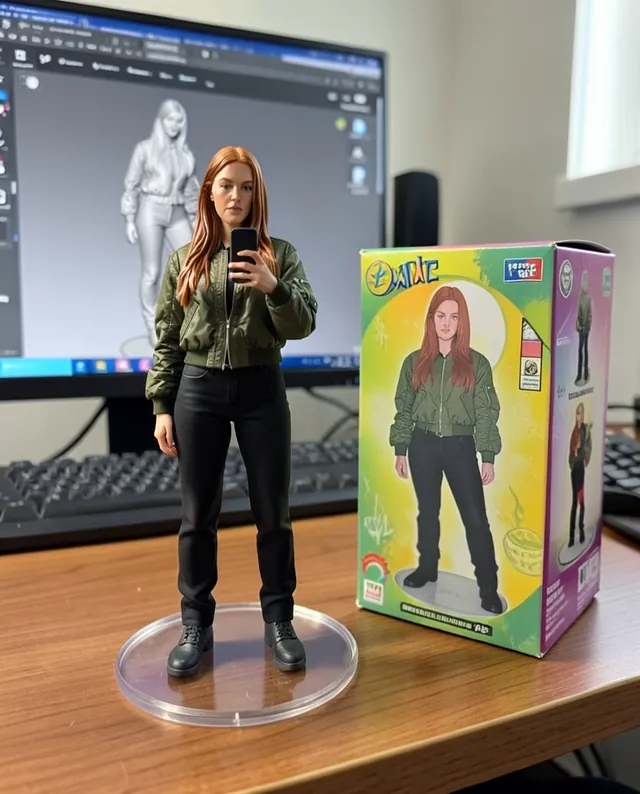
Example result of this prompt The made-up input photo InputExample result

Example Example made on our own Mac with open models: Z-Image made the made-up input photo, FLUX.2 klein ran this prompt on it. Your result in the AI above will look different. How we make examples

Turn your pet into a plush toy

A soft, cuddly plush toy version of your dog or cat, photographed like a real toy. You need one photo of your pet.

You need
1 photo of yours
Written for
Gemini, ChatGPT
Result
Image

Prompt

Turn my pet in the attached photo into a soft plush toy and show it in a realistic photo. Keep my pet's breed features, fur colors and markings in the same places, ear shape, eye color and collar, so it's clearly my pet. Make it from fabric, with simple stitched seams, embroidered eyes and nose and a slightly chubby, huggable shape. The toy sits on place in soft natural light, with shallow depth of field, like a photo from a handmade toy shop.

Fill in, or keep the brackets and change them later

fabric
place

How to use it

  1. Open Gemini or ChatGPT and choose the image model.
  2. Attach a clear, eye-level photo of your pet and paste the prompt.
  3. Markings wrong? Describe them in words, like 'white patch over the left eye', and run it again.
What to expectMarkings and colors can shift or get simplified, so your pet may look like a close cousin rather than a perfect copy.

Tips

  • A photo where the whole pet is visible captures markings better.
  • Describe unusual markings in the prompt; the AI may miss them.
  • Want a real one? Some makers sew custom plushies from photos.

Editor: Peyman Khosravani · Updated November 18, 2026

Similar prompts

All figures and toys