Example Example made on our own Mac with an open model (Z-Image). Your result in the AI above will look different. How we make examples
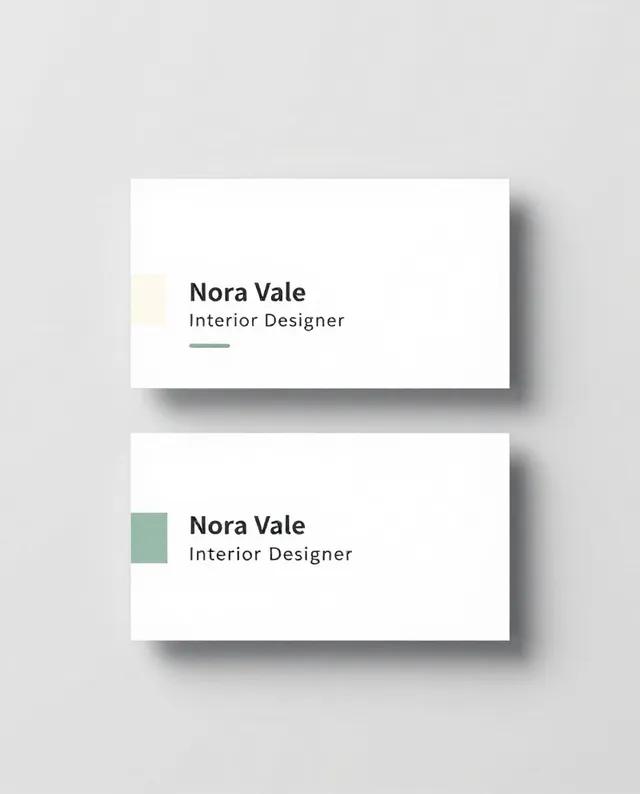
Business card design, front and back
A clean two-sided business card layout with your name and job, laid out flat so you can judge it before printing.
- You need
- Nothing but the prompt
- Written for
- ChatGPT, Gemini, Ideogram
- Result
- Image
Prompt
Design a two-sided business card.
Details: name "name", job title "job title". Use placeholder text for phone, email and website.
Style: style, with colors.
Layout: front shows the name, title and a small simple mark; back shows the contact details, neatly aligned. Standard landscape card proportions (about 3.5 by 2).
Framing: both sides shown flat, top-down, side by side on a light grey surface, soft even studio lighting.
Constraints: spell every word exactly as written, generous margins, no clutter, no existing brand marks.
Design a two-sided business card for name, job title. Lay both sides flat, top-down, side by side on a light grey surface in soft, even light. The front holds the name, title and a small simple mark; the back holds placeholder phone, email and website details, neatly aligned. The look is style, in colors, with generous margins. Spell every word exactly as written.
Flat top-down mockup of a two-sided business card on a light grey surface, front with the name "name" and the title "job title" and a small simple mark, back with placeholder contact details neatly aligned, style, colors, generous margins, standard landscape card, soft even lighting
Fill in, or keep the brackets and change them later
name
job title
style
colors
How to use it
- Open ChatGPT, Gemini or Ideogram.
- Paste the prompt with your name, job, style and colors.
- Rebuild the layout you like in a design or print tool, and add your real details there.
What to expectSmall text often comes out garbled or misspelled, and the image is not print-ready, so use it as a layout idea and rebuild it for print.
Tips
- Keep real phone numbers and emails out of the prompt; add them in your print tool so nothing gets misspelled.
- Ask for three style options in one go to compare directions quickly.
- Most printers need a 3 mm bleed; set that up in the print tool, not in the AI.
Editor: Parham Roudi · Updated November 18, 2026