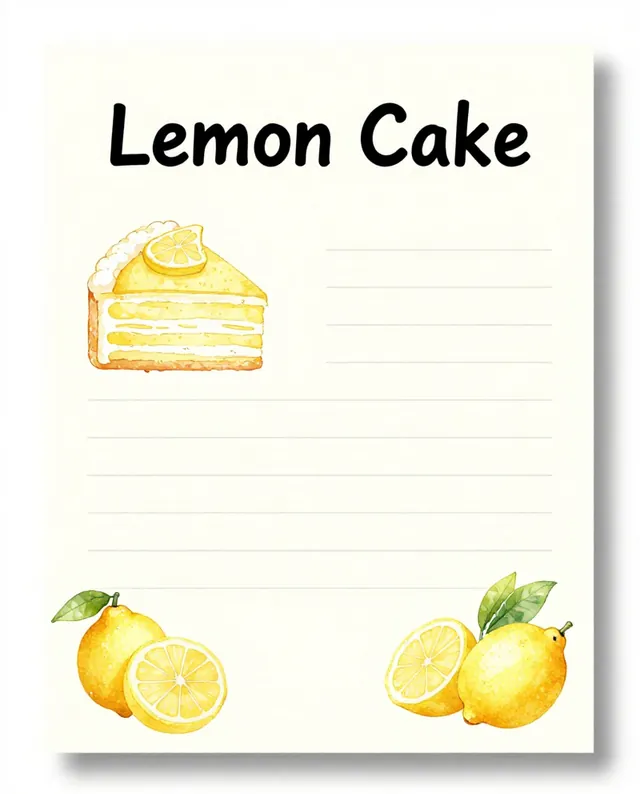
Example Example made on our own Mac with open models (Z-Image and FLUX.2 klein). Your result in the AI above will look different. How we make examples
Turn your recipe into a printable card
A pretty, easy-to-read recipe card with ingredients, steps and an illustration. You need your recipe.
You need
Your own text
Written for
Ideogram, ChatGPT, Gemini
Result
Image
Prompt
Landscape 7:5 printable recipe card for "recipe name", style style, with a small illustration of the finished dish in one corner. Left column: "Ingredients" with this list: ingredients. Right column: "Steps" with these numbered steps: steps. Small line at the top: "Serves servings · time". Clean, readable font, spelled exactly as written, and no text that is not in my recipe. Soft colors on a cream background. No logos.
Create a landscape 7:5 printable recipe card.
Title: "recipe name". Style: style, small illustration of the finished dish in one corner, cream background, soft colors.
Top line: "Serves servings · time".
Left column, heading "Ingredients": ingredients
Right column, heading "Steps", numbered: steps
Constraints: readable font, spell everything exactly, no text that is not in my recipe, no logos.
Make a landscape printable recipe card for "recipe name" in a style style: a cream card with a small illustration of the finished dish in a corner. At the top, small: "Serves servings · time". On the left, a column headed "Ingredients" listing: ingredients. On the right, a column headed "Steps" with these numbered steps: steps. Spell everything exactly as I wrote it and add no other text.
Fill in, or keep the brackets and change them later




 Gemini, ChatGPT, Ideogram
 Gemini, ChatGPT, Midjourney