Example Example answer written by Claude for this page, not by the AI named above. How we make examples
Python script to rename lots of files safely
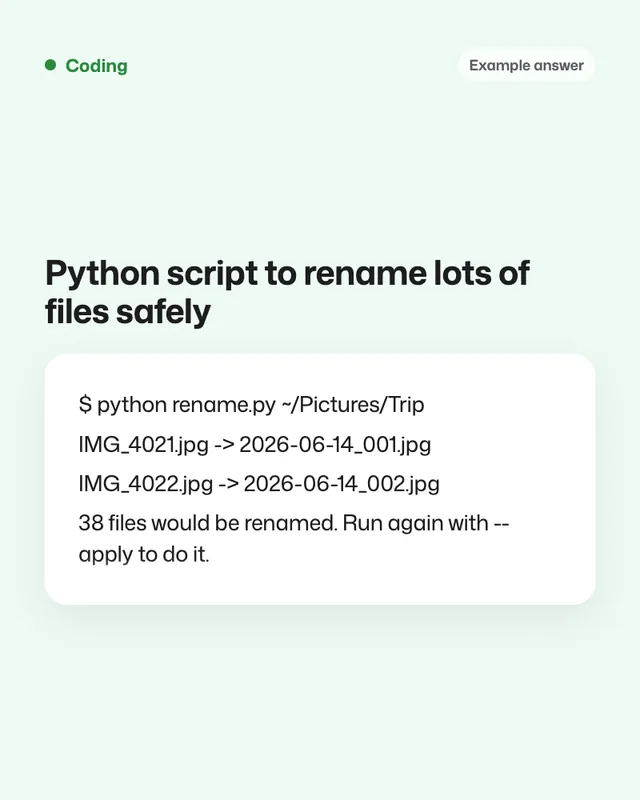
Get a beginner-friendly Python script that previews every rename, never overwrites files and can undo the changes.
- You need
- Nothing but the prompt
- Written for
- Claude, ChatGPT, Gemini
- Result
- Text
Prompt
You are a Python developer writing for a beginner. Write a script that renames files in a folder.
- My computer: operating system
- Rename rule: rename rule
- Which files: file types
Requirements:
- Use only the Python standard library. If reading photo dates needs an extra library, say which one and how to install it.
- Dry run by default: print every "old name -> new name" without changing anything.
- Only rename when I add --apply.
- Never overwrite a file: if a name already exists, add a number.
- Skip hidden files and folders.
- Save a CSV log of every change, and include a small undo script that reads the log.
Then explain, step by step for a beginner, how to save the script, open a terminal, and run it on operating system.
Fill in, or keep the brackets and change them later
operating system
rename rule
file types
How to use it
- Open Claude, ChatGPT or Gemini and paste the prompt.
- Copy a few test files into a new folder and run the dry run there first.
- When the preview looks right, run it with --apply on your real folder.
What to expectThe script will usually work for common cases, but file dates and names vary, so always check the dry run.
Tips
- Back up the folder before the first real run.
- Read the dry-run list fully; it's your safety net.
- Ask it to add a sub-folder option if your files are nested.
Editor: Parham Roudi · Updated November 18, 2026