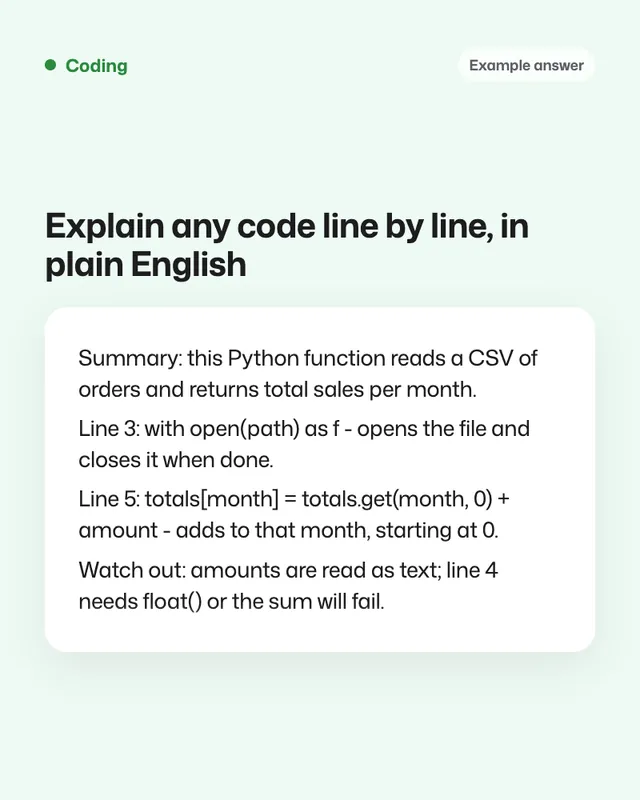
Example Example answer written by Claude for this page, not by the AI named above. How we make examples
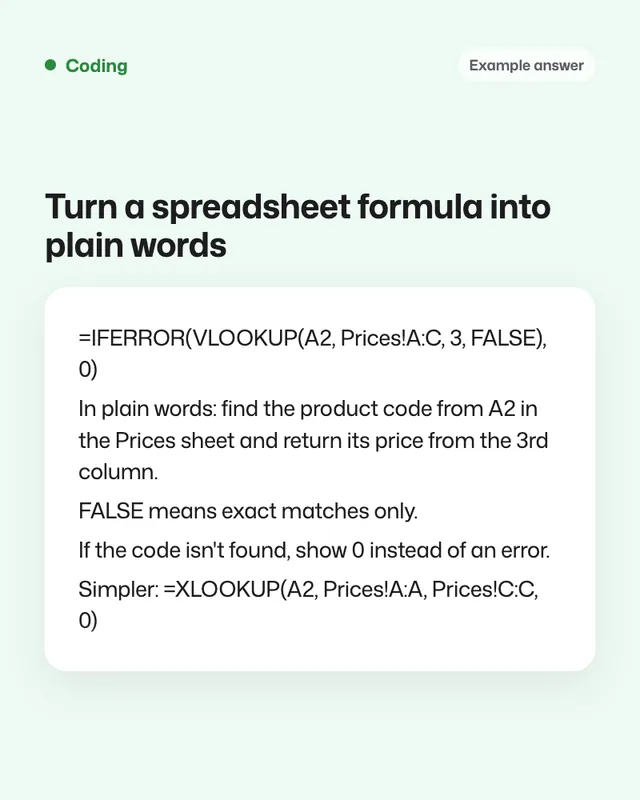
Turn a spreadsheet formula into plain words
Paste a confusing formula and get a plain explanation, a worked example, what can break it and a simpler version.
- You need
- Your own text
- Written for
- ChatGPT, Gemini, Claude
- Result
- Text
Prompt
You are a spreadsheet expert who explains things to people who aren't. Explain this spreadsheet app formula.
Formula:
paste your formula
What the columns or cells contain: what the cells contain
Give me:
1. One sentence: what the formula does, in everyday words.
2. A step-by-step breakdown, from the innermost part outwards.
3. A worked example with made-up values, showing the result.
4. What can break it: blank cells, text instead of numbers, missing matches, sorted or unsorted data.
5. A simpler or more modern formula that does the same job, if there is one, with a short explanation.
Fill in, or keep the brackets and change them later
spreadsheet app
paste your formula
what the cells contain
How to use it
- Copy the formula from the formula bar, including the equals sign.
- Open ChatGPT, Gemini or Claude and paste the prompt with the formula.
- Try the simpler formula on a copy of your sheet first.
What to expectExplanations of common formulas are reliable, but test any suggested replacement on a copy before using it.
Tips
- Say which version of the app you use; some newer functions aren't everywhere.
- Ask it to add a comment to the cell explaining the formula for teammates.
- Paste a few sample rows for an explanation with your real data.
Editor: Parham Roudi · Updated November 18, 2026