
What the tech

Search

/ opens search from anywhere. Esc closes it.

Tools

Get the newsletter
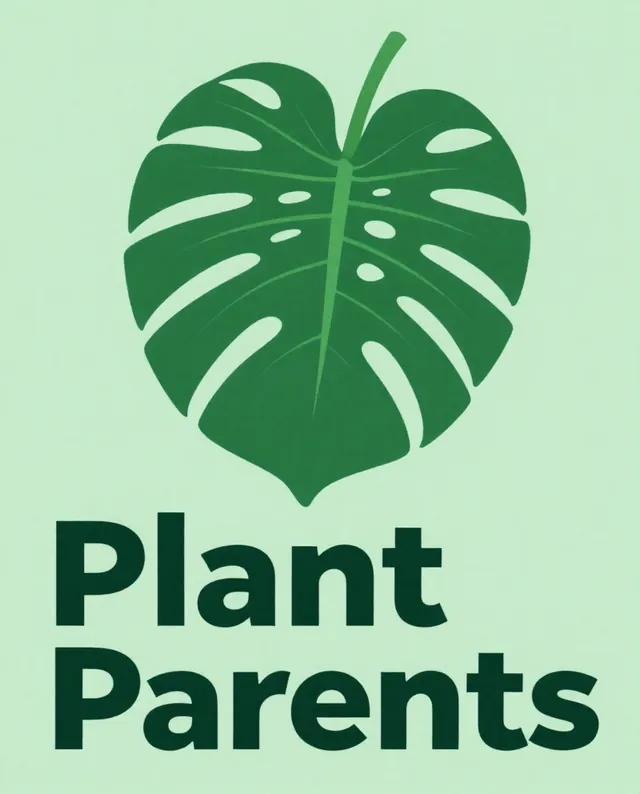
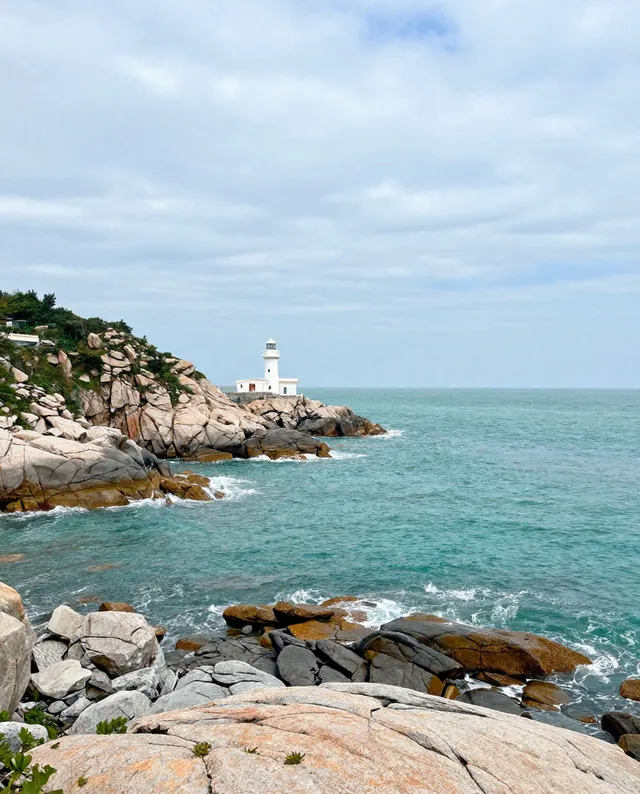
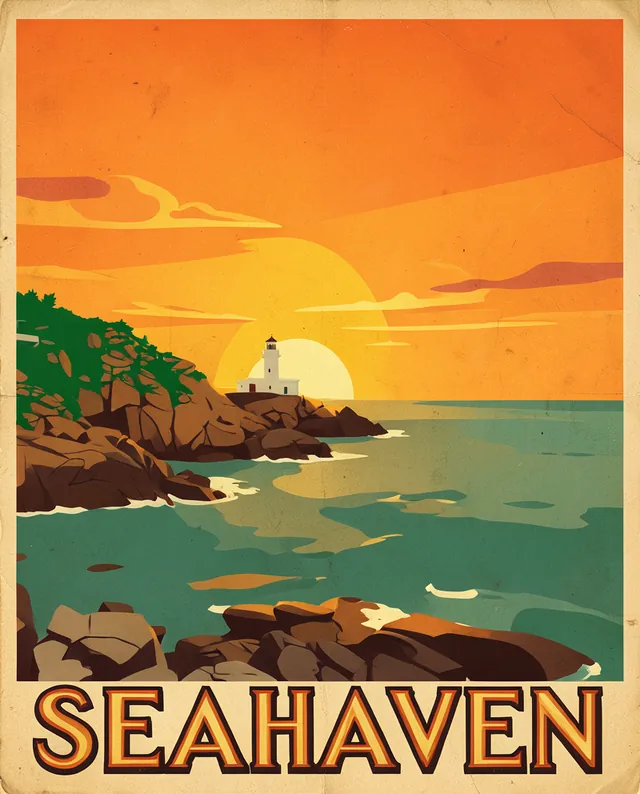
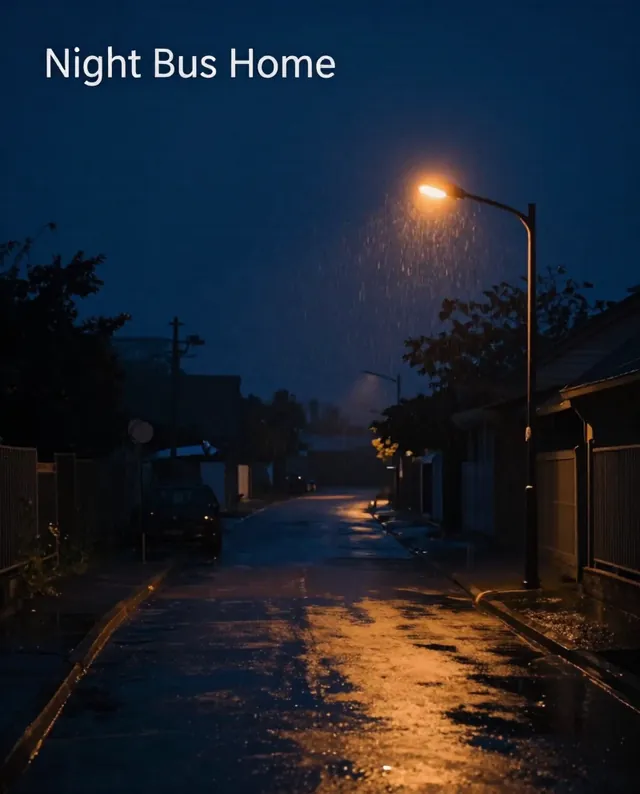
Example result of this prompt

Example Example made on our own Mac with an open model (Z-Image). Your result in the AI above will look different. How we make examples

Podcast cover art that stands out

A bold square podcast cover that reads well as a tiny icon. You need your show name and topic.

You need
Nothing but the prompt
Written for
Ideogram, ChatGPT, Gemini
Result
Image

Prompt

Square podcast cover art, 1:1, for a show called "show name" about topic. One bold, simple graphic of main graphic in a style style, on a background. The show name is large, bold and spelled exactly as written, taking up about a third of the space, readable even as a tiny icon. High contrast, two or three colors. No other text, no logos, no microphones unless they fit the idea.

Fill in, or keep the brackets and change them later

show name
topic
main graphic
style
background

How to use it

  1. Paste the prompt in Ideogram or ChatGPT with your show name and topic.
  2. Shrink the result to the size of an app icon; if you cannot read the name, ask for bigger type.
  3. Upscale to the size your podcast host asks for before you upload.
What to expectThe show name can be misspelled and fine details disappear at small sizes, so check it as a tiny icon.

Tips

  • Podcast apps usually want 3000 by 3000 pixels, RGB, JPG or PNG.
  • Skip the microphone and headphones; every other cover has them.
  • Use the same colors for episode art so the show looks consistent.

Editor: Ali Dezhami · Updated November 18, 2026