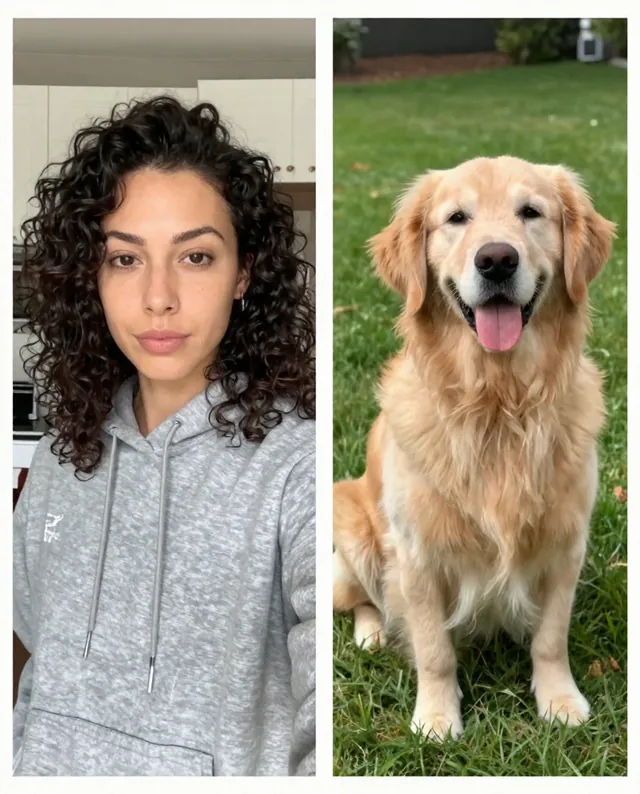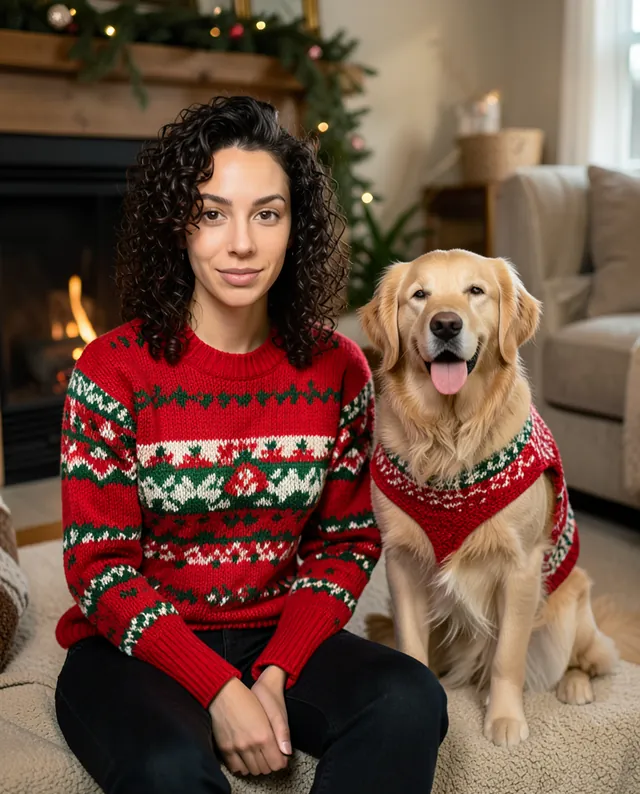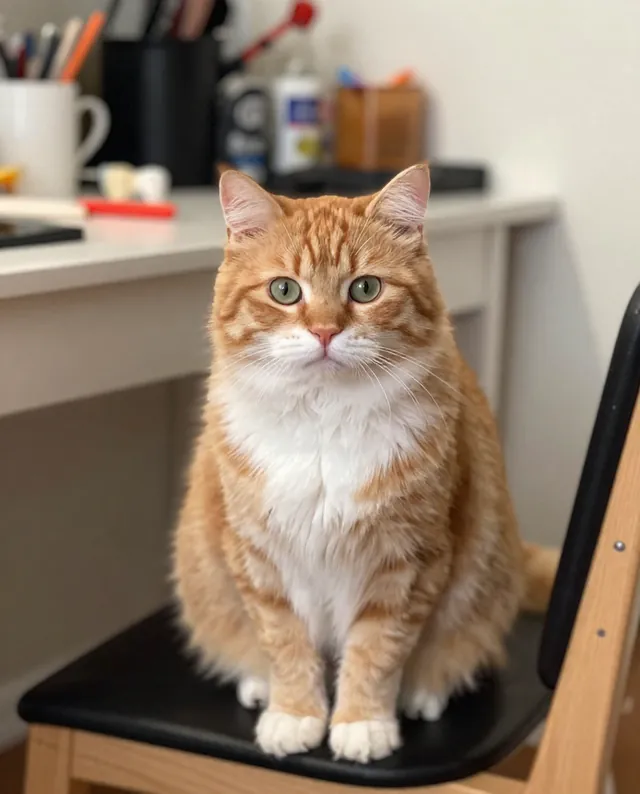
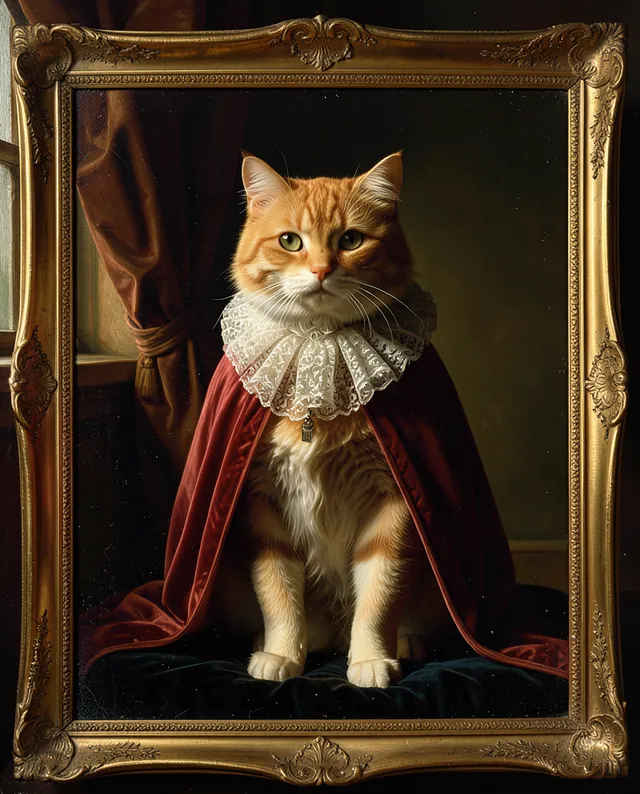
InputExample result
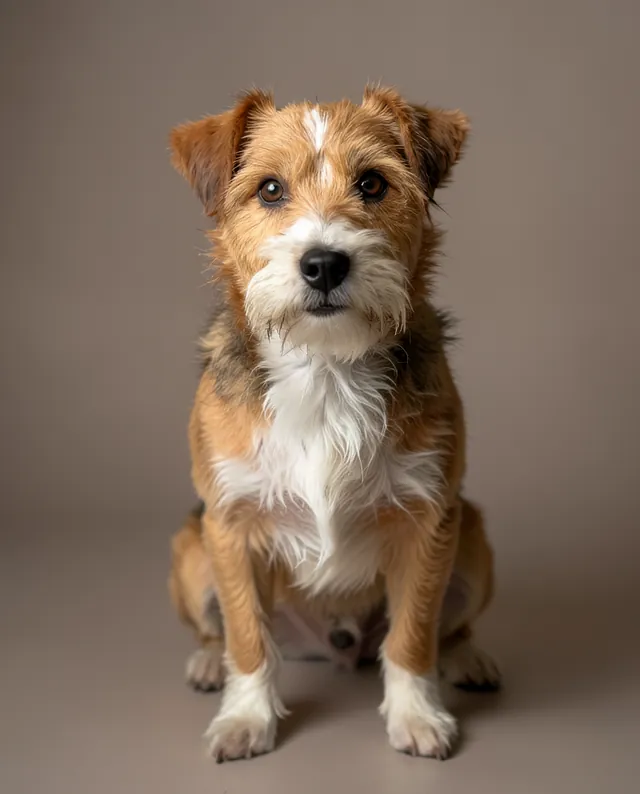
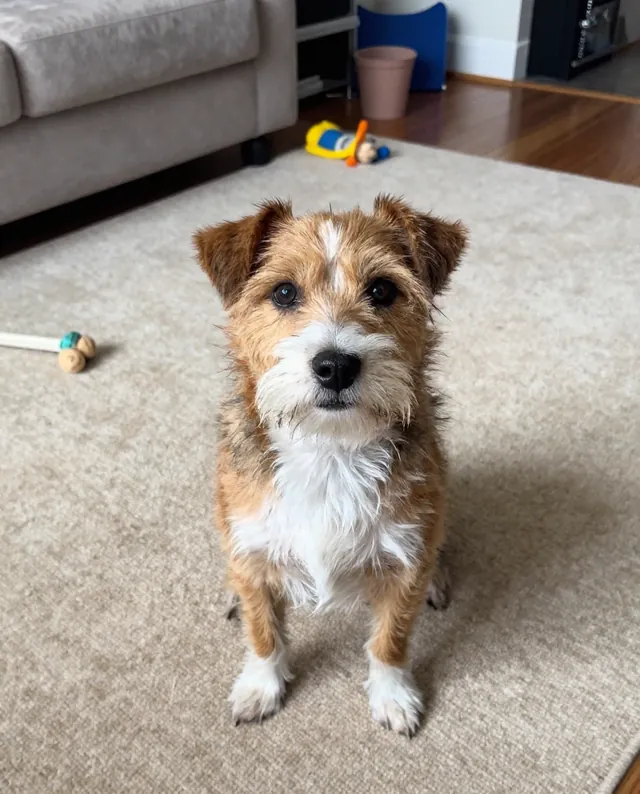
Example Example made on our own Mac with open models: Z-Image made the made-up input photo, FLUX.2 klein ran this prompt on it. Your result in the AI above will look different. How we make examples
Studio portrait of your pet
Turn a casual pet photo into a clean studio portrait with soft light. You need one clear photo of your pet.
- You need
- 1 photo of yours
- Written for
- Gemini, ChatGPT
- Result
- Image
Prompt
Turn the photo of my pet into a professional studio portrait. Picture my pet sitting calmly on a seamless backdrop color backdrop, lit by soft studio lighting from the front-left with a gentle fill, so the fur shows fine texture and each eye has a small catchlight. The camera sits at my pet's eye level with a shallow depth of field, like a portrait lens. Keep my pet's face, markings, fur color, eye color and body proportions exactly as in my photo, and do not change the breed. No text, no props, no tags on the collar.
Edit the attached photo of my pet.
Subject: the same pet, with the same face, markings, fur color, eye color and proportions. Do not change the breed.
Style: professional pet studio portrait.
Background: seamless backdrop color studio backdrop.
Lighting: soft studio lighting from the front-left, gentle fill, small catchlight in each eye.
Framing: eye level, head and chest, shallow depth of field.
Constraints: no text, no props, no tags on the collar.
Fill in, or keep the brackets and change them later
pet
backdrop color
How to use it
- Open Gemini and start a new chat for images.
- Attach a sharp photo where your pet's face is clearly visible, then paste the prompt.
- If the markings look off, reply 'match the markings in my photo more closely' and run again.
What to expectPatterned coats and eye color can shift a little, so compare with your photo before you print it.
Tips
- Eye-level photos work best; shots from above make the head look too big.
- Dark coats need a lighter backdrop, light coats need a darker one.
- Ask for a 4:5 crop if you want it for social media.
Editor: Peyman Khosravani · Updated November 18, 2026