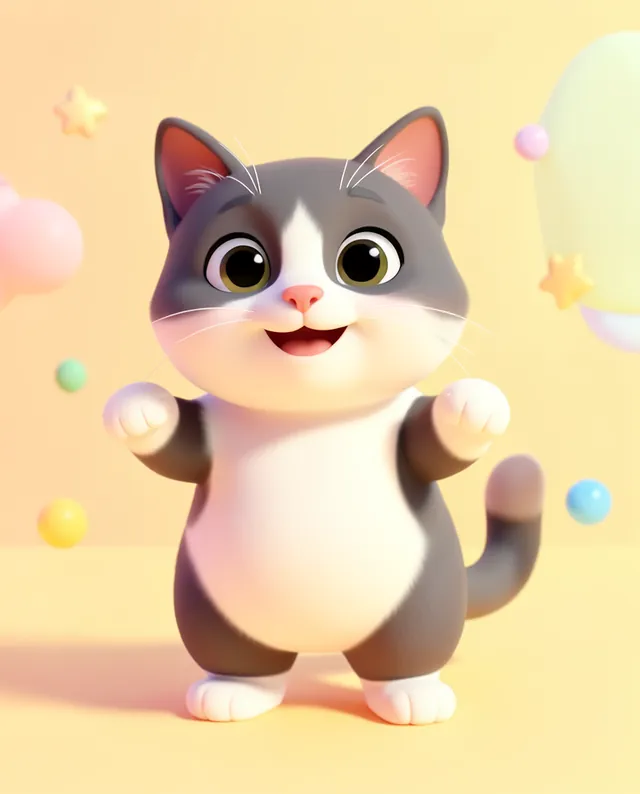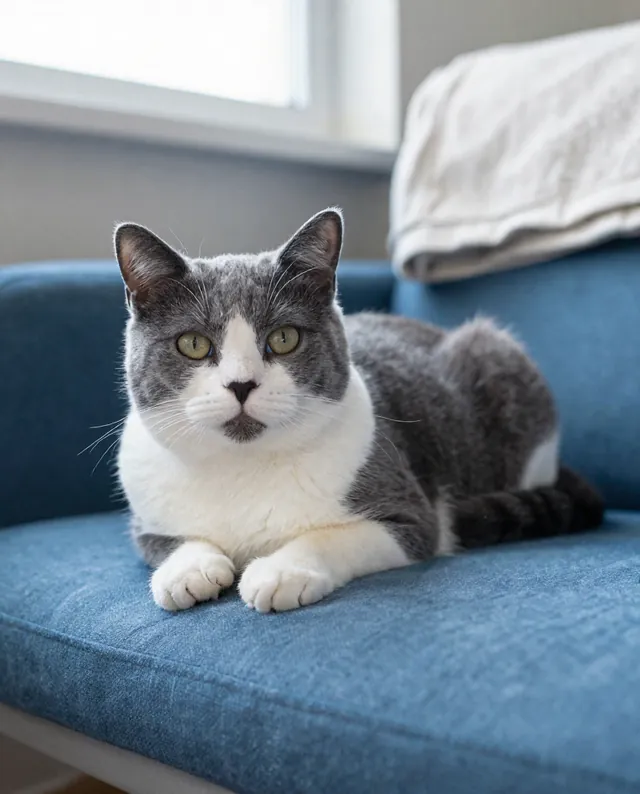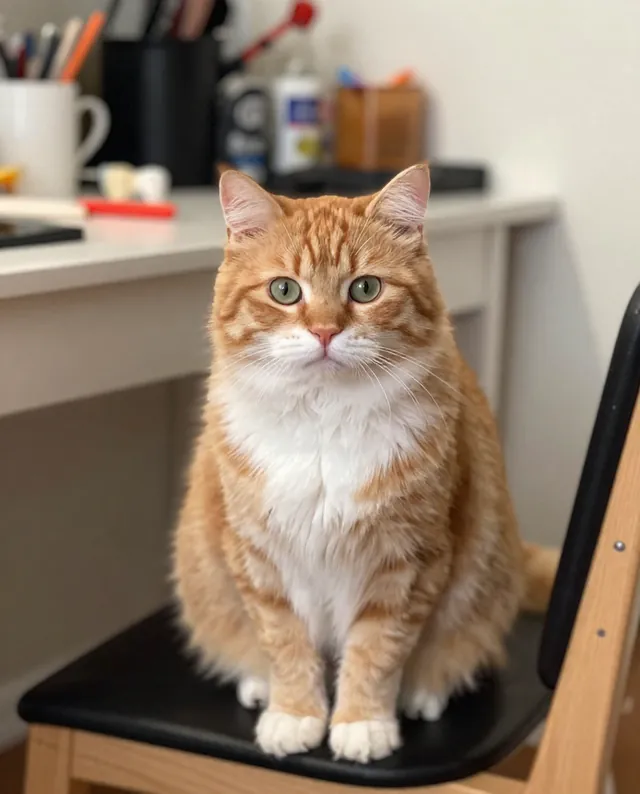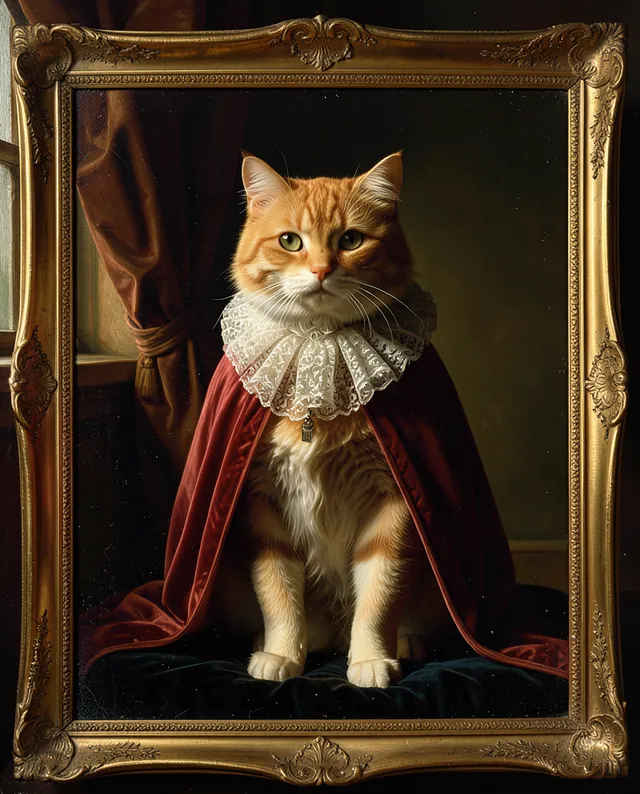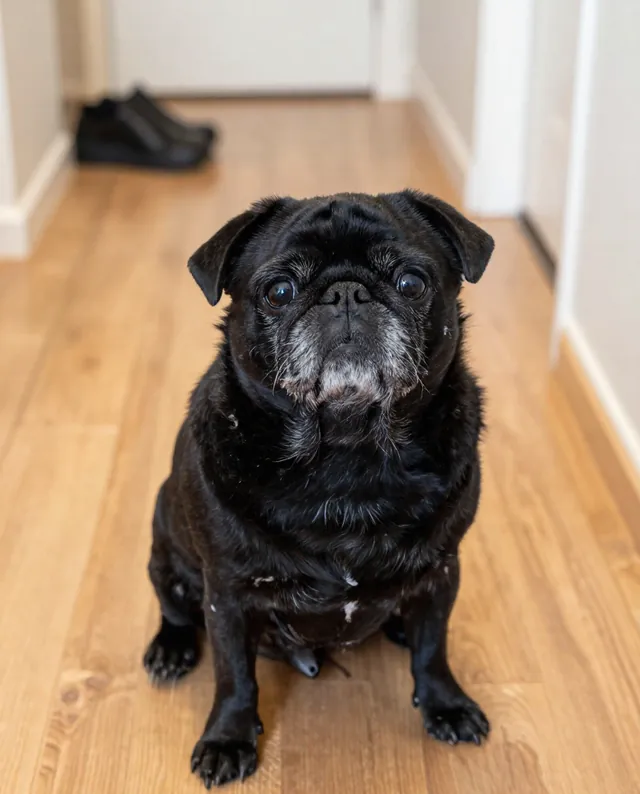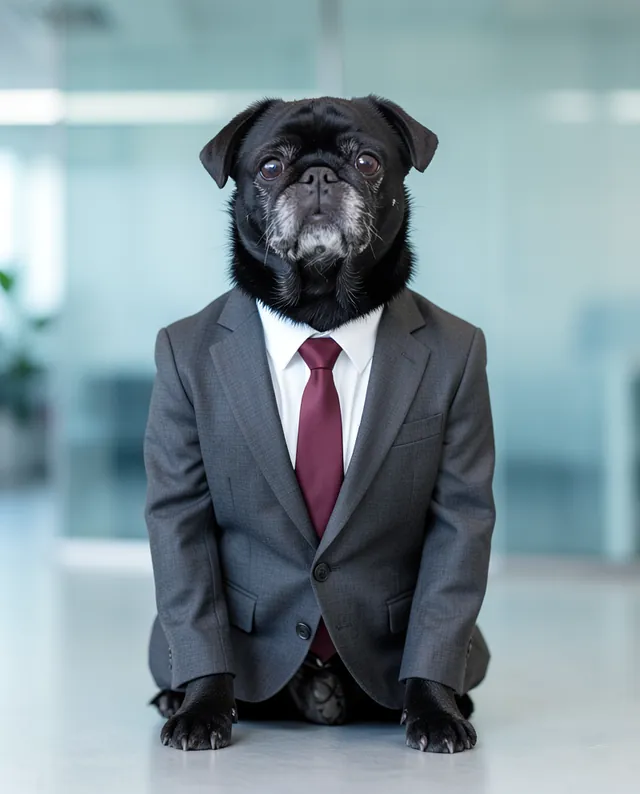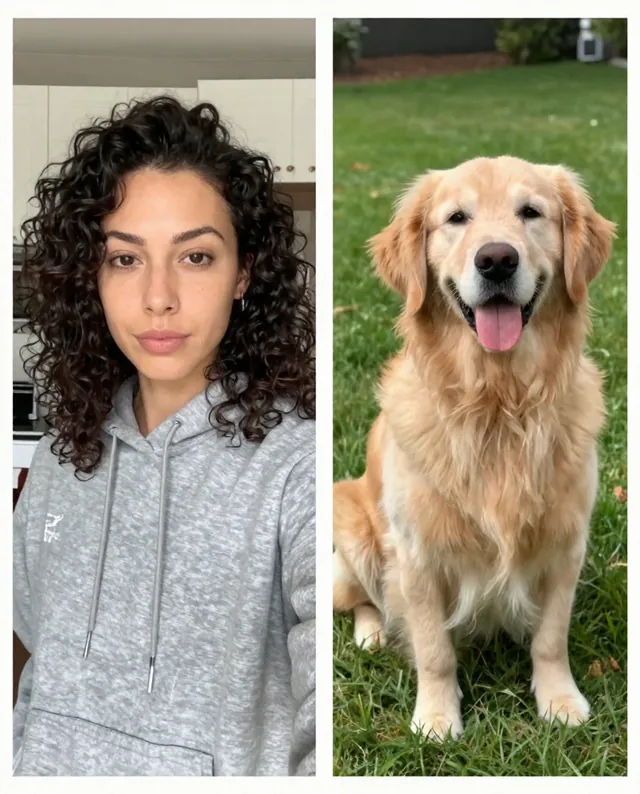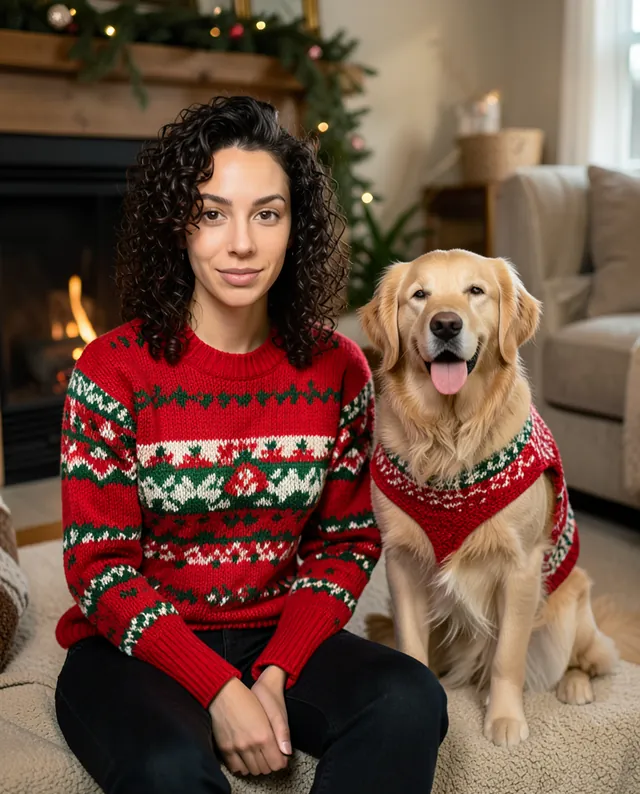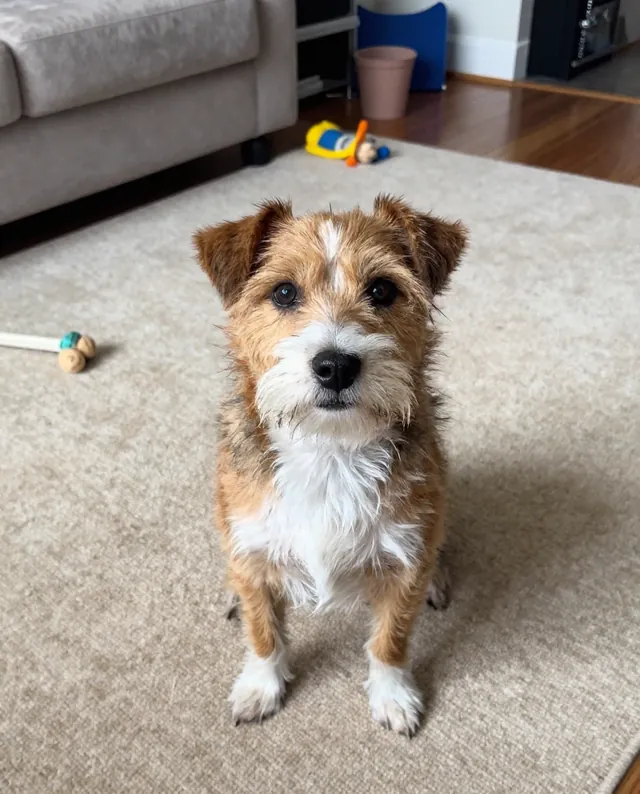
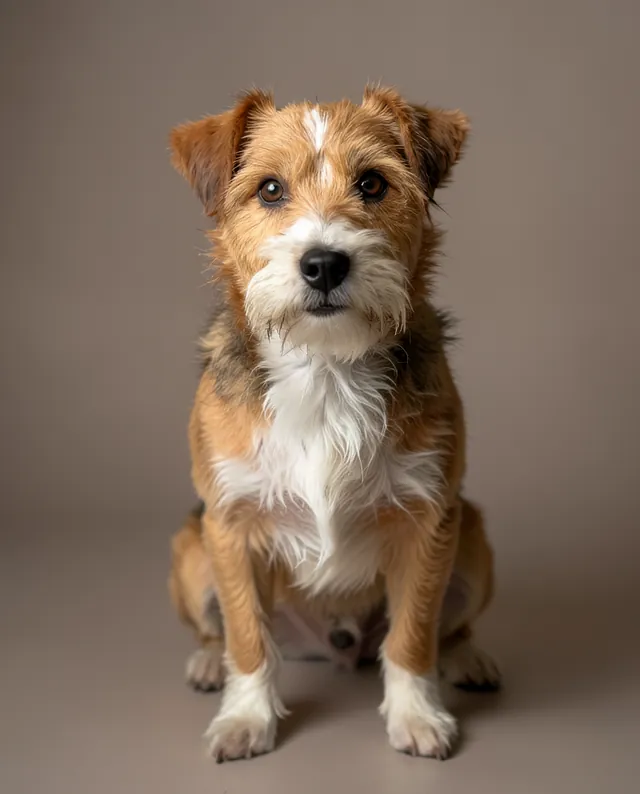
InputExample result
Example Example made on our own Mac with open models: Z-Image made the made-up input photo, FLUX.2 klein ran this prompt on it. Your result in the AI above will look different. How we make examples
Turn your pet into a cartoon character
Your pet redrawn as a bright, friendly cartoon character with a clean outline. You need one pet photo.
- You need
- 1 photo of yours
- Written for
- Gemini, ChatGPT
- Result
- Image
Prompt
Redraw my pet as a friendly cartoon character in a cartoon style. Give it slightly bigger, expressive eyes and a cheerful pose, but keep what makes it recognisable: the same markings, fur colors, ear shape and body type as in my photo. Place it on a simple, softly colored background with a few playful shapes. Use clean outlines, smooth shading and a bright, warm palette. Show one character, full body, centered. No text.
Turn the attached photo of my pet into a cartoon character.
Subject: my pet, with the same markings, fur colors, ear shape and body type; slightly bigger, expressive eyes.
Style: cartoon style, clean outlines, smooth shading, bright warm palette.
Pose: cheerful, full body, centered.
Background: simple soft color with a few playful shapes.
Constraints: one character only, no text, no existing cartoon characters.
Fill in, or keep the brackets and change them later
pet
cartoon style
How to use it
- Open Gemini and attach your pet photo.
- Paste the prompt and pick a cartoon style.
- Want a sticker? Reply 'same character on a plain white background with a thick white border'.
What to expectThe cartoon is an interpretation: markings get simplified, and the face will look less like your pet than in a photo edit.
Tips
- Ask for three poses in one image to build a small sticker set.
- Name a mood (sleepy, mischievous, proud) to change the expression.
- Keep the character in the same chat to reuse it in new scenes.
Editor: Ali Dezhami · Updated November 18, 2026