Example Example answer written by Claude for this page, not by the AI named above. How we make examples
Turn messy notes into a clear slide outline
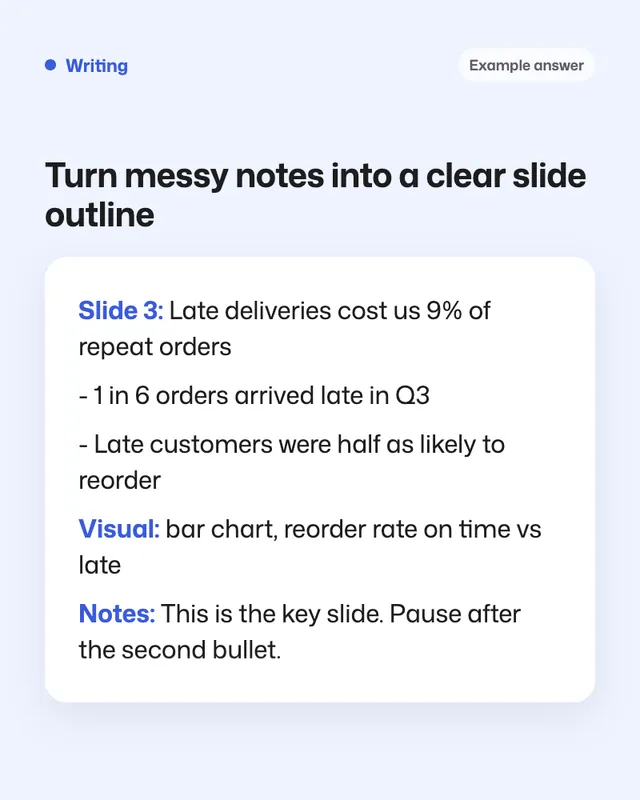
Paste your rough notes and get a slide-by-slide outline with headlines, bullets, visual ideas and speaker notes.
- You need
- Your own text
- Written for
- ChatGPT, Claude, Gemini
- Result
- Text
Prompt
You are a presentation coach. Turn my notes below into a slide outline.
Context:
- Audience: audience
- Number of slides: about number of slides
- What I want them to do or decide afterwards: goal of the talk
For each slide give:
- A headline that is a full takeaway sentence of at most 10 words (not a label like "Results").
- At most 3 short bullets.
- A suggested visual (chart type, photo, diagram or none).
- 2 or 3 sentences of speaker notes.
One idea per slide. Follow a clear story: the problem, what we found, what we propose, and the ask. Start with a title slide and end with a clear call to action.
Use only my notes. Where a slide needs a number or fact I haven't given, write "NEEDS DATA" instead of inventing it.
My notes:
paste your notes
Fill in, or keep the brackets and change them later
audience
number of slides
goal of the talk
paste your notes
How to use it
- Open ChatGPT, Claude or Gemini and paste the prompt with your notes.
- Fill in every NEEDS DATA spot with a real figure.
- Copy the outline into your slide tool, one headline per slide.
What to expectThe structure is usually strong, but check that no point has been reworded into something you didn't mean.
Tips
- Read only the headlines in order: they should tell the whole story on their own.
- Ask for a 1-minute version for when time runs short.
- Ask it to play a skeptical audience member and list 3 likely questions.
Editor: Peyman Khosravani · Updated November 18, 2026