What the tech

Search

/ opens search from anywhere. Esc closes it.

Tools

Get the newsletter
Example result of this prompt

Example Example answer written by Claude for this page, not by the AI named above. How we make examples

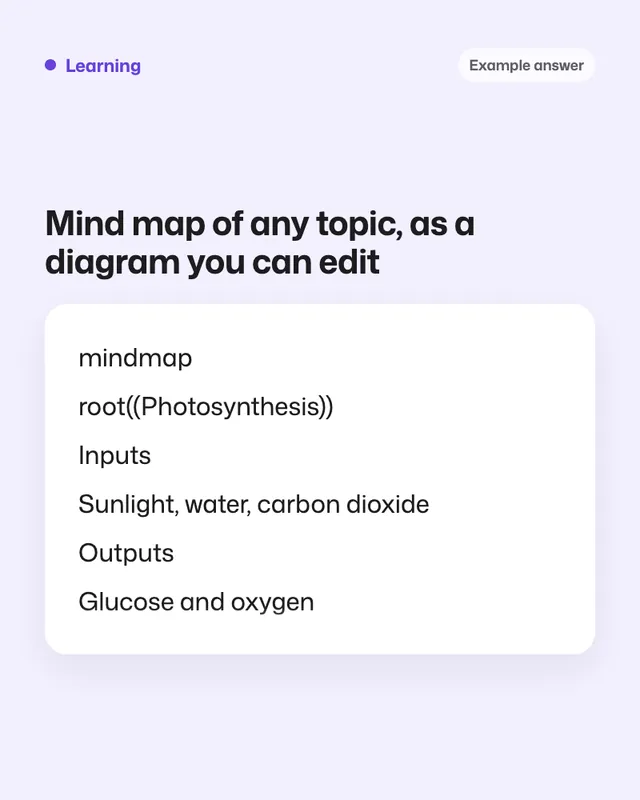
Mind map of any topic, as a diagram you can edit

Get a clear mind map of any topic as editable diagram code and a plain outline, with links between branches.

You need
Nothing but the prompt
Written for
ChatGPT, Gemini
Result
Text

Prompt

You are a teacher who explains topics with mind maps. Make a mind map of topic for purpose. Structure: - One central topic. - 4 to 7 main branches. - depth in total, with 2 to 5 sub-branches under each main branch. - Labels of at most 5 words. Output: 1. The mind map as Mermaid "mindmap" code in a code block. Use valid syntax, and avoid parentheses, quotes and colons inside labels so it doesn't break. 2. The same map as an indented bullet outline. 3. 3 interesting links between branches that are easy to miss.

Fill in, or keep the brackets and change them later

topic
purpose
depth

How to use it

  1. Open ChatGPT or Gemini and paste the prompt.
  2. Copy the Mermaid code into any free Mermaid live editor or a notes app that supports Mermaid.
  3. Edit the labels, then export the diagram as an image or PDF.
What to expectThe diagram code sometimes has a small syntax error; paste the error back and ask for a fix.

Tips

  • Want an image instead? Ask 'draw this as a colorful mind map image', but small labels may be misspelled.
  • Use the outline to start an essay plan.
  • Ask it to expand one branch into its own map.

Editor: Ali Dezhami · Updated November 18, 2026