Example Example made on our own Mac with an open model (Z-Image). Your result in the AI above will look different. How we make examples
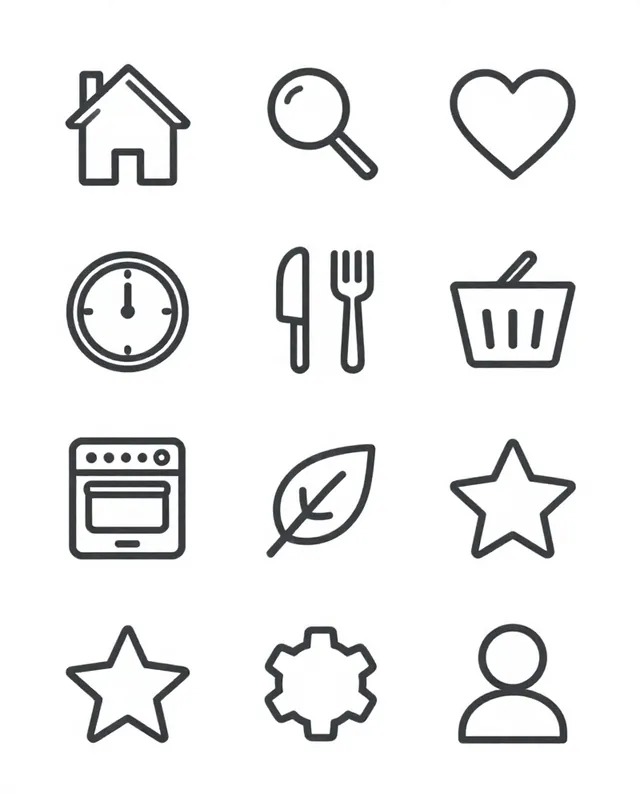
Set of 12 matching icons in one style
Twelve icons that share one line weight, color and style, laid out in a neat grid for an app, site or slide deck.
- You need
- Nothing but the prompt
- Written for
- ChatGPT, Gemini
- Result
- Image
Prompt
Create a set of 12 icons for topic.
Icons: icon list.
Style: style, every icon with the same line weight, corner radius and level of detail, in color on a white background.
Layout: a 4 by 3 grid with equal spacing; each icon centred in its own square cell.
Constraints: one consistent style across all 12, simple shapes that read at small sizes, no text labels, no copies of existing icon sets or brand symbols.
Draw a matching set of 12 icons for topic: icon list. Arrange them in a tidy 4 by 3 grid on a white background, each centred in its own square with equal spacing. All twelve share one style look in color, with the same line weight, corner radius and level of detail, so they clearly belong together. Keep the shapes simple enough to read when small. No text labels.
Fill in, or keep the brackets and change them later
topic
icon list
style
color
How to use it
- Open ChatGPT or Gemini.
- Paste the prompt and pick a topic, icon list and style.
- One icon off-style? Reply 'Redo only the timer icon to match the others'.
What to expectLine weights and sizes often drift a little between icons, and one or two may come out duplicated or unclear, so plan to fix a few.
Tips
- Write your own list of 12; the clearer the object names, the better the icons.
- For use in code or print, trace the icons as vectors (SVG); the image itself is a picture, not a vector file.
- Fewer details per icon gives a more consistent set.
Editor: Peyman Khosravani · Updated November 18, 2026