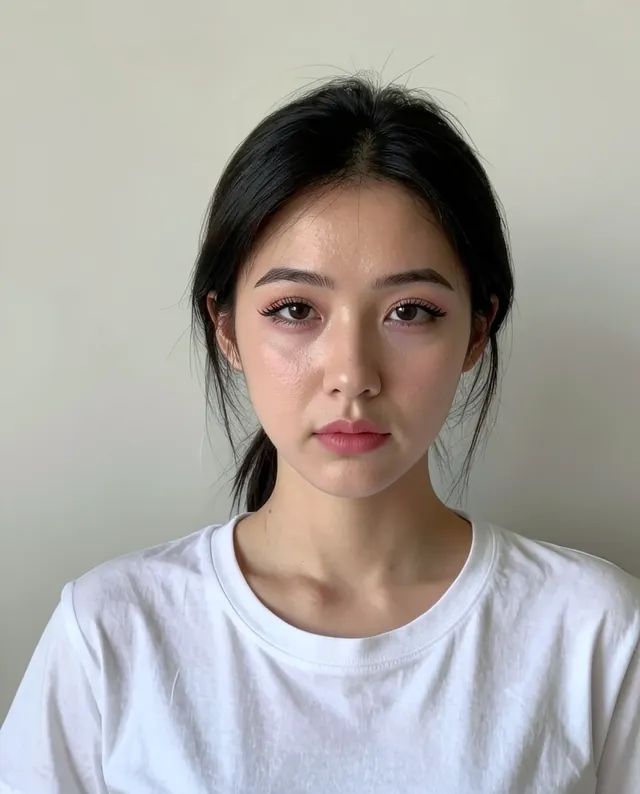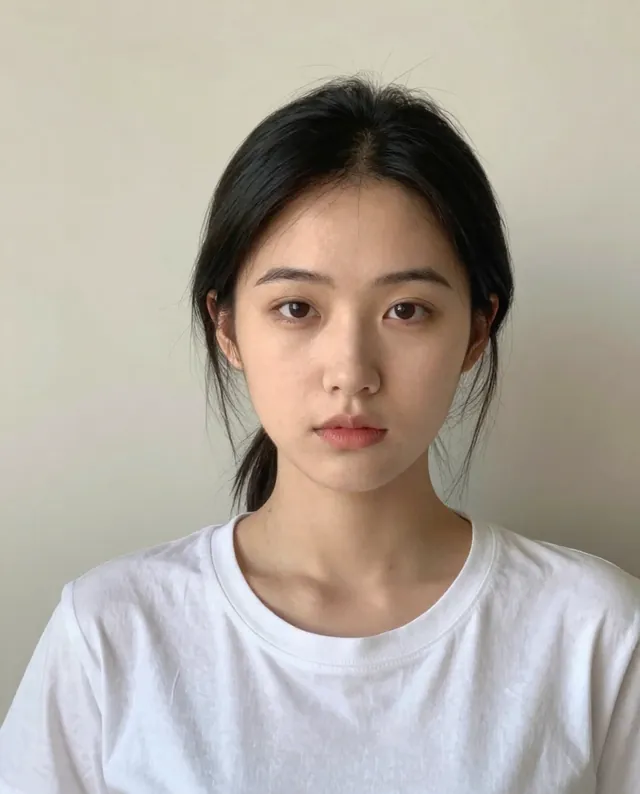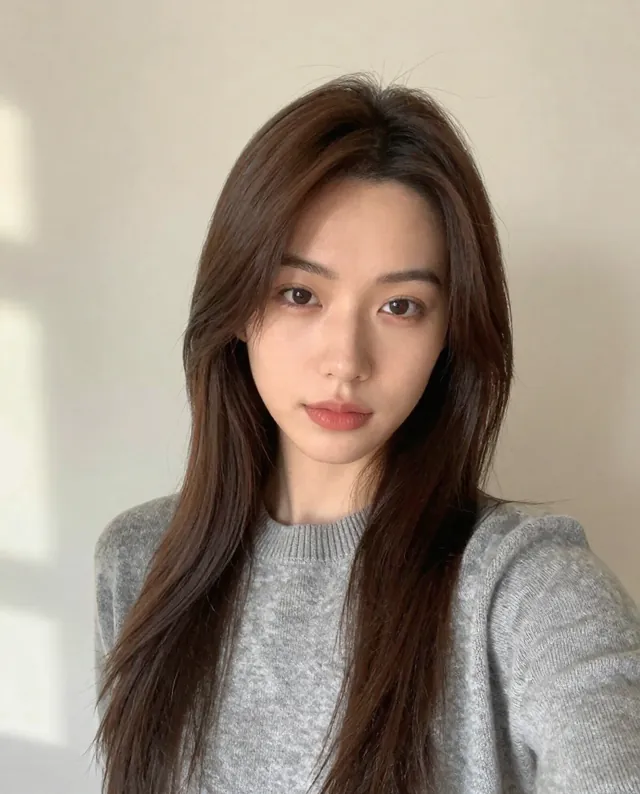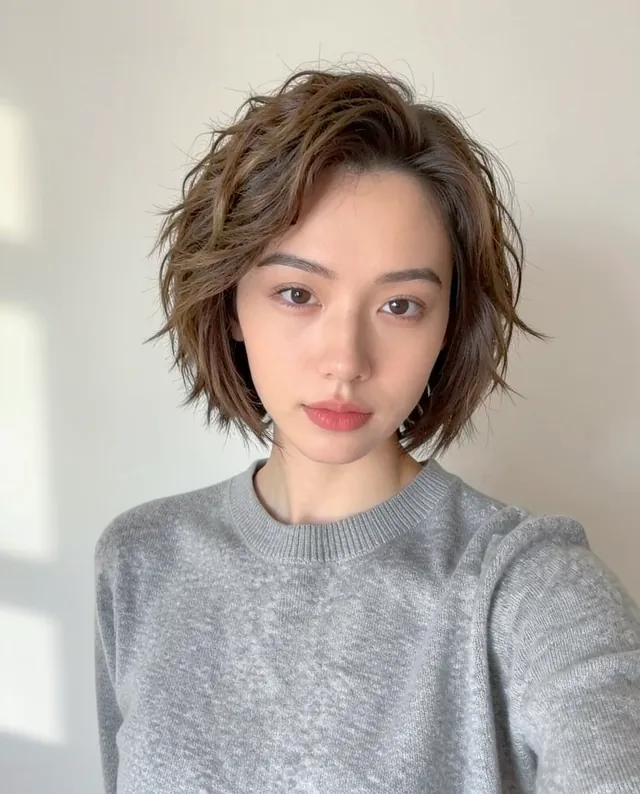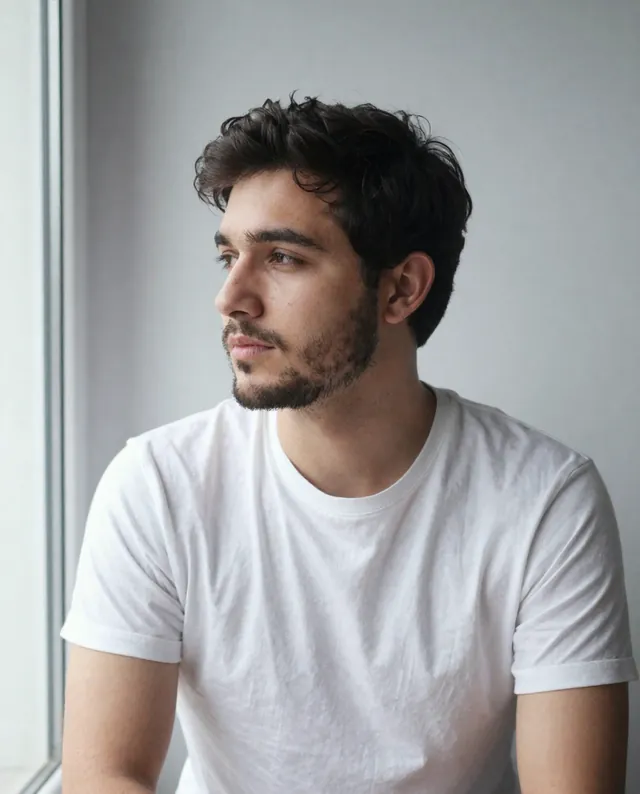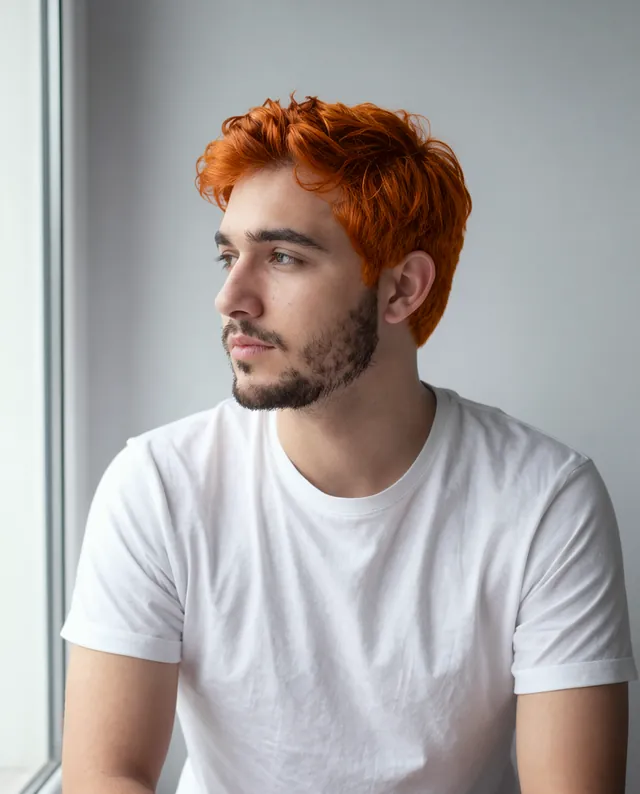
InputExample result
Example Example made on our own Mac with open models: Z-Image made the made-up input photo, FLUX.2 klein ran this prompt on it. Your result in the AI above will look different. How we make examples
Preview a makeup look on your own photo
Try a makeup look on your own photo before buying products or booking an artist. Same face, new look.
- You need
- 1 photo of yours
- Written for
- Gemini, ChatGPT
- Result
- Image
Prompt
Using my photo, apply a look makeup look: details. Make it look like real makeup on real skin, with visible skin texture, no airbrushing and no filter effect. Keep my face, identity, skin tone, expression and proportions exactly as in the photo; do not slim, reshape or smooth my face. Change only the makeup. Keep the same hair, clothes, background, lighting and camera angle.
Edit my photo.
Change: makeup only, a look look: details, like real makeup on real skin, with visible skin texture.
Keep: my face, identity, skin tone, expression and proportions exactly; same hair, clothes, background, lighting and angle.
Style: photorealistic.
Constraints: no slimming, reshaping, skin smoothing or filter effects.
Fill in, or keep the brackets and change them later
look
details
How to use it
- Use a clear, front-facing photo with no makeup or light makeup, in daylight.
- Open Gemini (or ChatGPT), attach the photo and paste the prompt.
- Looks over-smoothed? Reply 'Keep my real skin texture, less retouching'.
What to expectFaces can still change a little, and skin may come out smoother than in real life, so judge colors more than finish.
Tips
- You upload your face to Google or OpenAI; read their data policy first.
- Ask it to list the products and shades you'd need to recreate the look in real life.
- Try the look in two lighting setups (daylight and evening) to see how it changes.
Editor: Peyman Khosravani · Updated November 18, 2026