What the tech

Search

/ opens search from anywhere. Esc closes it.

Tools

Get the newsletter
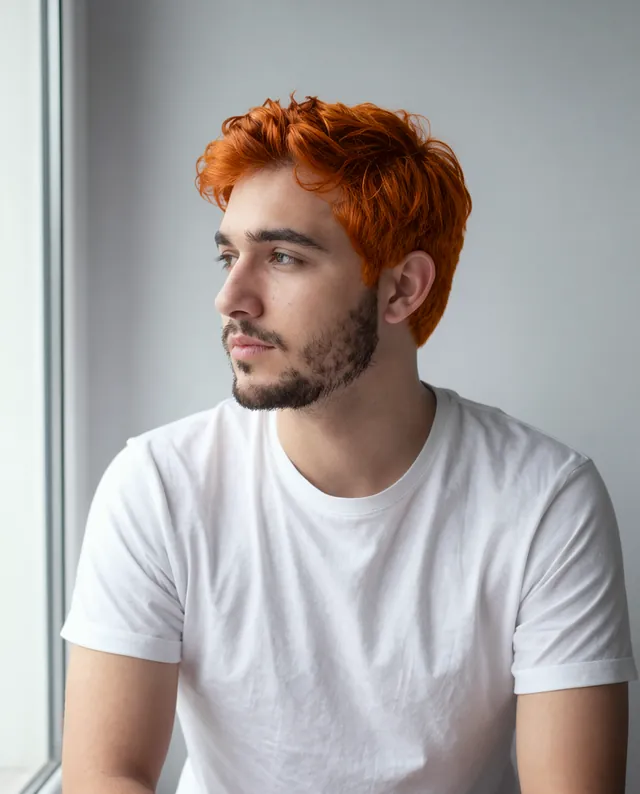
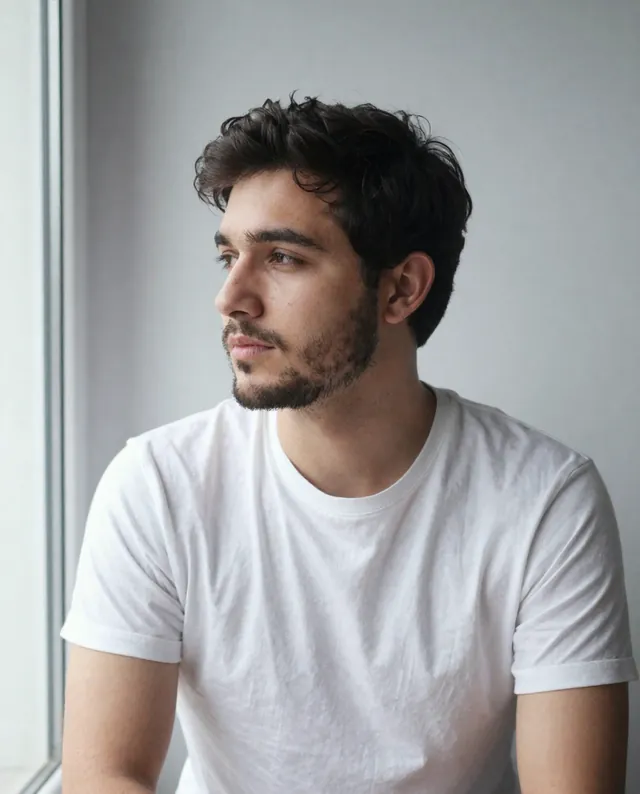
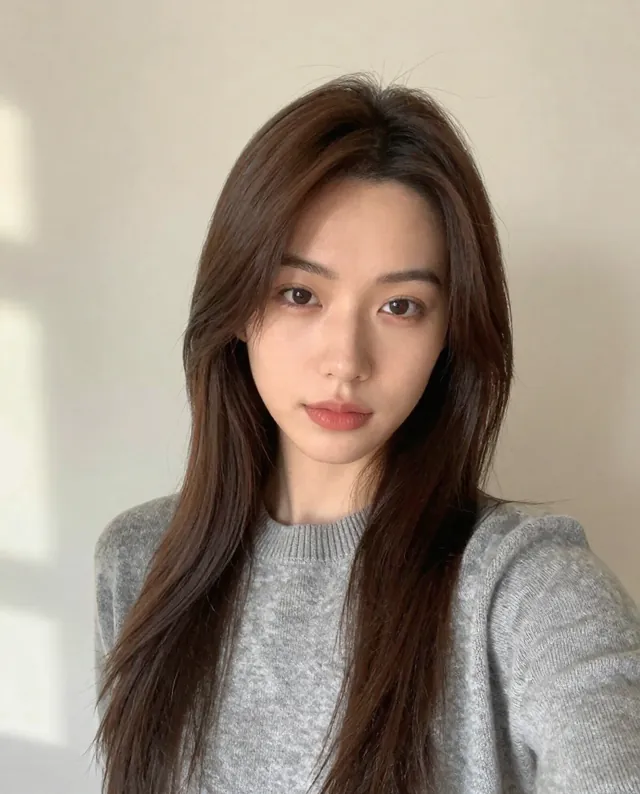
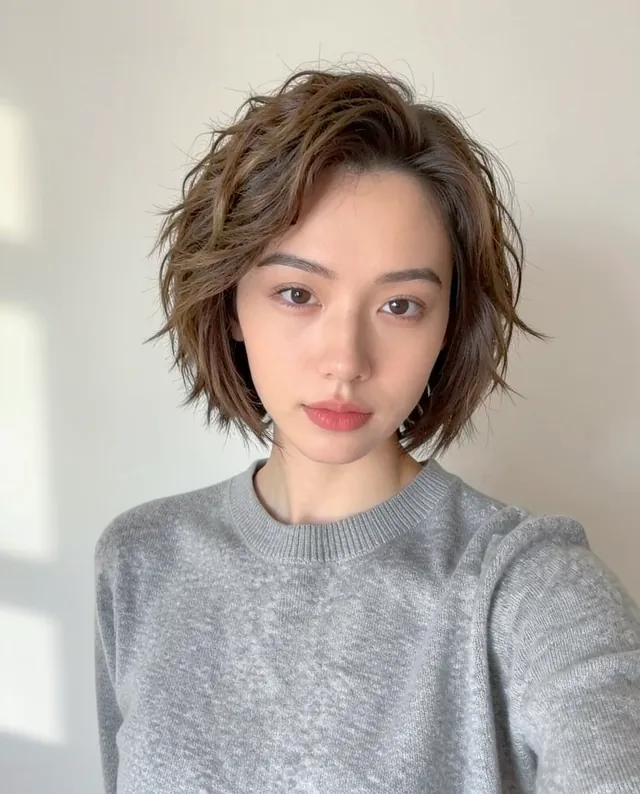
Example result of this prompt The made-up input photo InputExample result

Example Example made on our own Mac with open models: Z-Image made the made-up input photo, FLUX.2 klein ran this prompt on it. Your result in the AI above will look different. How we make examples

Preview a new hair color on your photo

See how a new hair color would look on you before you dye it. Same cut, same face, new shade.

You need
1 photo of yours
Written for
Gemini, ChatGPT
Result
Image

Prompt

Using my photo, change my hair color to color, applied the way a good colorist would: technique, with natural shine, depth and slightly darker roots so it looks real, not painted on. Keep my exact haircut, length and texture. Keep my face, identity, skin tone, expression and proportions exactly as in the photo; change only the hair color. Keep the same clothes, background, lighting and camera angle.

Fill in, or keep the brackets and change them later

color
technique

How to use it

  1. Use a clear photo in daylight; indoor yellow light makes colors look wrong.
  2. Open Gemini (or ChatGPT), attach the photo and paste the prompt.
  3. Too strong? Reply 'Same color, two shades softer' and run it again.
What to expectFaces can still change a little, and the color shown may not match what dye can achieve on your real hair.

Tips

  • You upload your face to Google or OpenAI; read their data policy first.
  • Compare two or three shades in separate chats to see which suits your skin tone.
  • Show the result to your colorist; they'll tell you what's possible from your current color.

Editor: Ali Dezhami · Updated November 18, 2026

Similar prompts

All fashion and beauty