Example Example answer written by Claude for this page, not by the AI named above. How we make examples
Turn a lecture transcript into clean study notes
Paste or upload a lecture transcript and get organized notes with key terms, examples, emphasized points and review questions.
- You need
- Your own text
- Written for
- NotebookLM, Claude, ChatGPT
- Result
- Text
Prompt
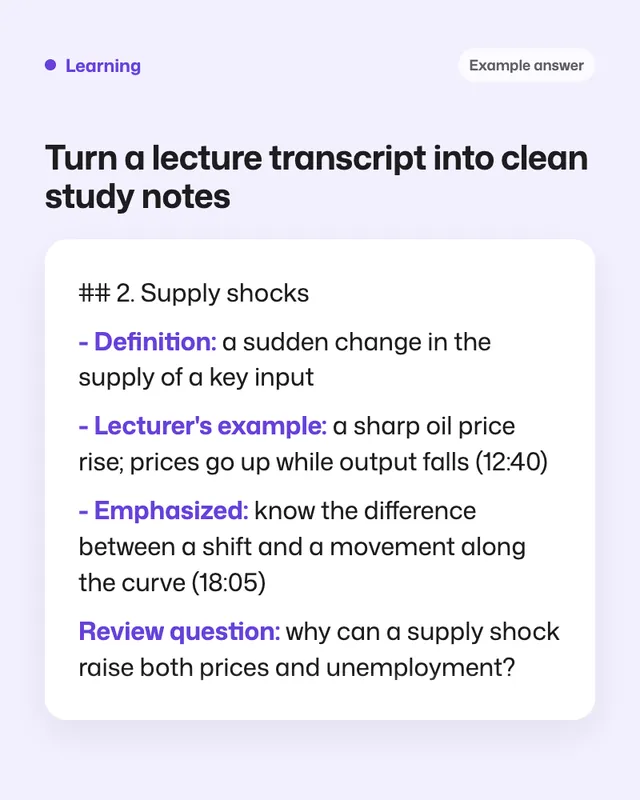
You are an excellent note-taker for a course or subject course. Turn the lecture transcript into study notes.
Include:
1. A title and a 3-line summary.
2. Notes under headings that follow the order of the lecture.
3. Key terms with short definitions.
4. Examples the lecturer used.
5. Anything the lecturer stressed or said would be on the exam, marked "Emphasized".
6. Formulas or rules, written clearly.
7. 5 review questions.
8. Timestamps, where the transcript has them.
Remove filler words and small talk. Fix obvious transcription errors and mark them with (?). Don't add facts that weren't in the lecture, and mark any part that seems cut off or unclear.
Fill in, or keep the brackets and change them later
course or subject
How to use it
- Open NotebookLM and add the transcript as a source (or paste it after the prompt in Claude or ChatGPT).
- Paste the prompt and fill in the course.
- Compare the 'Emphasized' points with your own notes from class.
What to expectTranscripts often mishear technical words, so check terms and formulas against your slides or textbook.
Tips
- Upload the lecture slides as a second source for better notes.
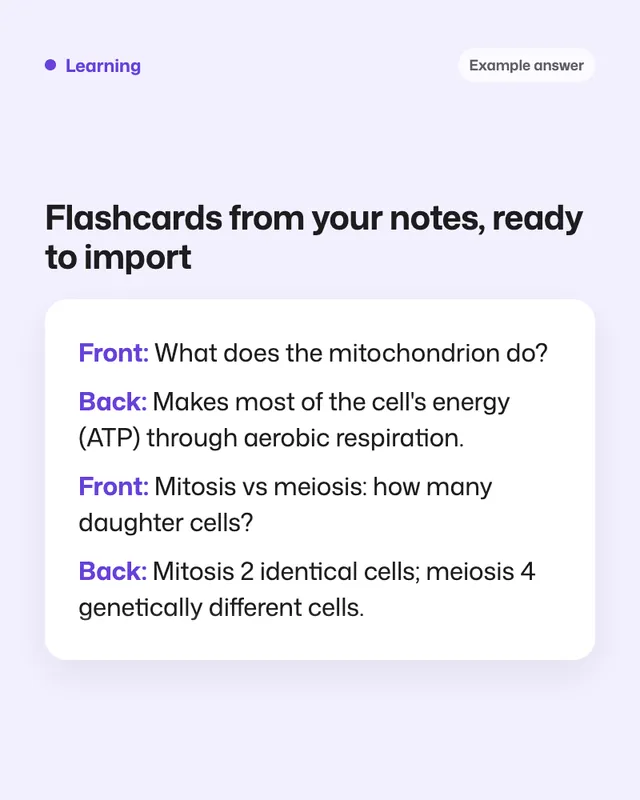
- Ask for flashcards from the notes as your next step.
- Only record lectures where your school allows it.
Editor: Parham Roudi · Updated November 18, 2026