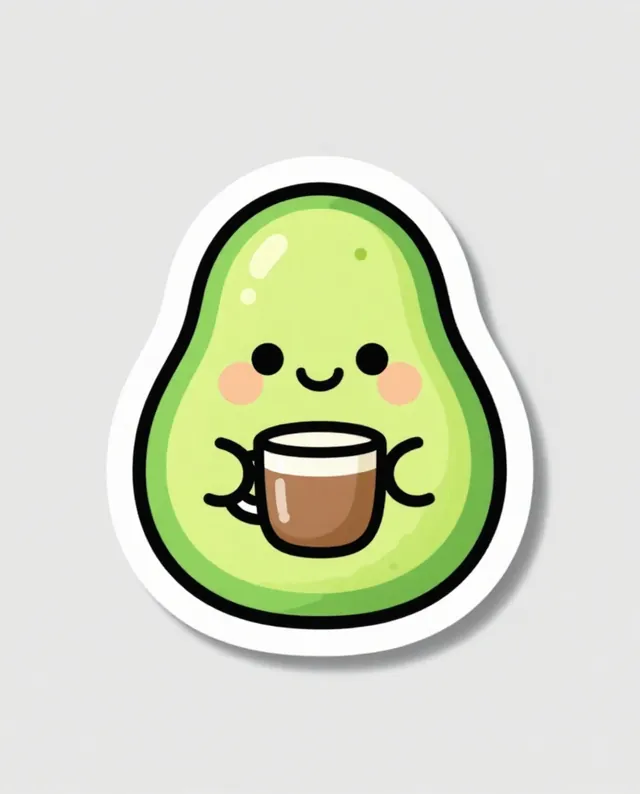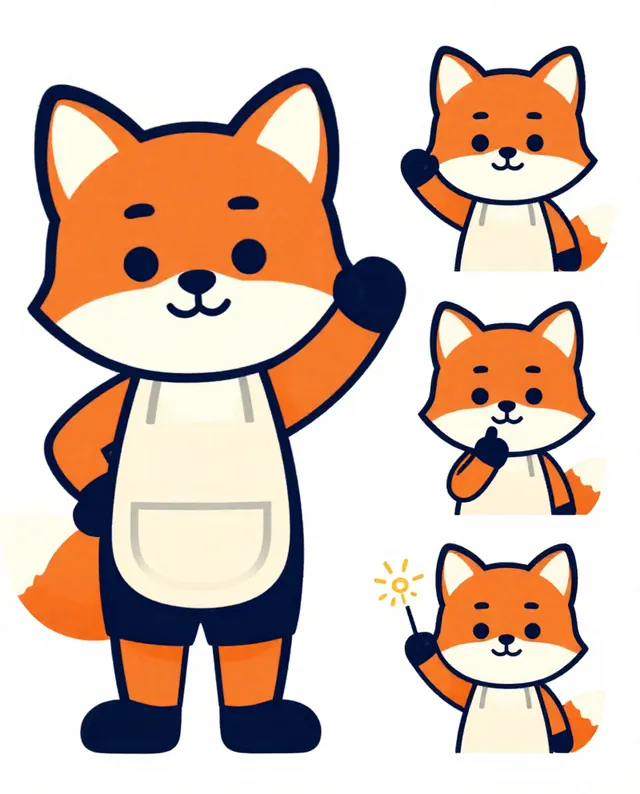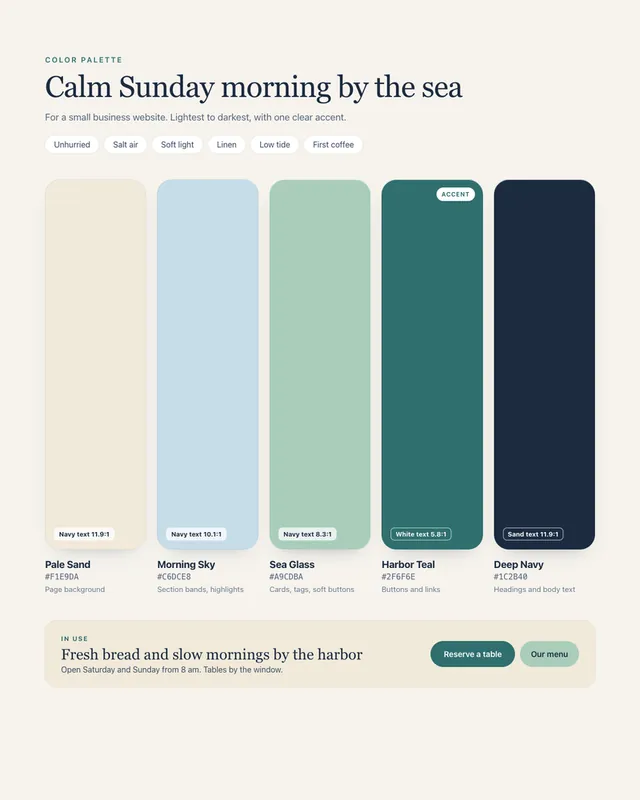
Example Example made on our own Mac with an open model (Z-Image). Your result in the AI above will look different. How we make examples
Cute die-cut sticker design
A cheerful sticker with a thick white border, ready for a sticker shop or a laptop. Describe what you want on it.
- You need
- Nothing but the prompt
- Written for
- ChatGPT, Gemini
- Result
- Image
Prompt
Design a die-cut sticker.
Subject: subject.
Style: style, bright flat colors, bold outlines, simple shapes.
Border: a thick, even white border that follows the outline of the design.
Framing: one sticker, centred on a plain light grey background, square format, soft shadow under the sticker.
Constraints: no text unless I add it, no existing characters, logos or brands.
Make a single die-cut sticker of subject. It is drawn in a style look with bright flat colors, bold outlines and simple shapes, wrapped in a thick, even white border that follows its outline. The sticker sits centred on a plain light grey background with a soft shadow beneath it. No text, logos or existing characters.
Fill in, or keep the brackets and change them later
subject
style
How to use it
- Open ChatGPT or Gemini.
- Paste the prompt and describe your sticker.
- Want a full sheet? Reply 'Make a sheet of 6 stickers in this same style'.
What to expectThe white border may be uneven in places, and print shops usually need a clean cut line drawn separately.
Tips
- Ask for a transparent background if your sticker shop needs a cut line.
- Keep the subject chunky; thin parts get lost when the sticker is cut.
- Make a few in one chat so they share the same style.
Editor: Ali Dezhami · Updated November 18, 2026