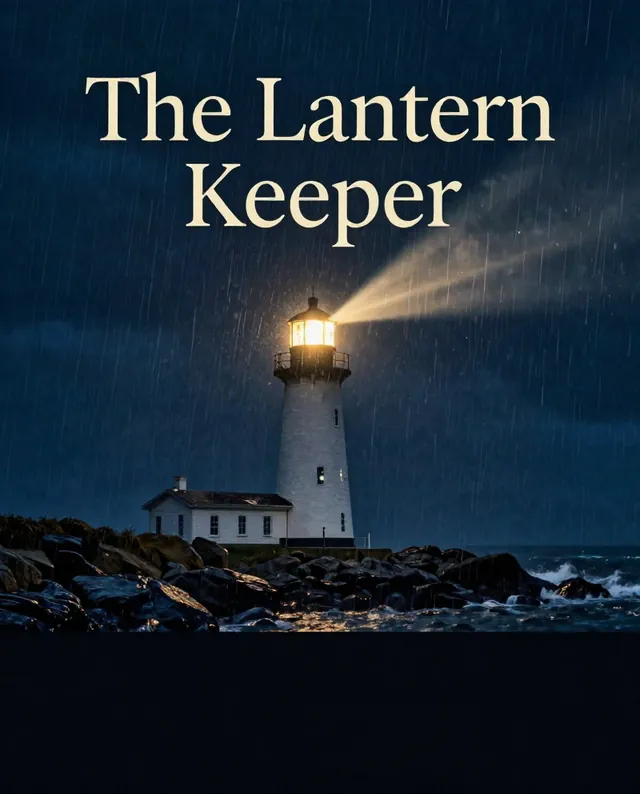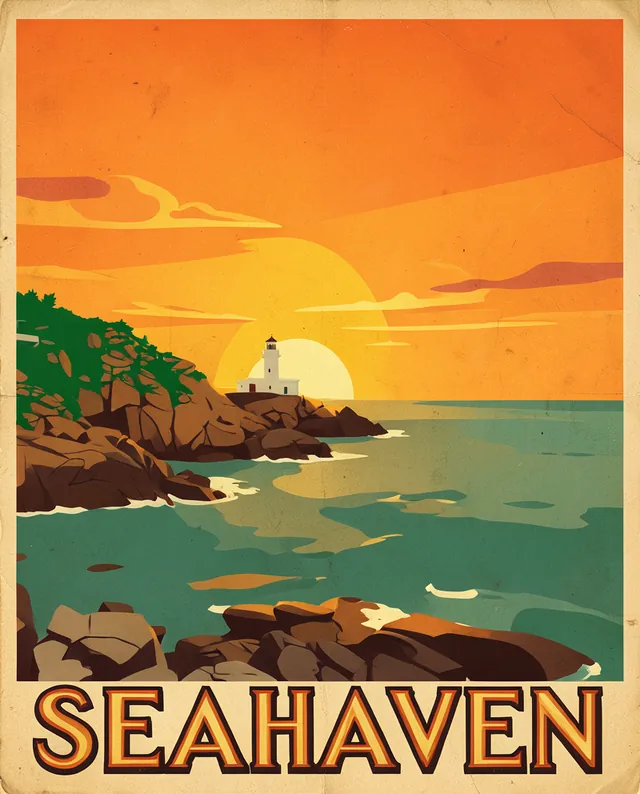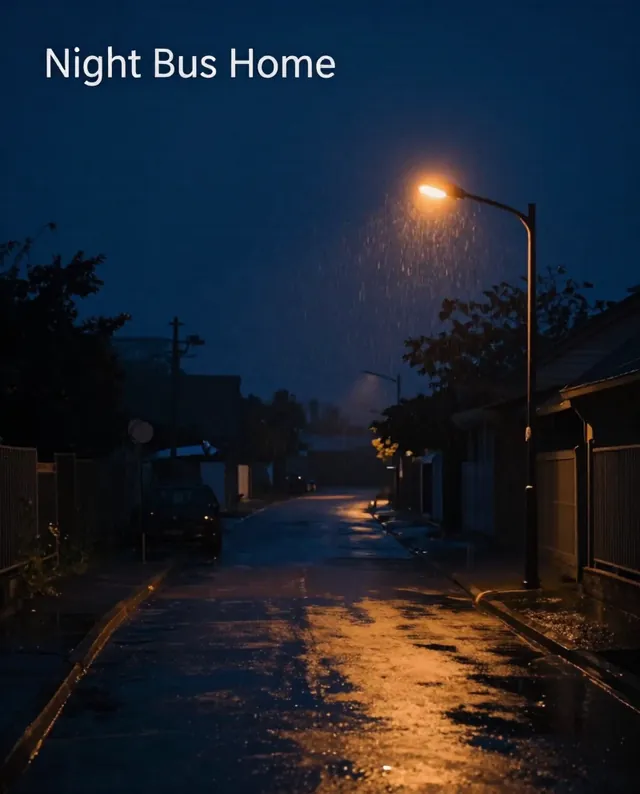

Example Example made on our own Mac with open models (Z-Image and FLUX.2 klein). Your result in the AI above will look different. How we make examples
Book cover for your story
A front cover for your book or ebook, with title and author name. You need a title and a genre.
- You need
- Nothing but the prompt
- Written for
- Gemini, ChatGPT, Midjourney, Ideogram
- Result
- Image
Prompt
Design a front book cover, portrait 2:3, for a genre novel titled "book title" by author name. The cover shows cover image, with a mood mood and one clear focal point that still works as a small thumbnail. Put the title in large type style letters in the upper part and the author name smaller at the bottom, both spelled exactly as written. Leave a clean area behind the text. No other text, no logos, no real people.
Create a front book cover, portrait 2:3.
Book: genre novel, title "book title", author "author name".
Image: cover image, mood mood, one clear focal point.
Typography: title large type style in the upper part, author smaller at the bottom, both spelled exactly.
Constraints: clean area behind the text, readable as a thumbnail, no other text, no logos, no real people.
book cover art for a genre novel, cover image, mood mood, one clear focal point, painterly, cinematic light, empty space at the top and bottom for type --ar 2:3 --v 8 (add title and author yourself)
Portrait book cover: cover image, mood mood, one clear focal point. Large type style title "book title" at the top, smaller author name "author name" at the bottom. No other text.
Fill in, or keep the brackets and change them later
genre
book title
author name
cover image
mood
type style
How to use it
- Choose one image that captures the story without spoiling it.
- Paste the prompt in Ideogram or ChatGPT for clean type, or Midjourney for the art alone.
- Shrink it to stamp size; if the title is hard to read, ask for bigger, simpler letters.
What to expectTitles can come out misspelled and the image may not match your story's details, so treat it as a strong draft.
Tips
- Look at bestsellers in your genre for the usual colors and type, then make your own.
- Self-publishing stores have size rules (often 1600 by 2560 pixels for ebooks); check before upload.
- Some stores ask you to declare AI-made covers.
Editor: Parham Roudi · Updated November 18, 2026