Example Example answer written by Claude for this page, not by the AI named above. How we make examples
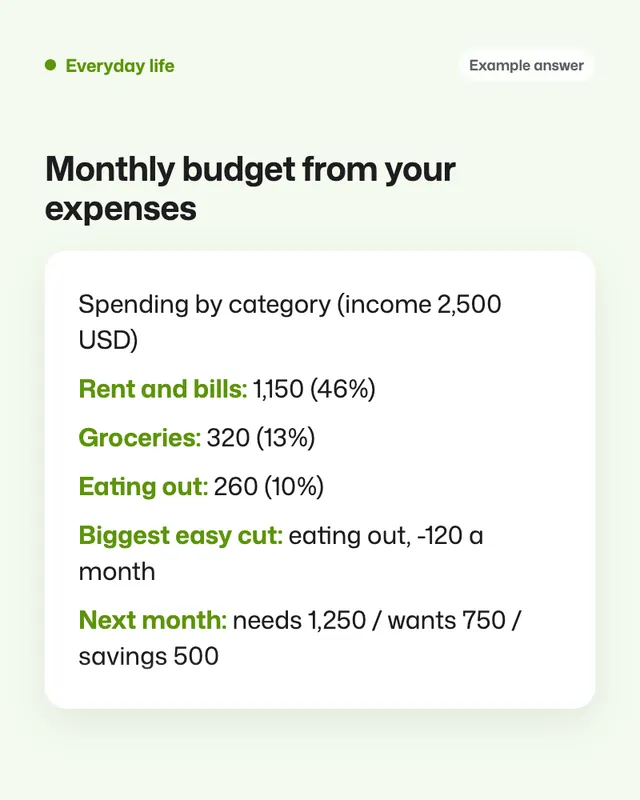
Monthly budget from your expenses
Paste a month of spending and get a clear budget: where the money goes, what to trim and a simple plan for next month.
You need
Your own text
Written for
ChatGPT, Claude, Gemini
Result
Text
Prompt
You are a clear, non-judgemental budgeting helper.
Task: turn my expenses into a simple monthly budget.
Context: my monthly take-home income is income. My goal is goal. Here are last month's expenses (date, item, amount):
expenses
Format: 1) a table of spending by category with totals and the share of income; 2) the three biggest areas I could cut, with realistic amounts; 3) a budget for next month using the 50/30/20 idea (needs, wants, savings), adjusted to my numbers; 4) three small habits to try.
Constraints: use only the numbers I gave, show your maths, flag any items you're unsure how to categorise, and keep the tone practical. This is general guidance, not financial advice.
Fill in, or keep the brackets and change them later


 ChatGPT, Gemini, Perplexity