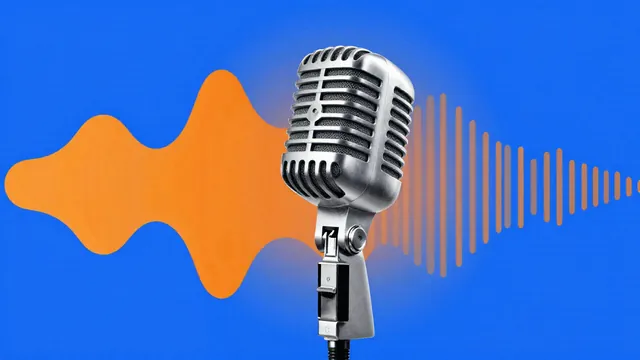
Example Example made on our own Mac with an open model (Z-Image). Your result in the AI above will look different. How we make examples
15-second ad voice-over
A tight, friendly 15-second radio or video ad read, with a voice style that fits your business. Fill in the blanks.
You need
Nothing but the prompt
Written for
ElevenLabs
Result
Audio
Prompt
Voice: a tone voice, clear and natural, medium-fast pace, smiling, with energy rising slightly toward the end. Short pause after the question. Not shouty or salesy.
Script (about 35 words, 15 seconds):
Tired of problem? Meet business. benefit, made simple. Real people, fair prices, and no surprises. call to action
Fill in, or keep the brackets and change them later


 Suno, Udio
 Suno, ElevenLabs